Tech is Easy
How to Install YouTube App on PC (Windows, Using Chrome)
To install the YouTube app on PC, open youtube.com in Chrome, click the three dots at the top right, go to Cast, save, and share > Install YouTube and click Install. YouTube then opens in its own window with a desktop icon, just like a regular app. This is the easiest way to download YouTube on a laptop or PC, since there is no separate YouTube app to get from a store.
What you need
- A Windows PC or laptop with Google Chrome
1Open YouTube in Chrome
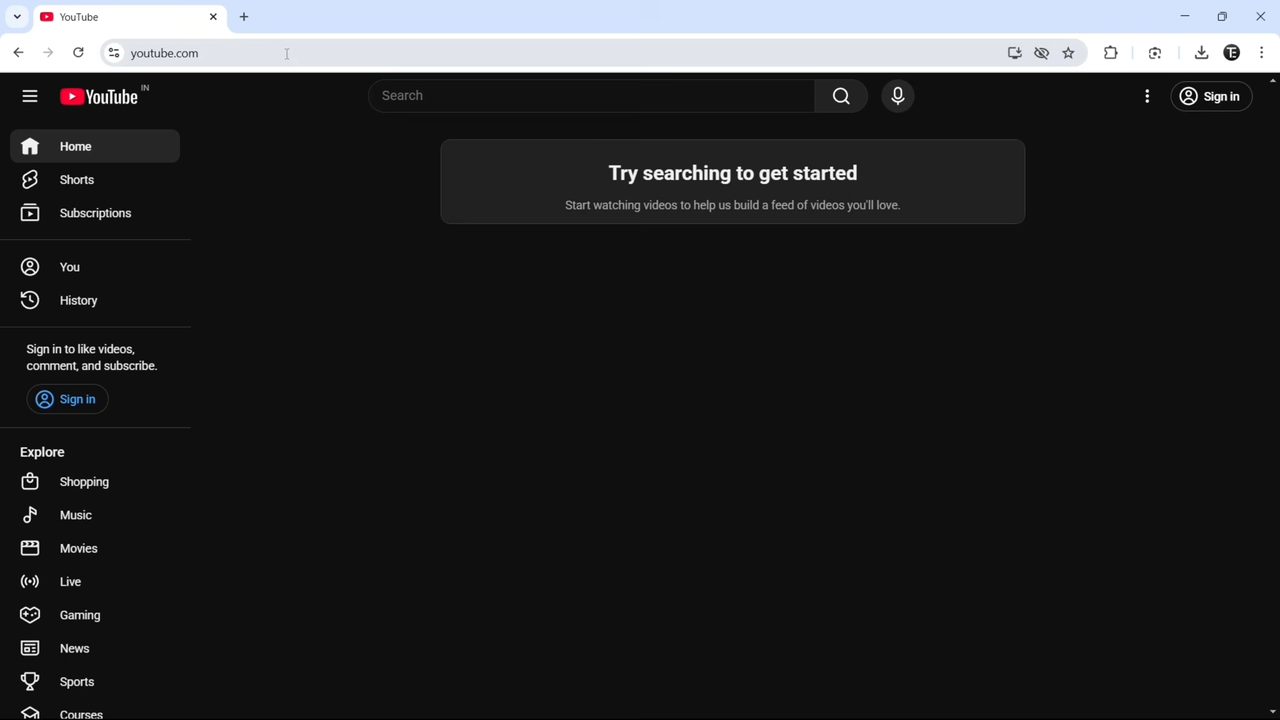
Open Chrome and go to youtube.com. You do not need to be signed in for this.
2Find the Install YouTube option
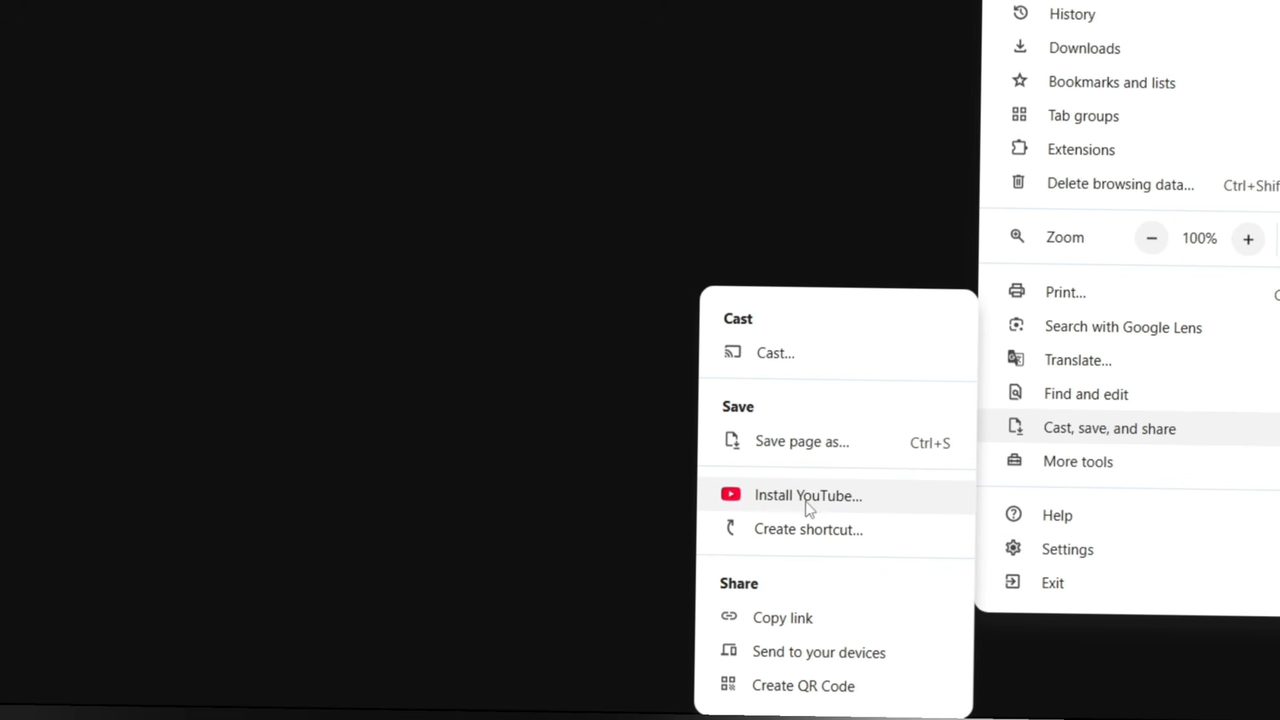
Click the three dots at the top right of Chrome, hover over Cast, save, and share, then click Install YouTube... under Save.
3Click Install
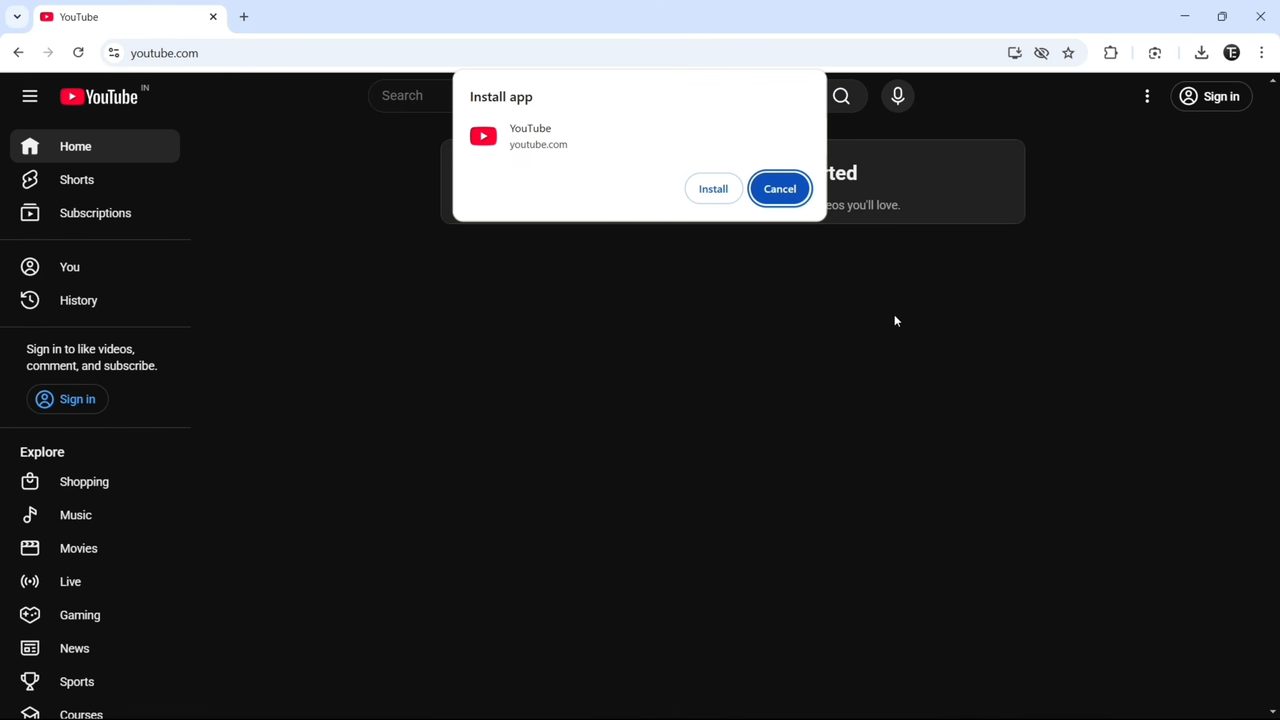
A small Install app box appears showing YouTube and youtube.com. Click Install.
4Open YouTube like any other app
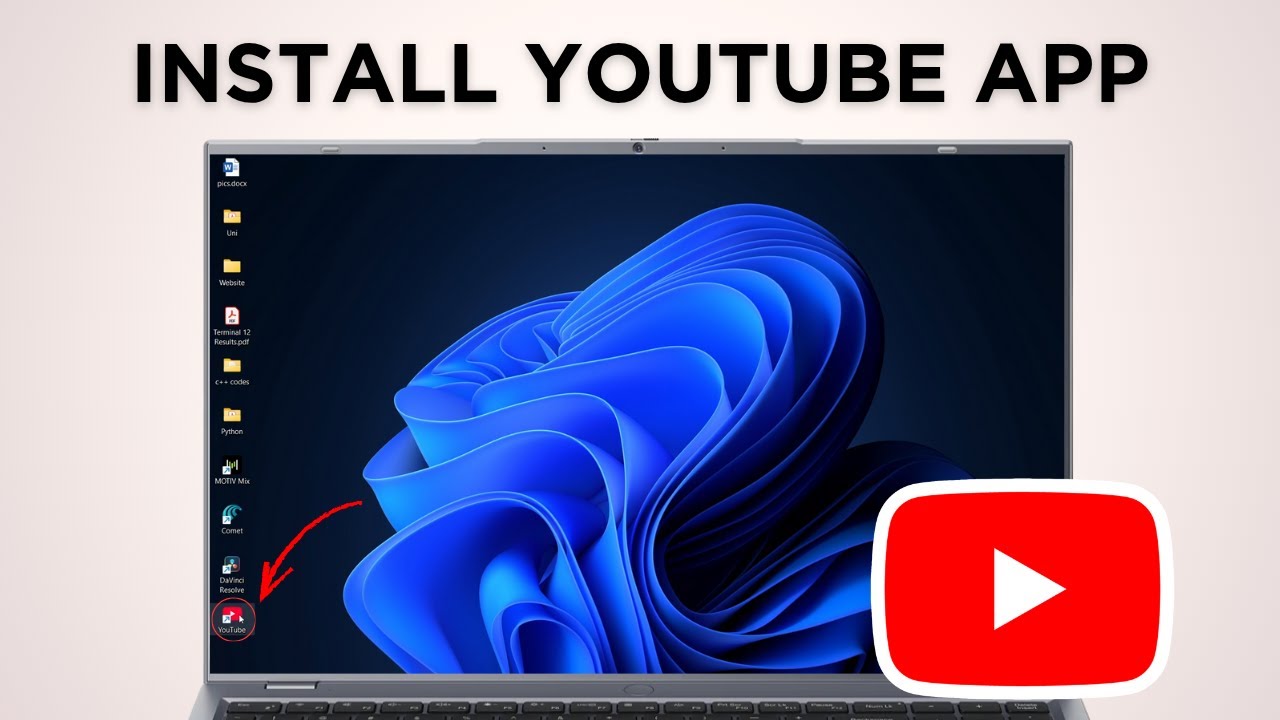
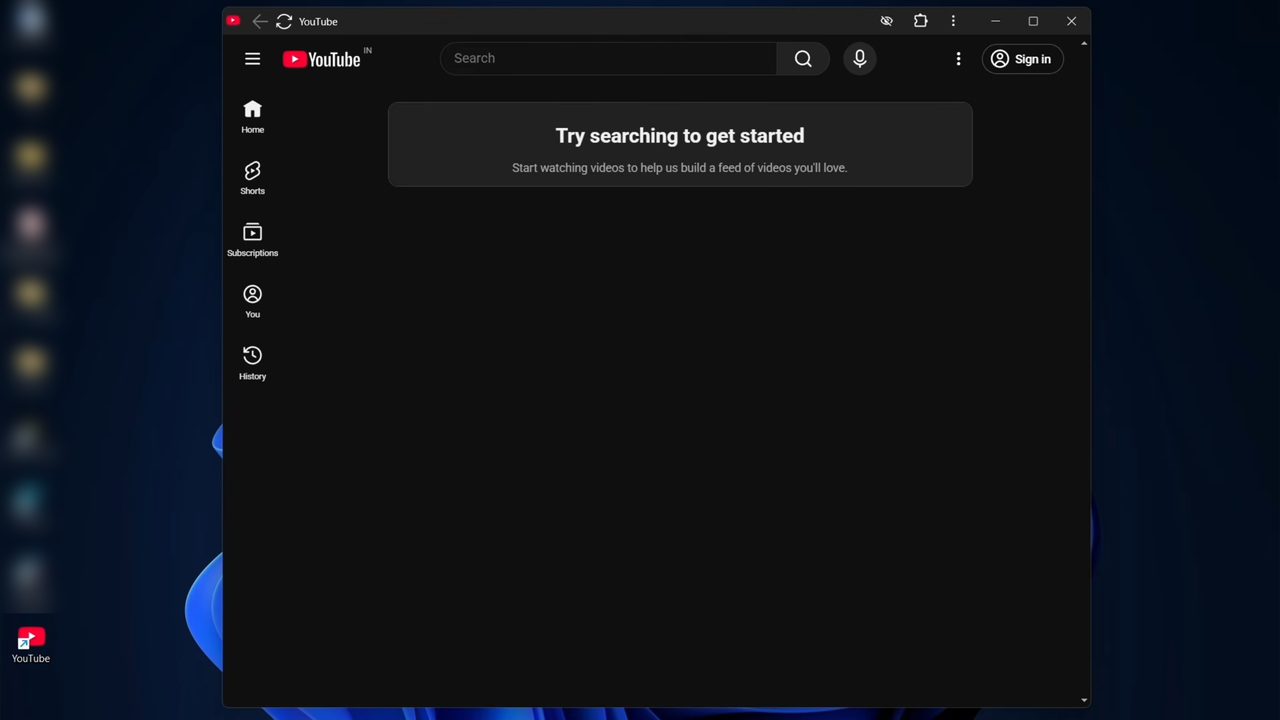
YouTube now opens in its own window without the Chrome tabs and address bar. A YouTube icon is added to your desktop, so after closing the window you can double click that icon to open it again.
5Pin it to the taskbar (optional)
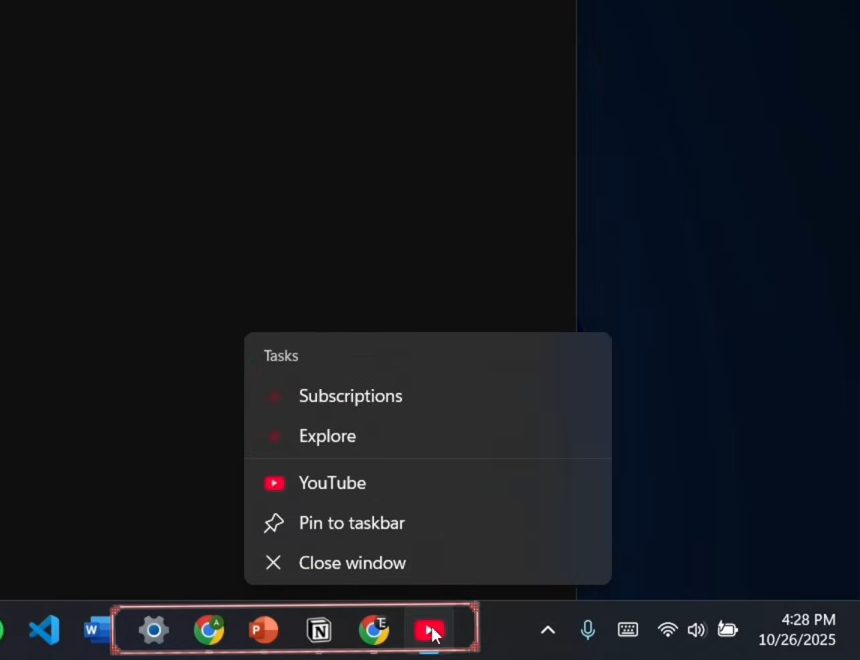
With the YouTube app open, right-click its icon in the taskbar and click Pin to taskbar. It now stays there for one-click access.
6Uninstall the YouTube app (optional)
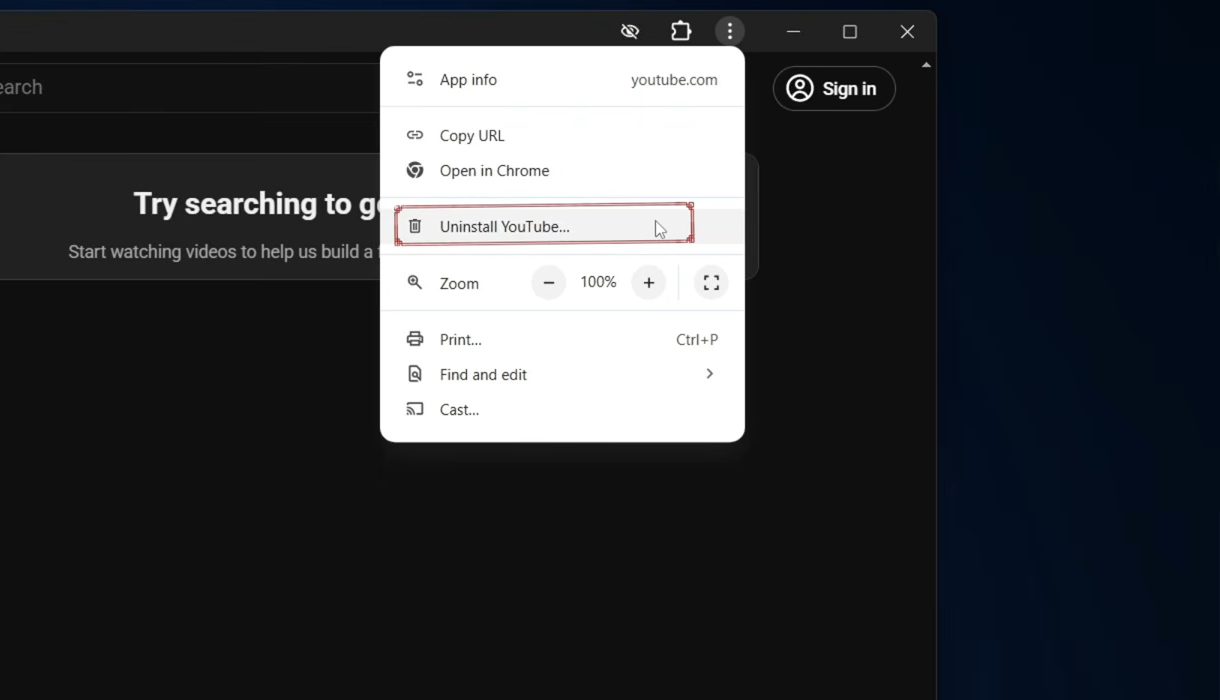
To remove it, open the YouTube app, click the three dots at the top of its window and choose Uninstall YouTube.... The app and its icon are deleted, and you can still use youtube.com in the browser.
What this app is (and isn't)
The YouTube app you get this way is a web app. Google's help page, Use web apps in Chrome, describes it as a website that works like an app and opens from your desktop, taskbar or Start menu. In practice: - It is the same YouTube as youtube.com, with the same account, subscriptions, history and playlists. If you are signed in to YouTube in Chrome, you are signed in inside the app too. - It needs an internet connection to play videos. It is not a way to download videos to your PC. - It takes almost no disk space, because it runs on top of Chrome rather than as a separate program. - Chrome keeps it up to date by itself. There is nothing to update manually.
If you don't see Install YouTube
- The menu wording has changed. In newer versions of Chrome, Google's help page shows this option as Install page as app... under More > Cast, save, and share. It does the same thing.
- Look in the address bar. On some sites Chrome also shows an Install icon at the right end of the address bar. Clicking it opens the same Install box.
- You are in an Incognito or Guest window. Web apps can't be installed from there. Open a normal Chrome window.
- It is already installed. Chrome then offers to open YouTube in its app window instead. Check your desktop or Start menu for the icon.
- Your Chrome is old or managed. Update Chrome from Help > About Google Chrome. On a work or school computer, the administrator may have blocked installing apps.
More things you can do with the app
Google's help page lists a few extras that work on Windows, Mac and Linux: - Start YouTube when you sign in. Type chrome://apps in the address bar, right-click YouTube and choose Launch at startup. - Make more shortcuts. On the same chrome://apps page, right-click YouTube and choose Create shortcut to put an icon on your desktop or in your Start menu. - Clear its data when uninstalling. When you choose Uninstall YouTube, tick Also delete data from Chrome if you want to remove its saved data too. You will need to sign in again next time.
Using Microsoft Edge instead of Chrome
Edge, which comes with Windows, can also install websites as apps. Open youtube.com in Edge and look for the Apps option in the three dots menu, or an app install icon in the address bar. The result is the same kind of app window. The steps above, though, are shown in Chrome.
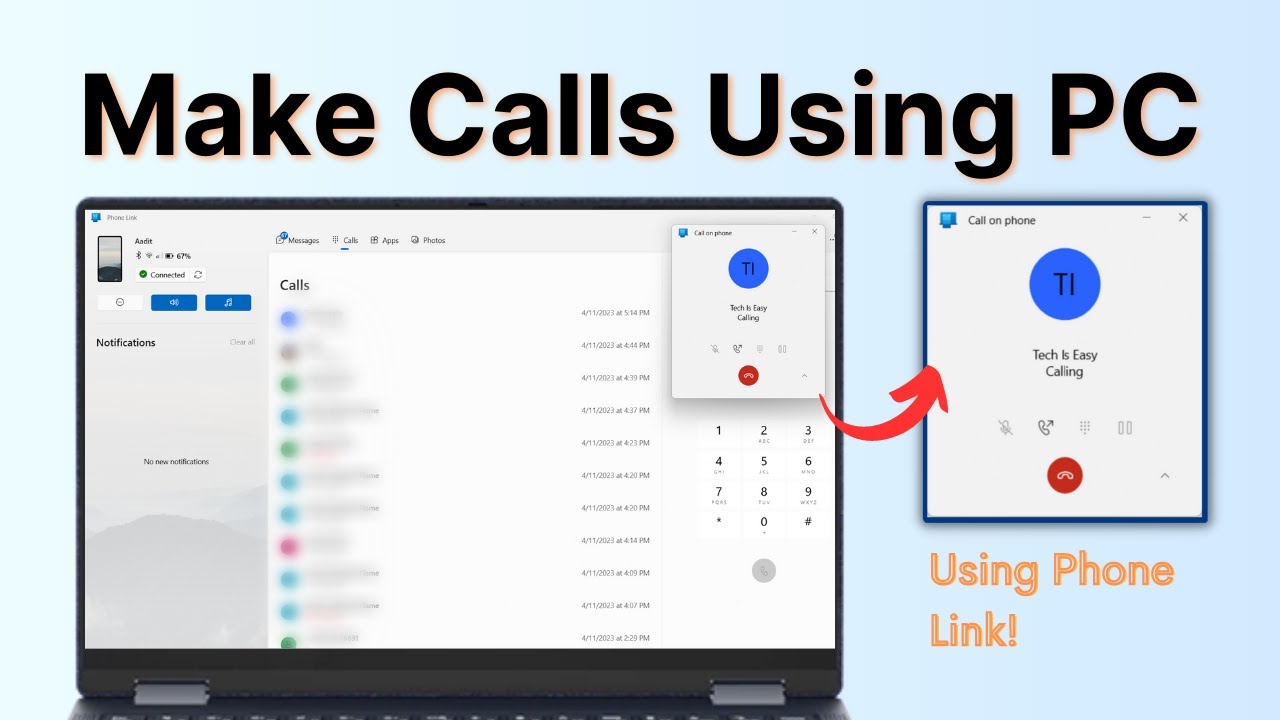
Related guides: How to Use Your Phone as a Webcam for PC (Phone Link) and How to Make Calls From PC Using Your Phone (Windows).
FAQ
Is there an official YouTube app for Windows PC?
The method shown installs youtube.com as an app through Chrome. It behaves like a desktop app with its own window, desktop icon and taskbar pin, and you do not need any third-party download.
I don't see Install YouTube in the Chrome menu. What should I do?
Make sure you are on youtube.com in a normal Chrome window, then look under Cast, save, and share. If YouTube is already installed, Chrome shows an option to open it instead.
Can I do this on a laptop or Mac?
The video shows a Windows laptop. The same Chrome option is part of the browser, so it should look similar on other computers, but other systems are not shown in the video.
How do I remove the YouTube app from my PC?
Open the app, click the three dots at the top and choose Uninstall YouTube.... This only removes the app window and icon, not your YouTube account.
Can I download YouTube videos with this app?
No. The app is youtube.com in its own window, so it plays videos online just like the website. Saving videos to watch offline is a YouTube Premium feature, and it is separate from installing the app.
Is the YouTube web app safe?
Yes. It is installed by Chrome directly from youtube.com, so nothing is downloaded from a third-party site. Avoid "YouTube for PC" installers from other websites, since YouTube does not offer a separate Windows program.
Related guides