 Tech is Easy
Windows guides
10 step-by-step Windows guides with screenshots and the video.
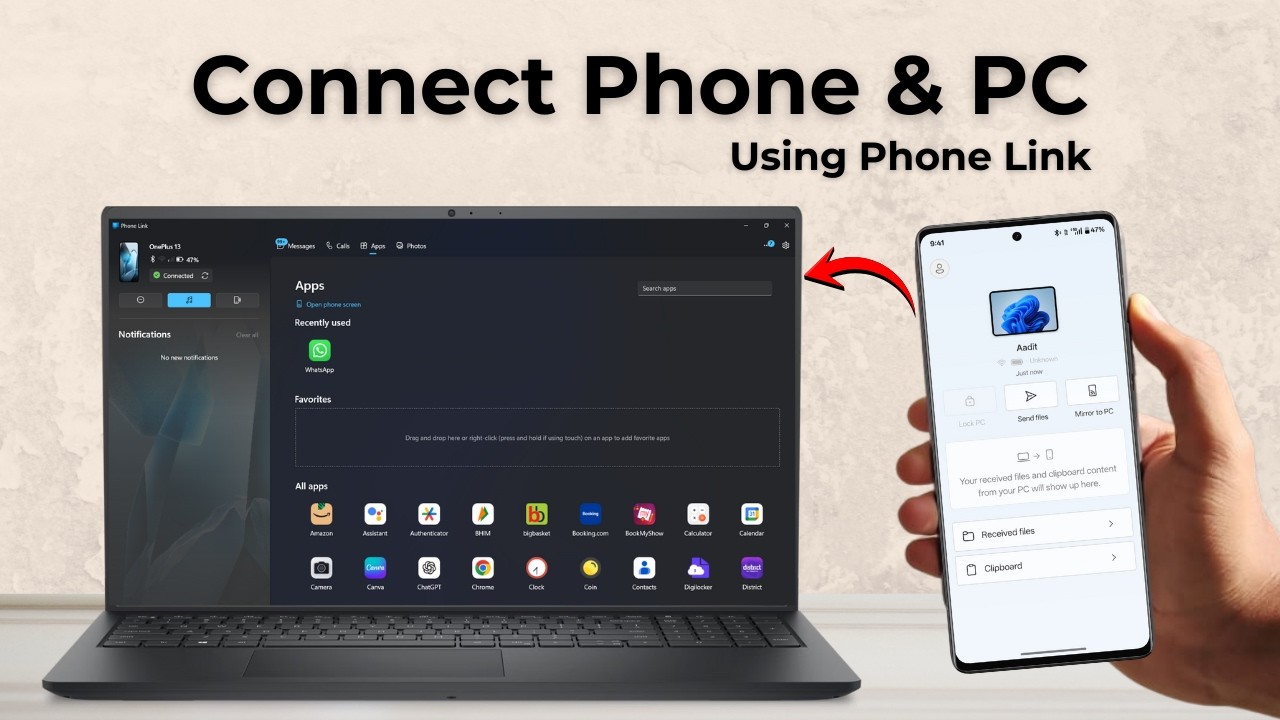
Connect your Android phone to a Windows PC with Phone Link: install Link to Windows, scan the QR code, then use messages, calls, photos and apps from your PC.
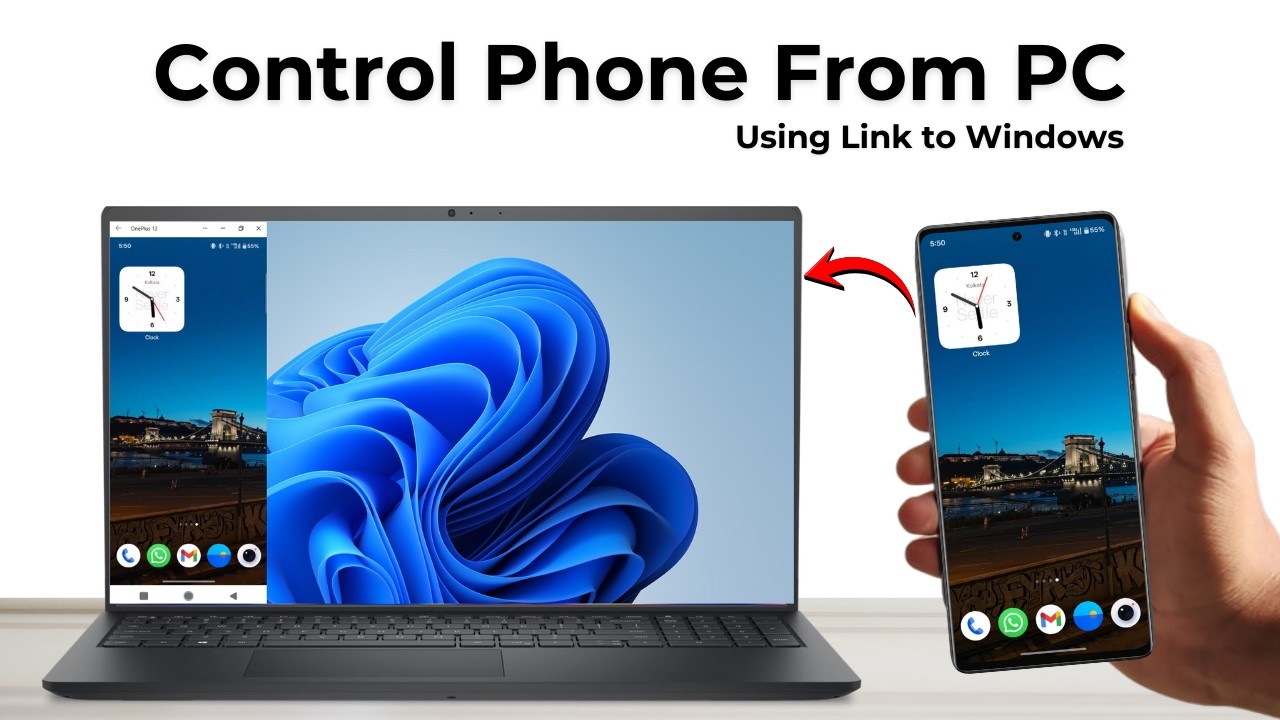
Control your Android phone from a Windows PC with Phone Link: link the two devices with a QR code, then mirror your phone screen and use its apps from your PC.
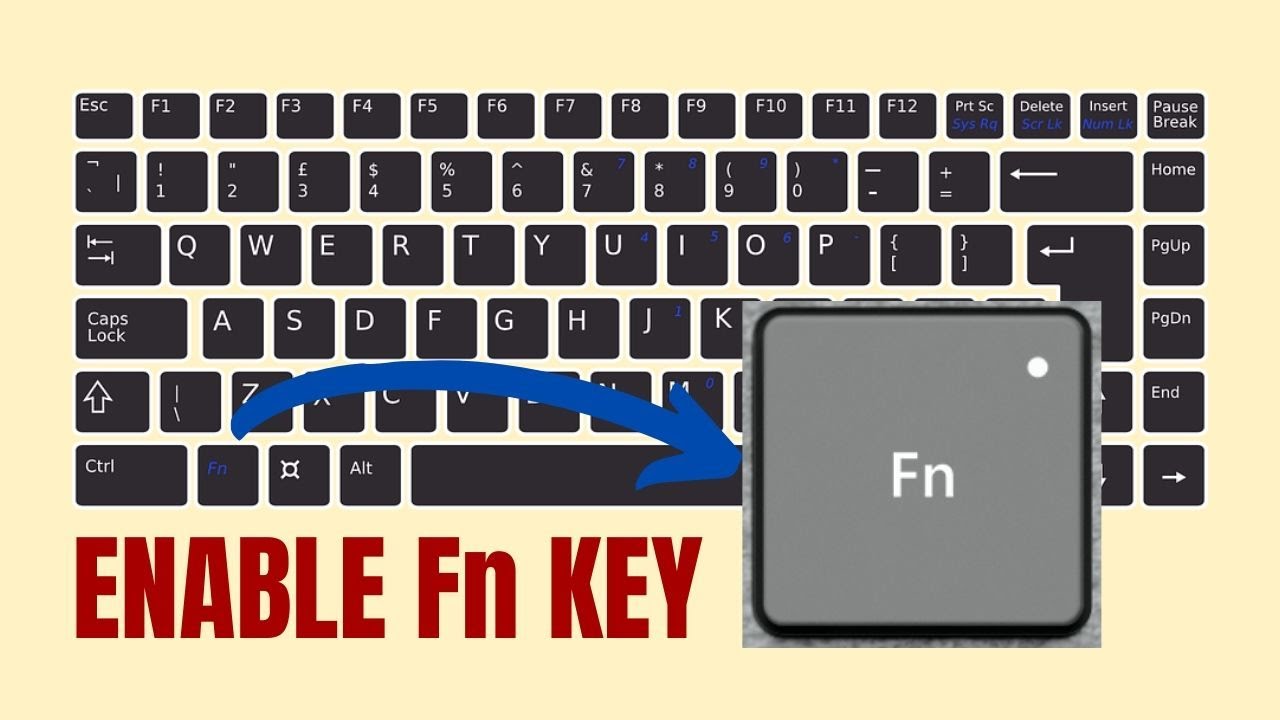
Change how the F1-F12 keys work on a Windows 10 laptop: switch Fn Lock in the BIOS (POST Behavior > Fn Lock Options) or toggle it instantly with Fn + Esc.
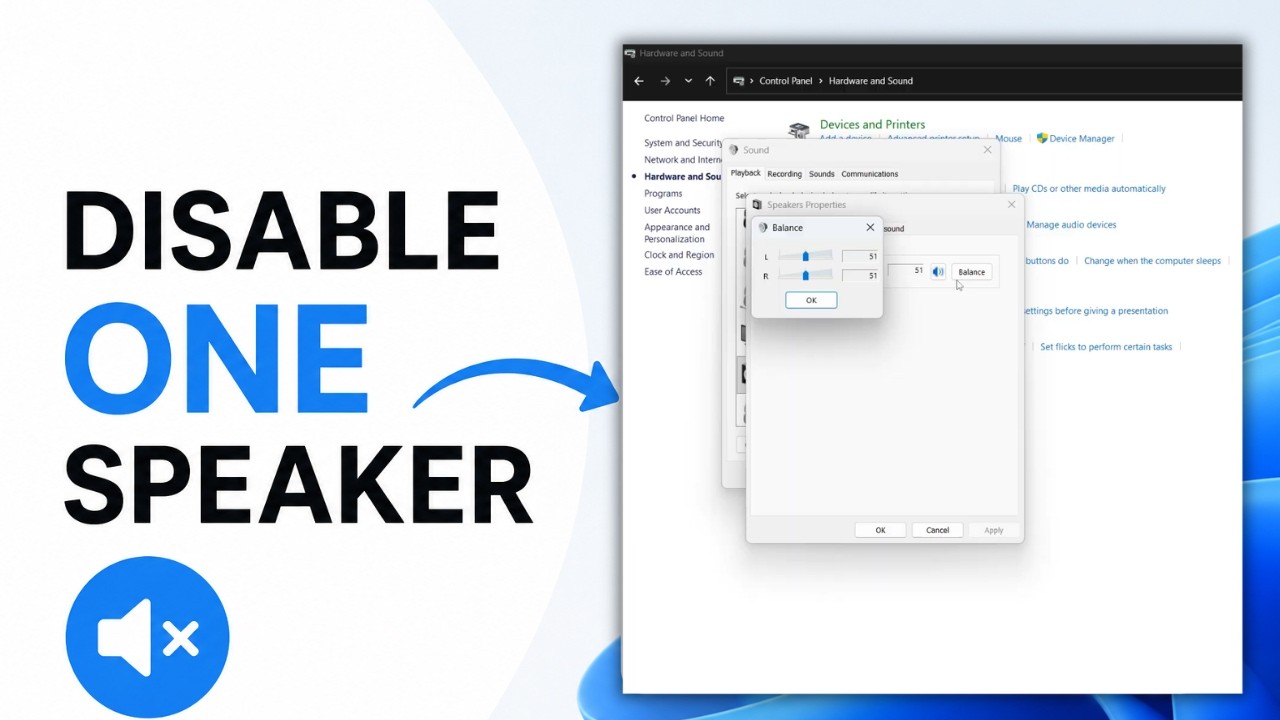
Turn off the left or right speaker on a Windows laptop from Control Panel: open Sound, go to Speakers Properties, Levels, Balance, and set one side to zero.
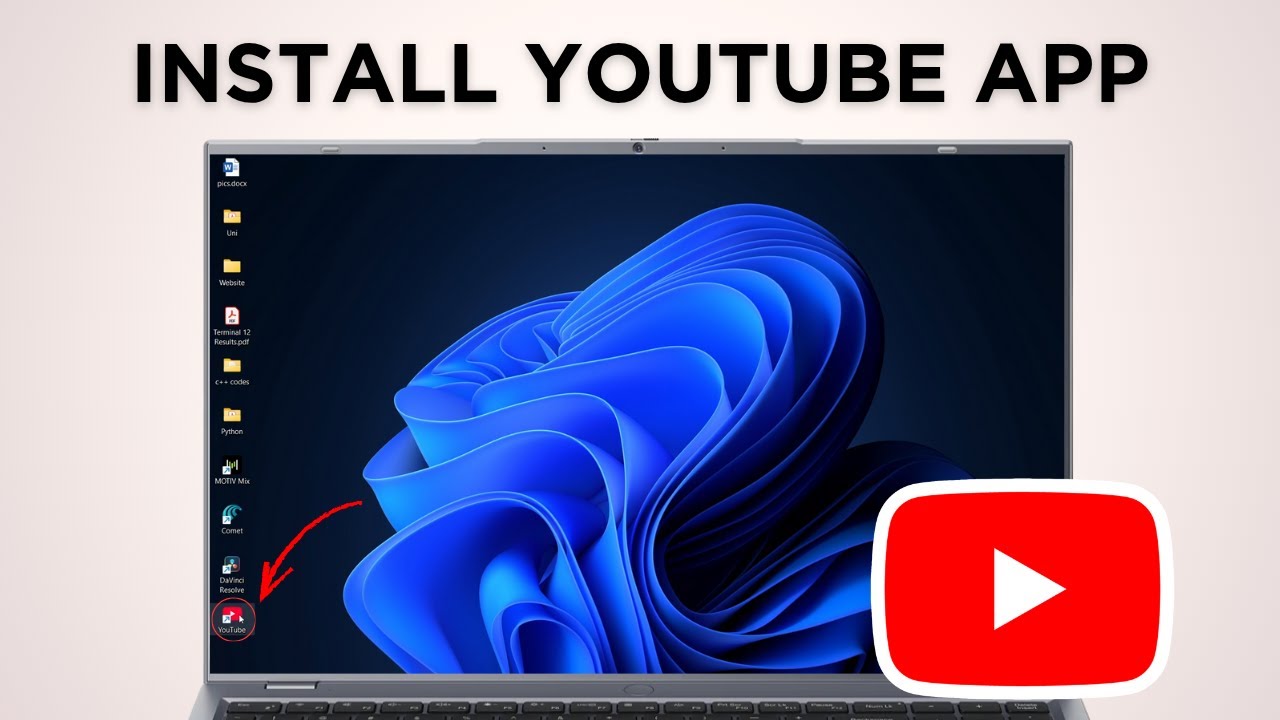
Install YouTube as an app on your PC in under a minute using Chrome's Install YouTube option, then pin it to the taskbar or uninstall it whenever you like.
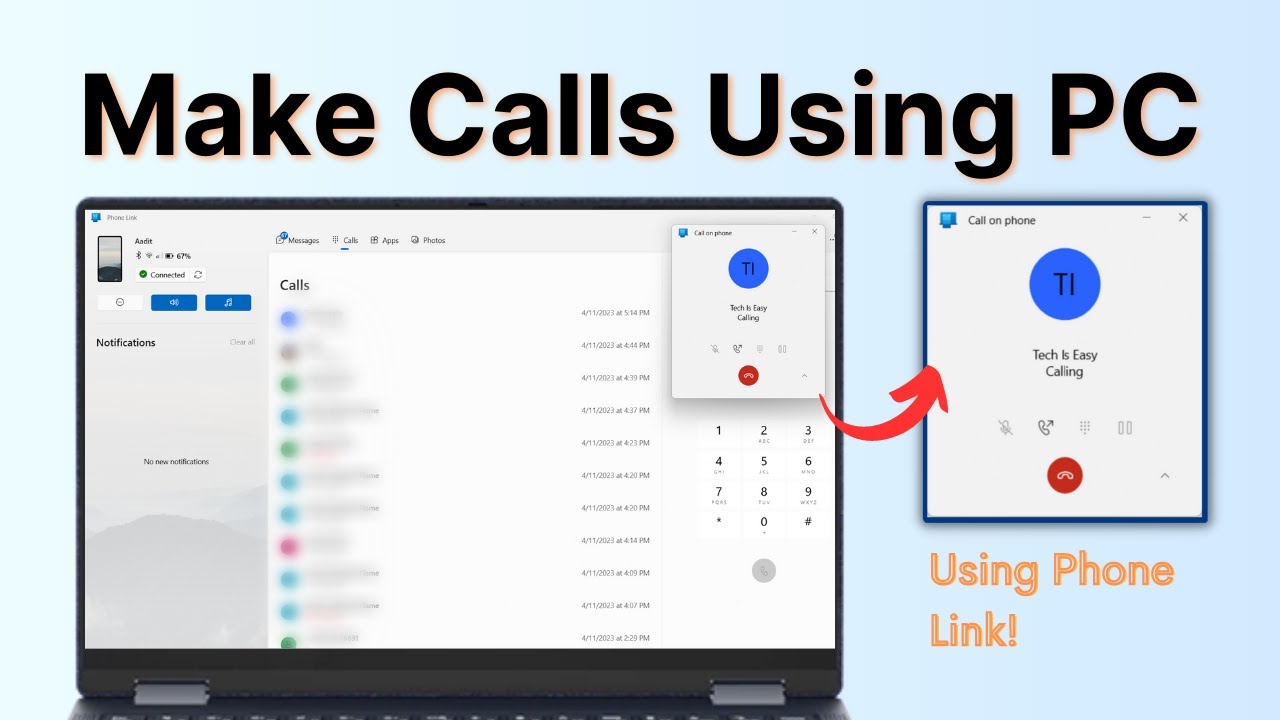
Make and receive phone calls on your Windows PC using Phone Link. Pair your Android phone or iPhone with a QR code, connect Bluetooth, and call from the dialer.
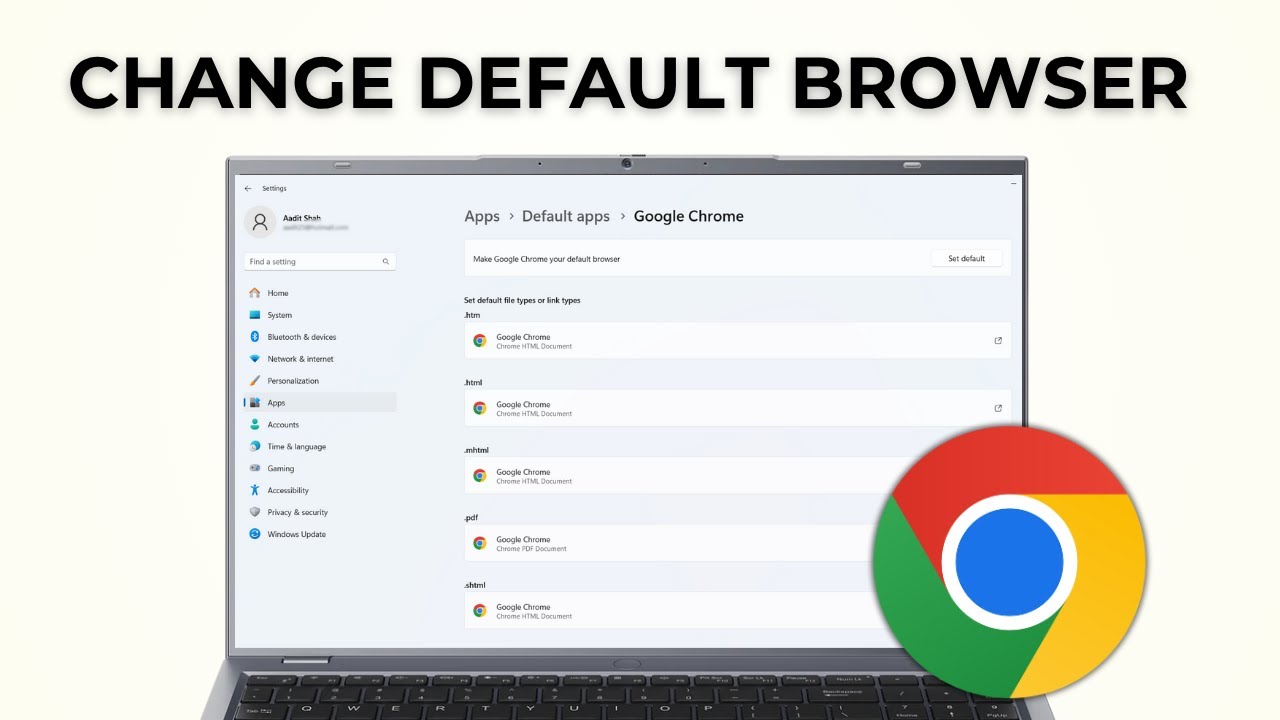
Make Google Chrome your default browser on Windows 11: open Settings > Apps > Default apps, search for Google Chrome and click Set default in seconds.
Use your Android phone as a webcam for your Windows PC with Phone Link. Link the phone, turn on Use as a connected camera, then pick it in Google Meet or Zoom.
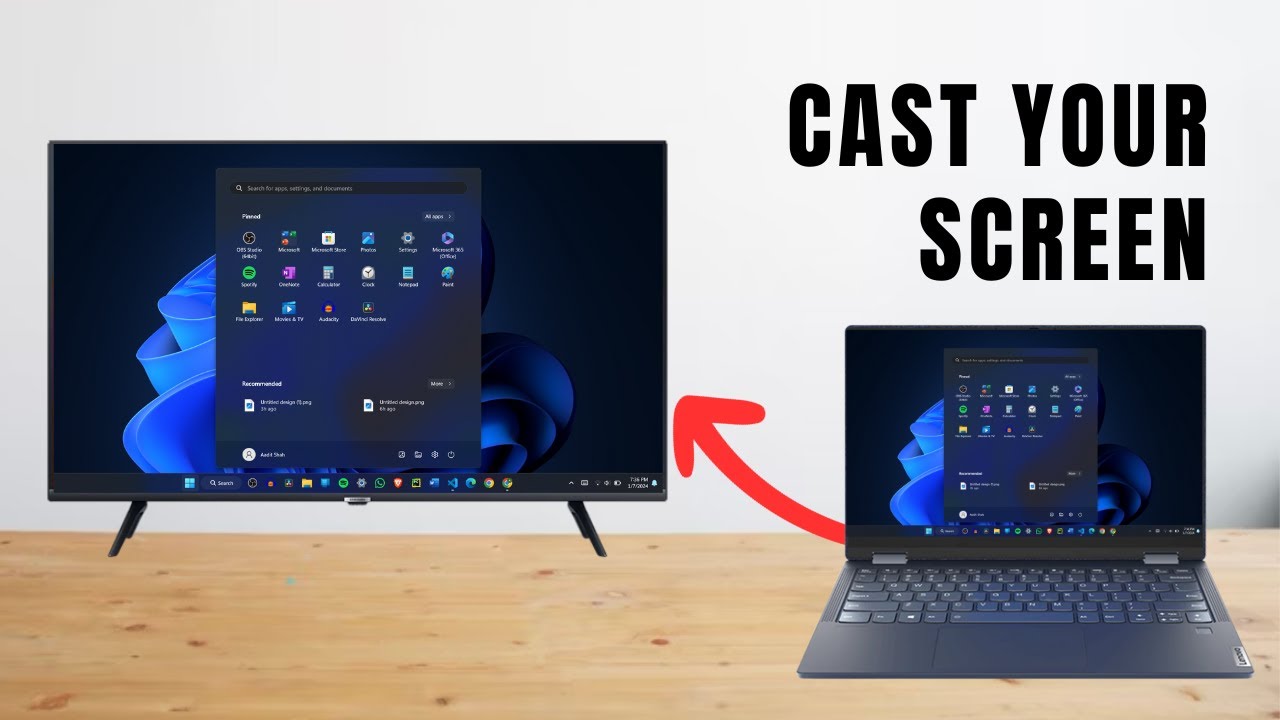
Cast your Windows laptop to a smart TV without HDMI or any app. Use Windows + K or Microsoft Edge's Cast screen option. Works on most smart TVs in under a minute.
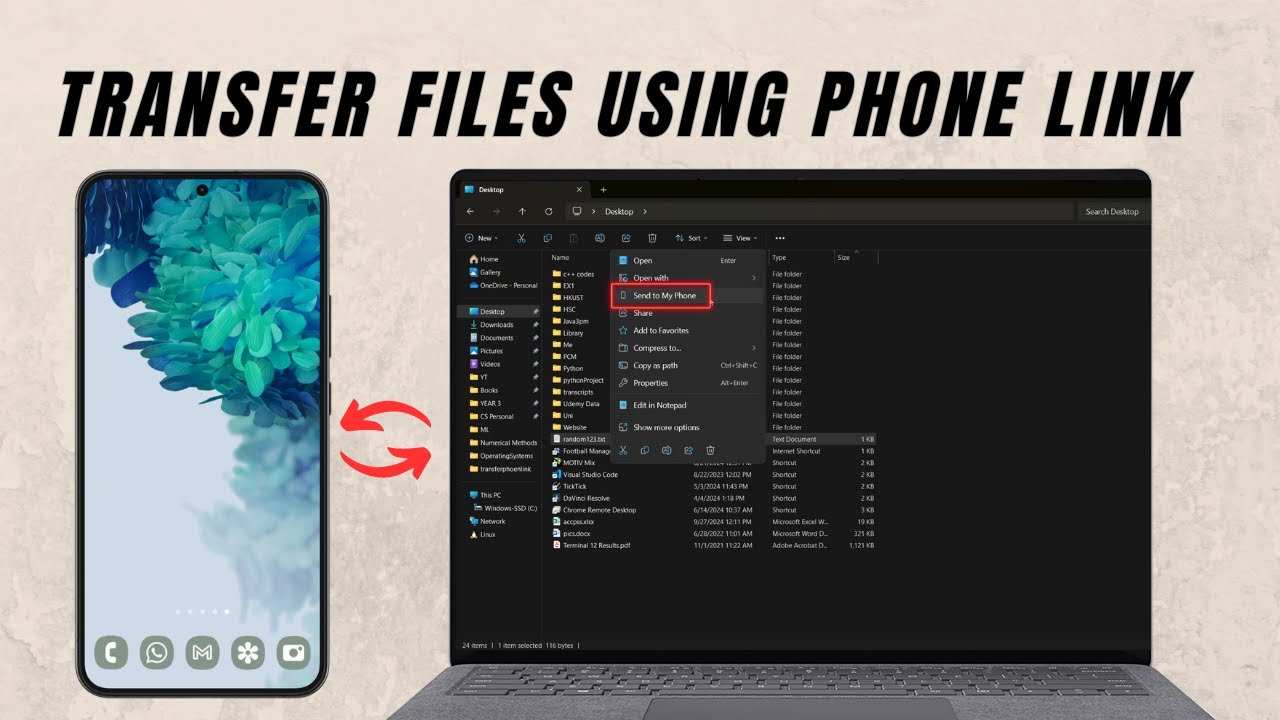
Send files from your Windows PC to your Android phone with Phone Link, no cable needed, and send photos from your phone back to the PC. Setup takes 2 minutes.
No guides match that search.