 Tech is Easy
Tech guides that just work.
Step-by-step fixes for your phone, laptop and favourite apps, with screenshots and a video for every step. 85 guides across 17 topics.
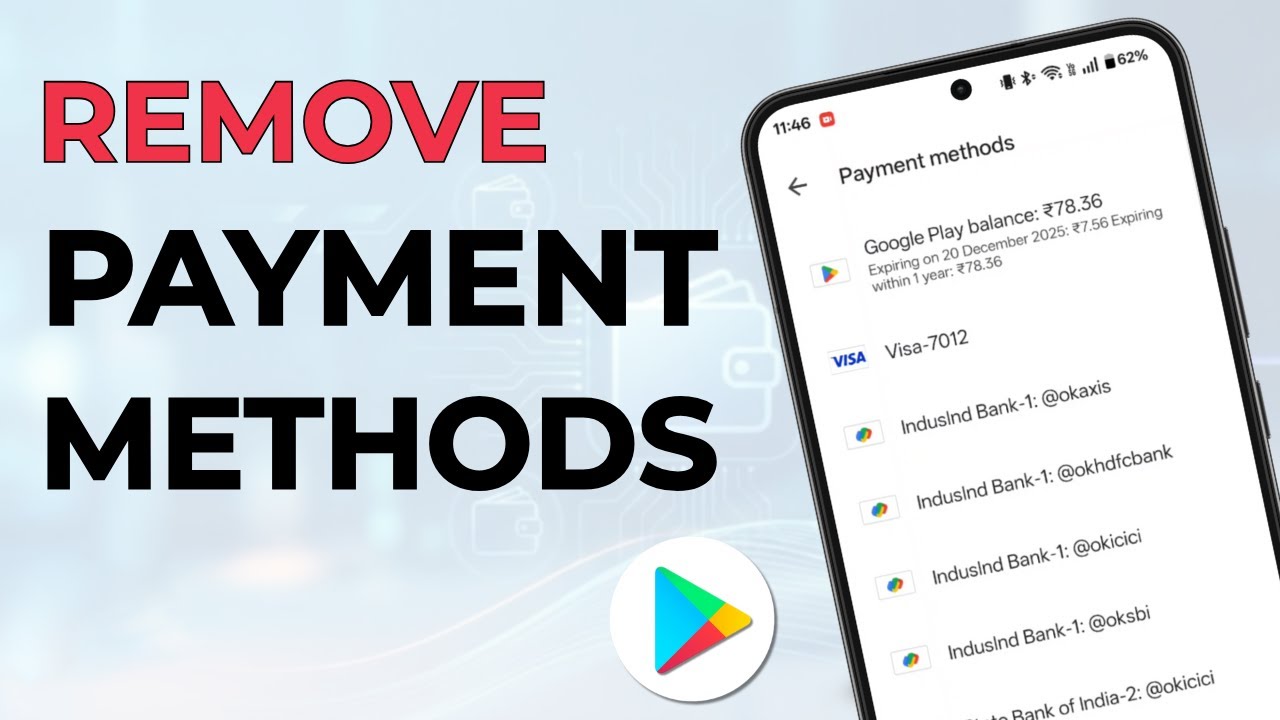
Remove a card, UPI ID or other payment method from Google Play Store on Android, including cards that are still linked to an active subscription.
Move Google Drive files from one account to another two ways: share and copy to keep Docs and Sheets as they are, or use Google Takeout to keep your folders.
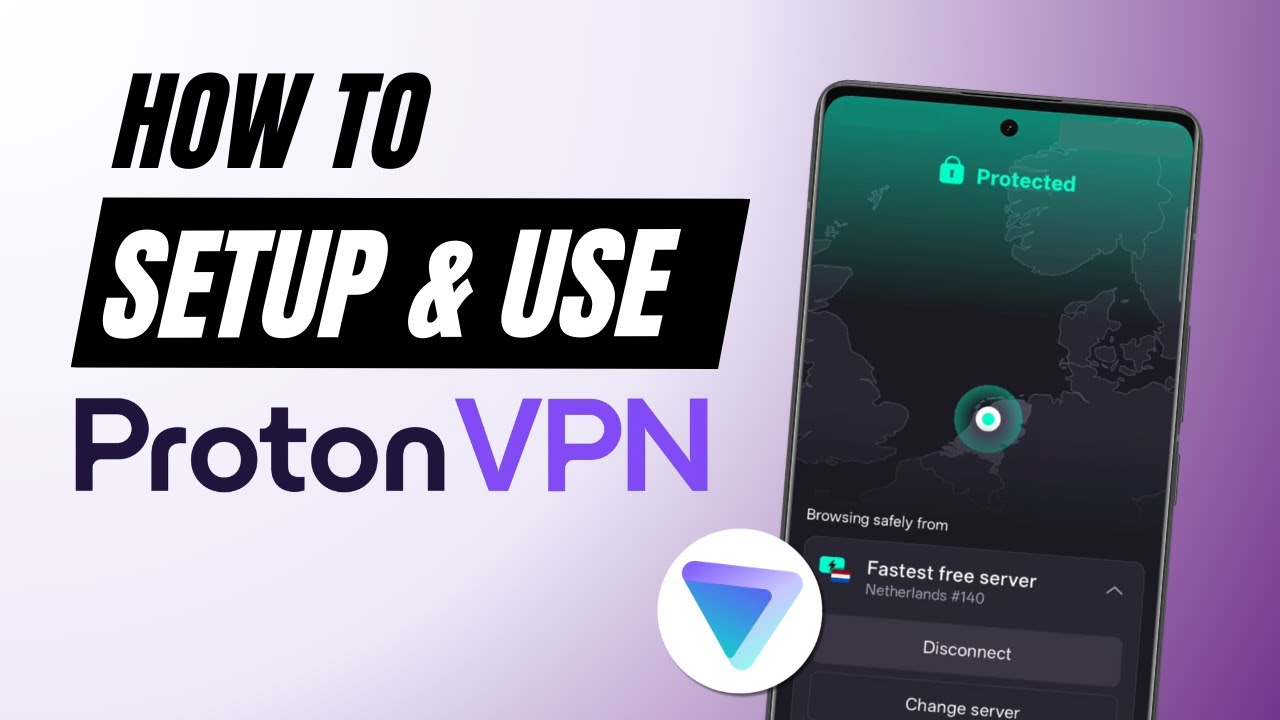
Set up and use Proton VPN for free on your Android phone: install it, connect as a guest without an email, check that it works and switch servers.
Save your phone contacts to your Gmail account: export them from the Contacts app as a VCF file, then import that file at contacts.google.com in a few taps.
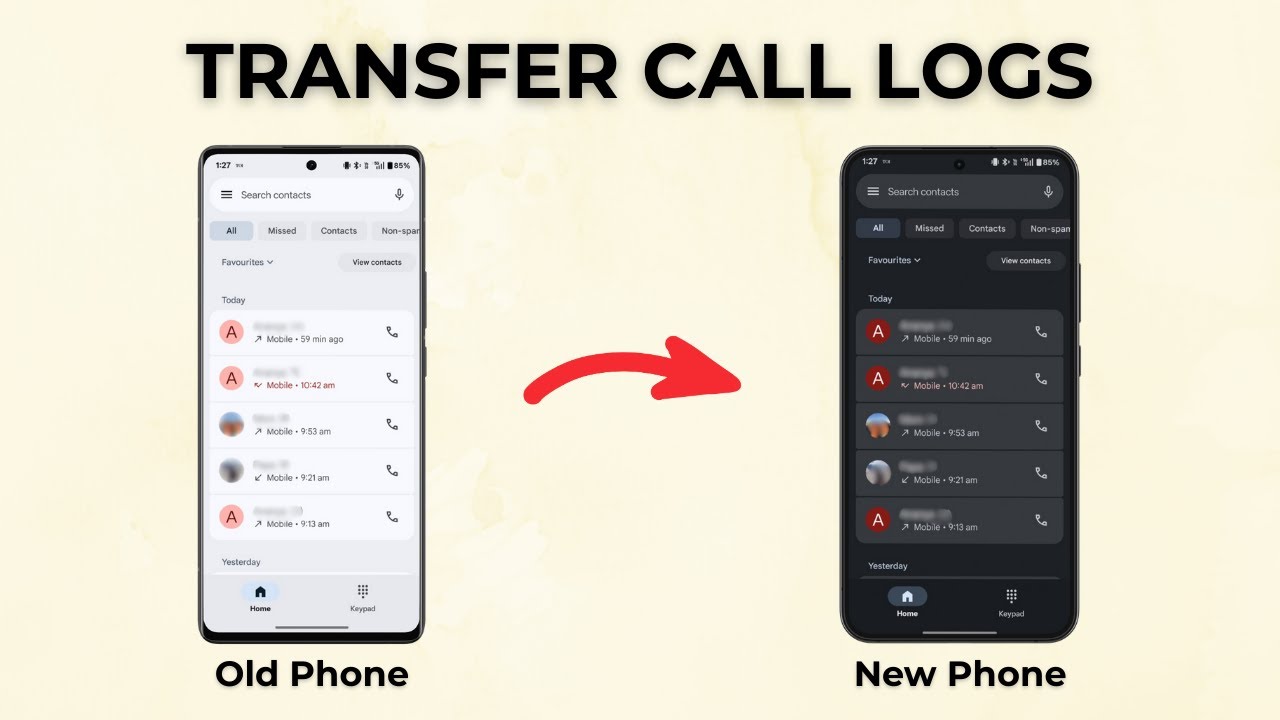
Copy your full call history from an old Android phone to a new one with the free SMS Backup & Restore app: back up, send the file by Bluetooth, restore.
Transfer photos from Google Photos to iCloud with Google Takeout: pick your albums, link your Apple Account and let Google copy everything straight across.
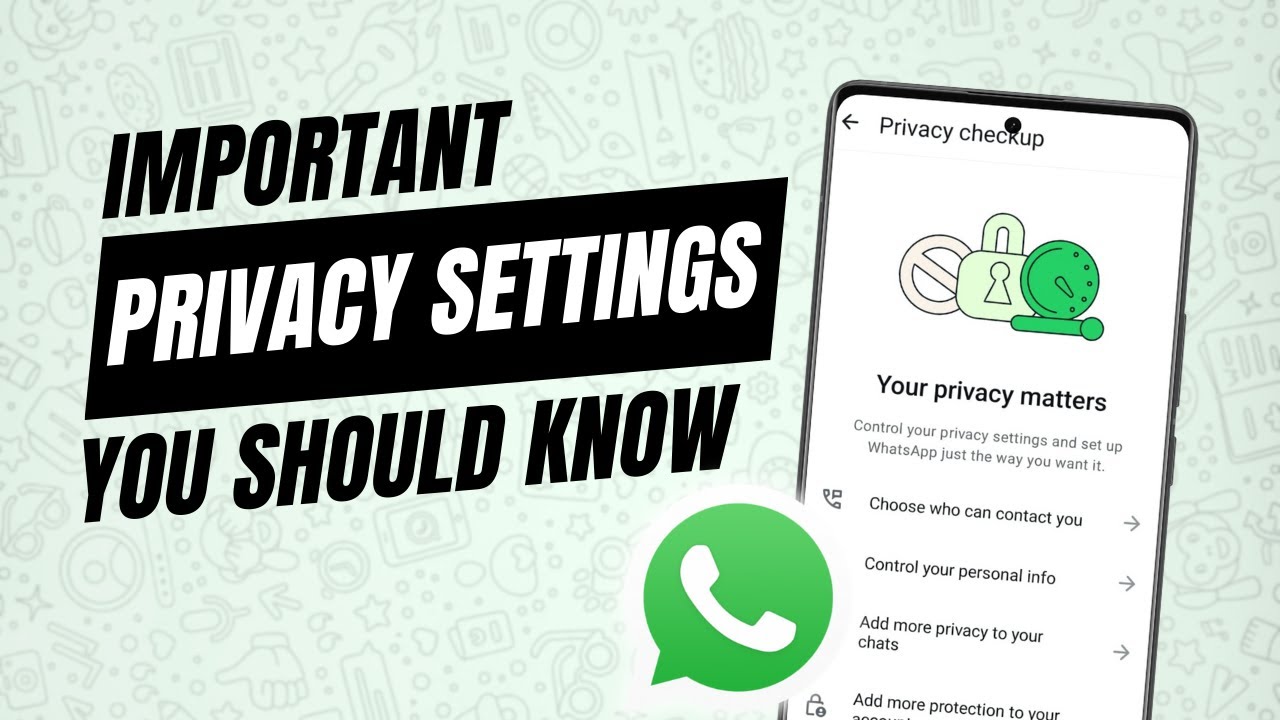
Go through the WhatsApp privacy settings that matter: who can add you to groups, last seen and online, read receipts, disappearing messages and app lock.
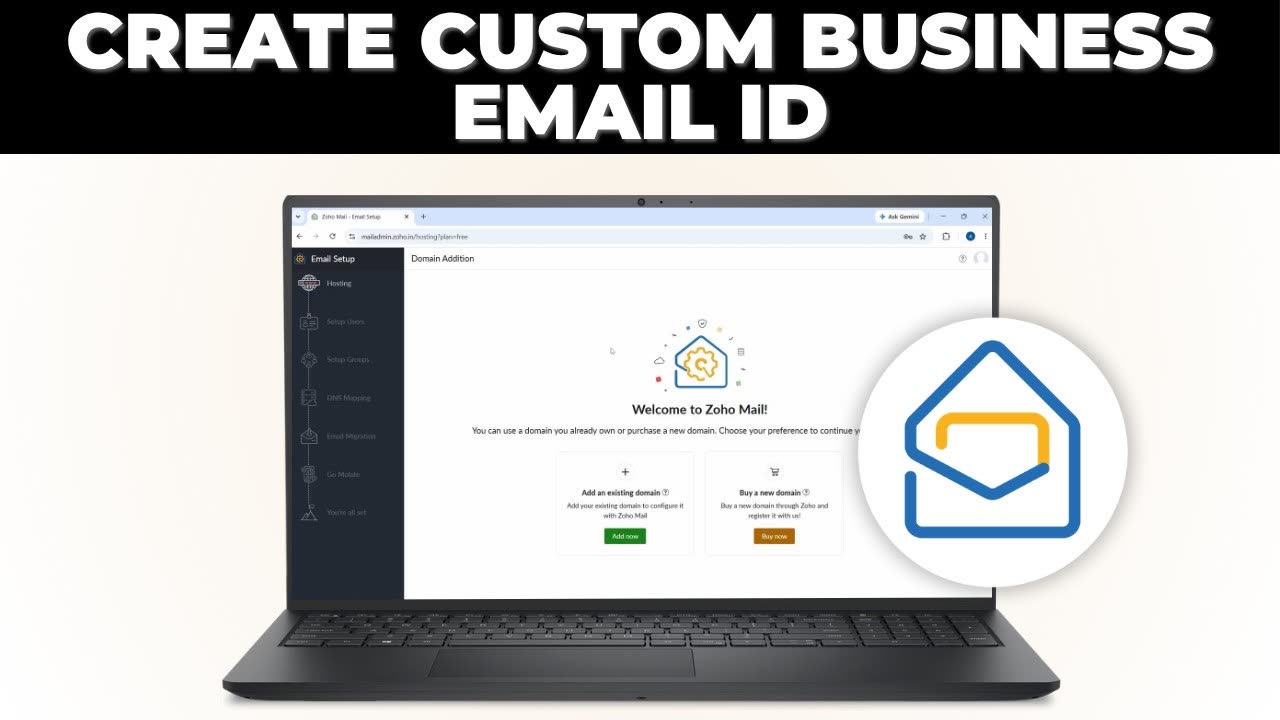
Get a professional email like info@yourbusiness.com for free with Zoho Mail's Forever Free plan. Add your domain, verify it with a TXT record and set up DNS.

Claim your business in ChatGPT with OpenAI's new Business Hub: add your website, verify your domain with a TXT record, fill in your details and verify your ID.
Five useful Google Forms add-ons and how to use them: limit responses, take bookings, send email notifications, issue certificates and add a timer.
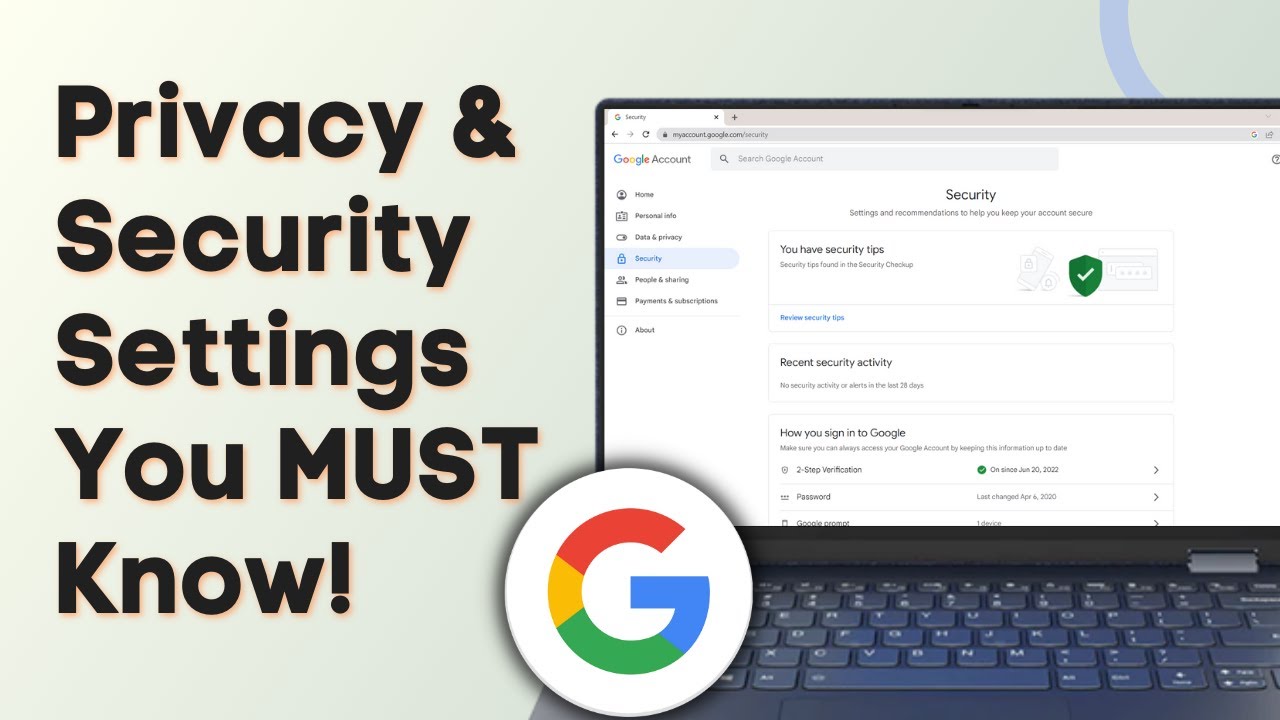
Check the Google Account settings that matter: run a Security Checkup, remove app and device access, review saved passwords and control your activity history.
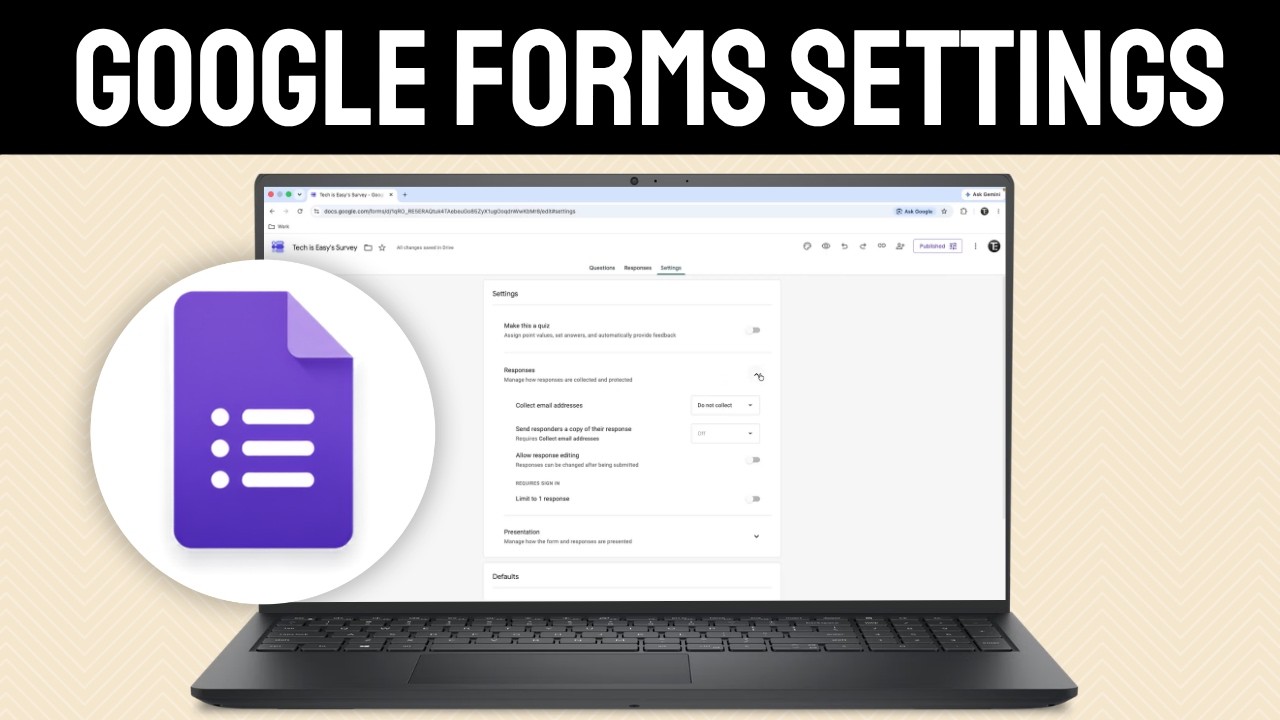
Learn the Google Forms settings that matter: collect emails, limit to one response, shuffle questions, disable autosave, set a response limit and more.
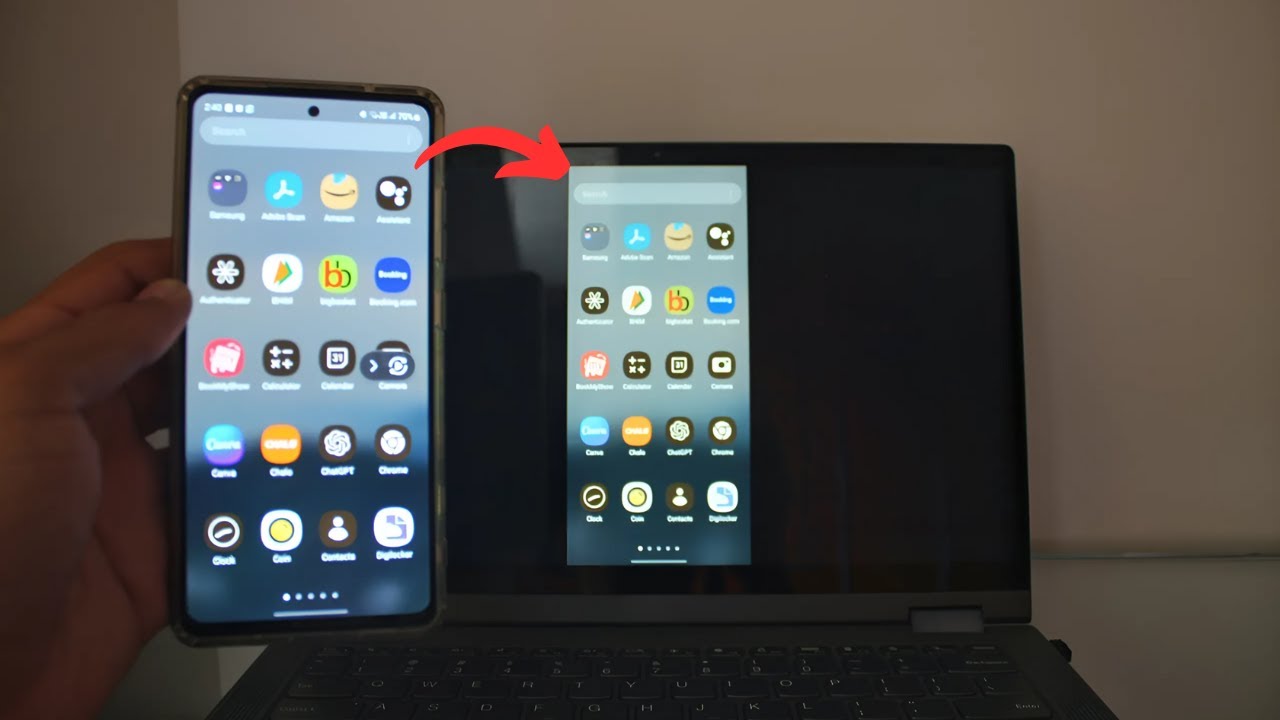
Cast your Samsung phone screen to a Windows laptop with Smart View. Add the Wireless Display feature, open the Wireless Display app, then connect with a PIN.
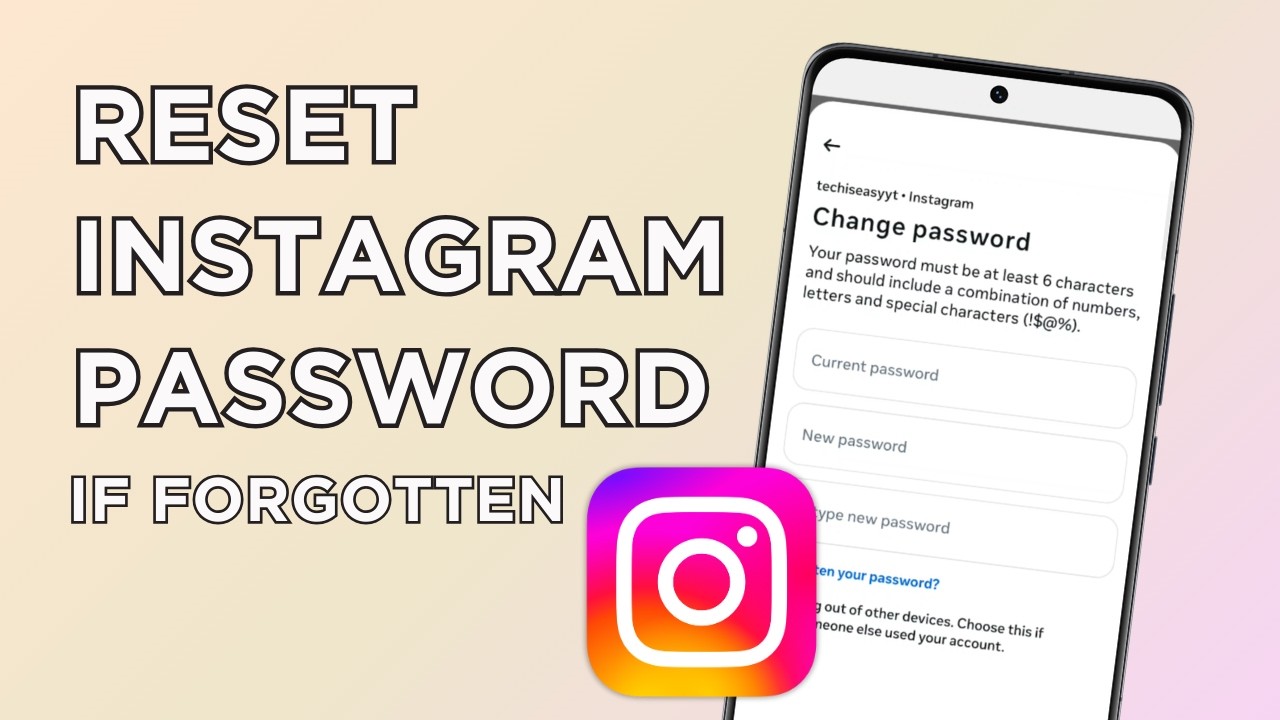
Forgot your Instagram password? Change it without the old one using the Forgotten your password link in Accounts Centre and a reset link sent to your phone.
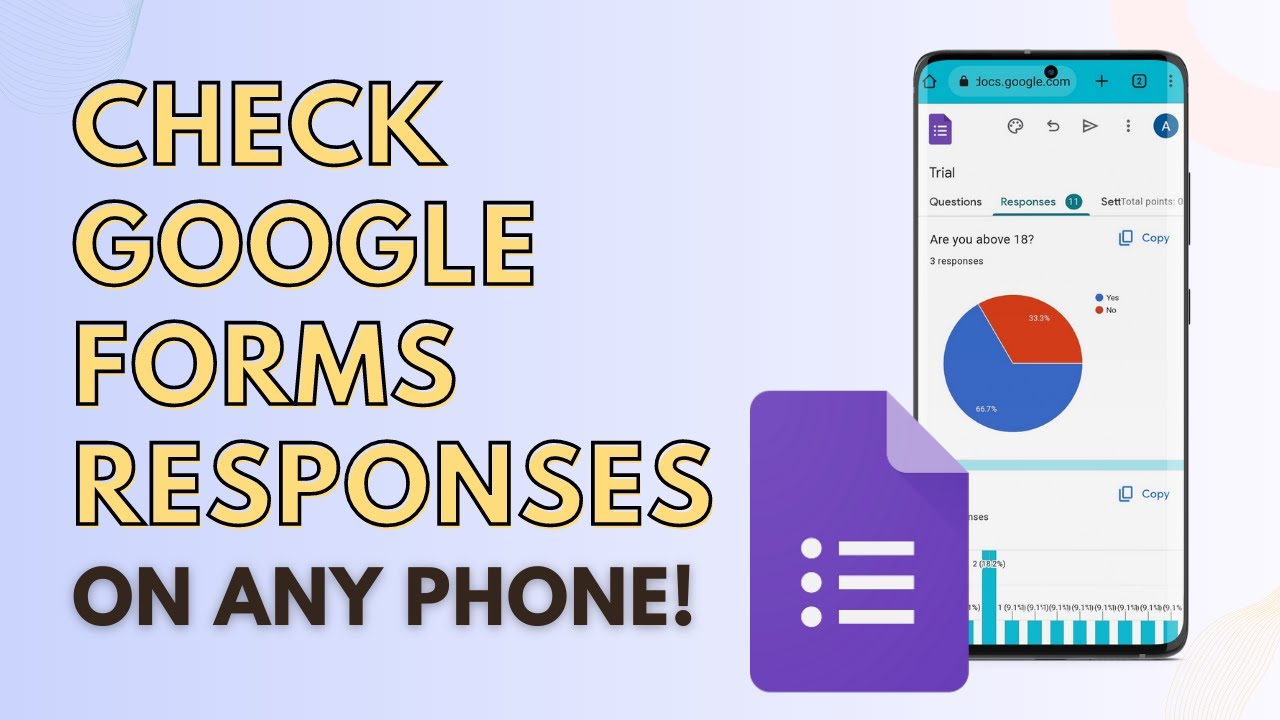
Check Google Form responses on your phone using Chrome's desktop site: see the summary charts, answers per question, each person's response, or a Google Sheet.
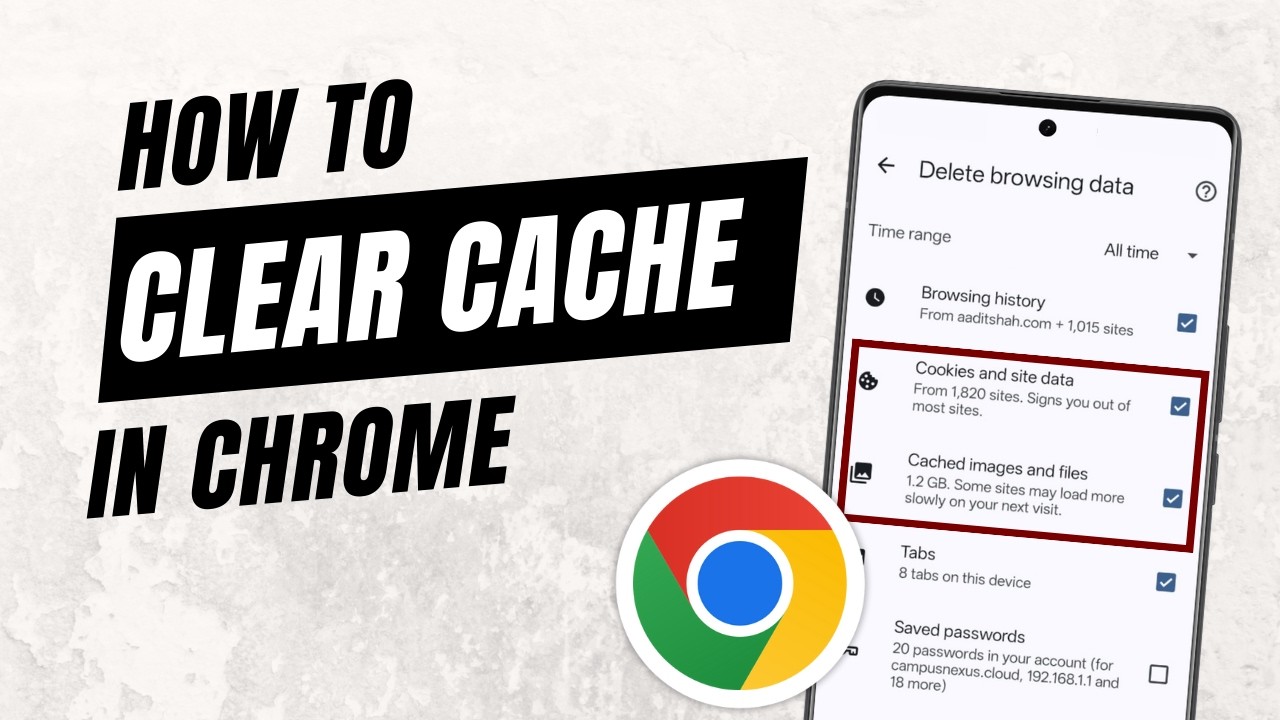
Clear cache in Google Chrome on your phone: open Delete browsing data, pick All time, keep only cookies and cached files ticked, then tap Delete data.
Gmail storage full? Use Google One Storage Manager to empty Trash and Spam and delete emails with large attachments, biggest first, to free up space fast.
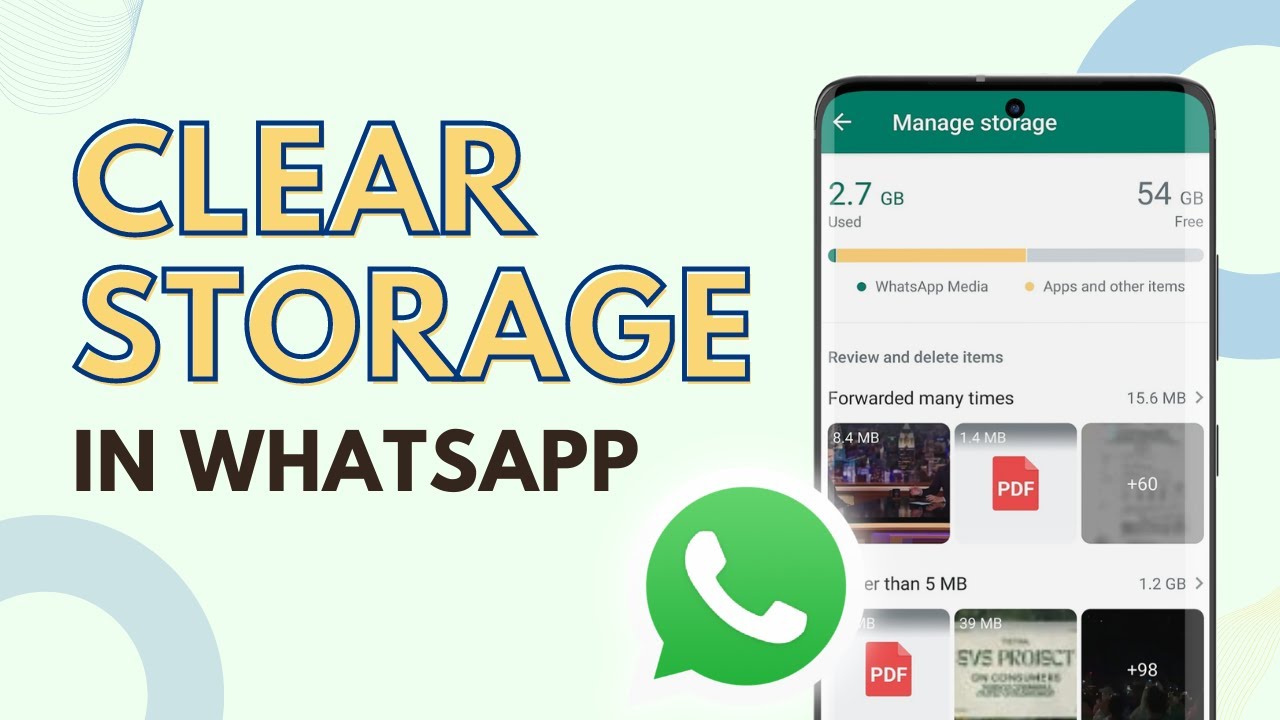
Clear WhatsApp storage on Android: delete large and forwarded files from Manage storage, clean up heavy chats, then clear WhatsApp's cache to free up space.
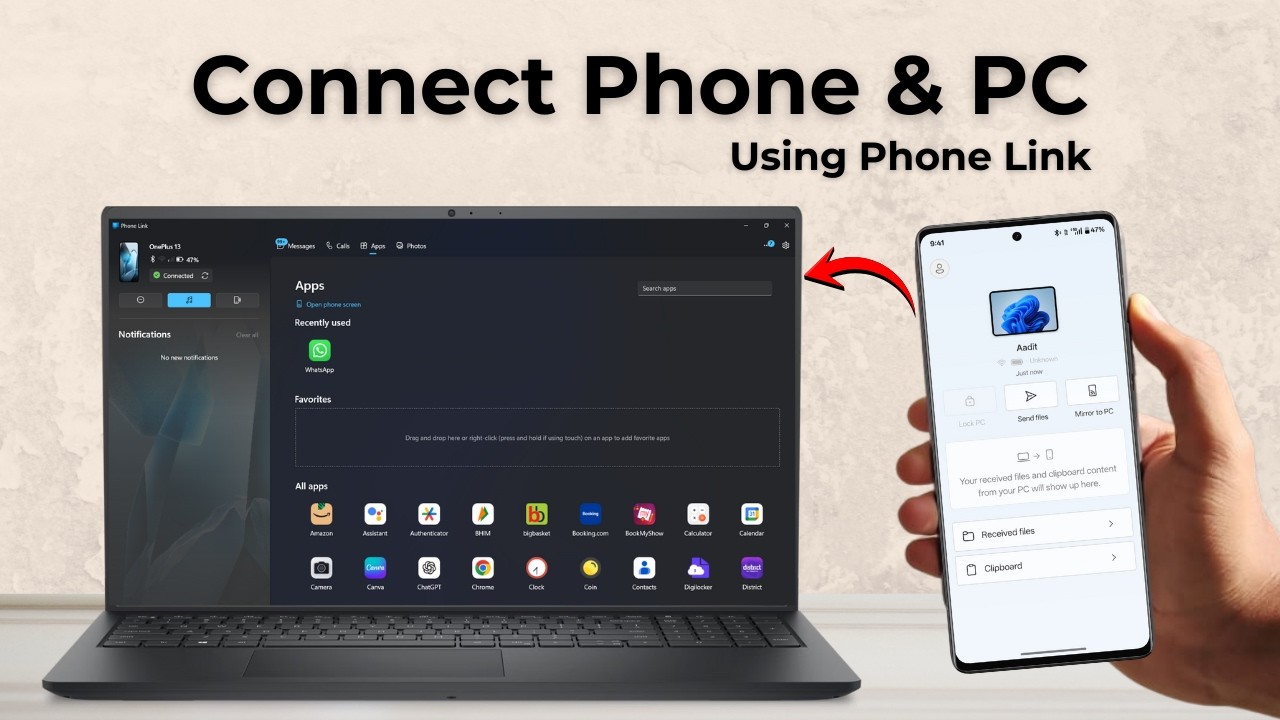
Connect your Android phone to a Windows PC with Phone Link: install Link to Windows, scan the QR code, then use messages, calls, photos and apps from your PC.
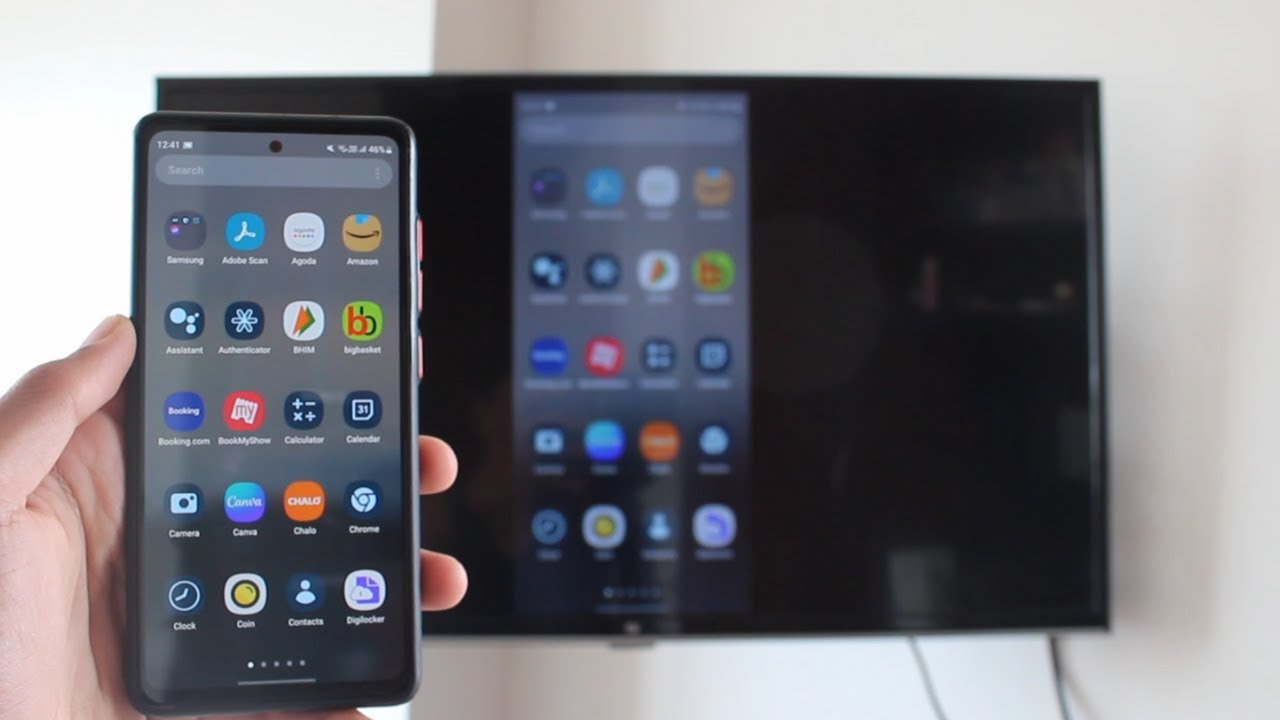
Cast your Android phone to an Android TV with Chromecast built in. Join both to the same Wi-Fi, open the Google Home app, and tap Cast my screen to mirror it.
Connect Google Sites to your GoDaddy domain: verify ownership with a CNAME or TXT record, add the www CNAME pointing to ghs.googlehosted.com and go live.
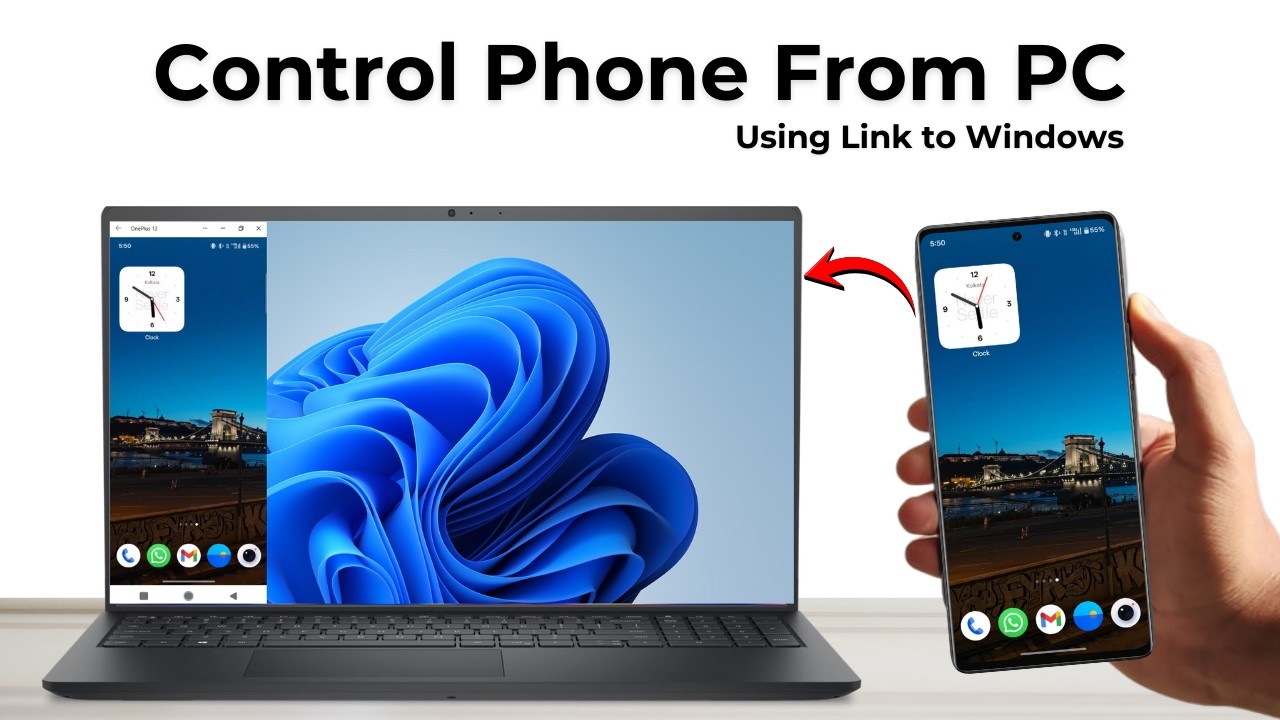
Control your Android phone from a Windows PC with Phone Link: link the two devices with a QR code, then mirror your phone screen and use its apps from your PC.
Convert a PowerPoint to video with your voice and webcam: record the slideshow from the Record tab, then use File, Export, Create a Video to save it as an MP4.
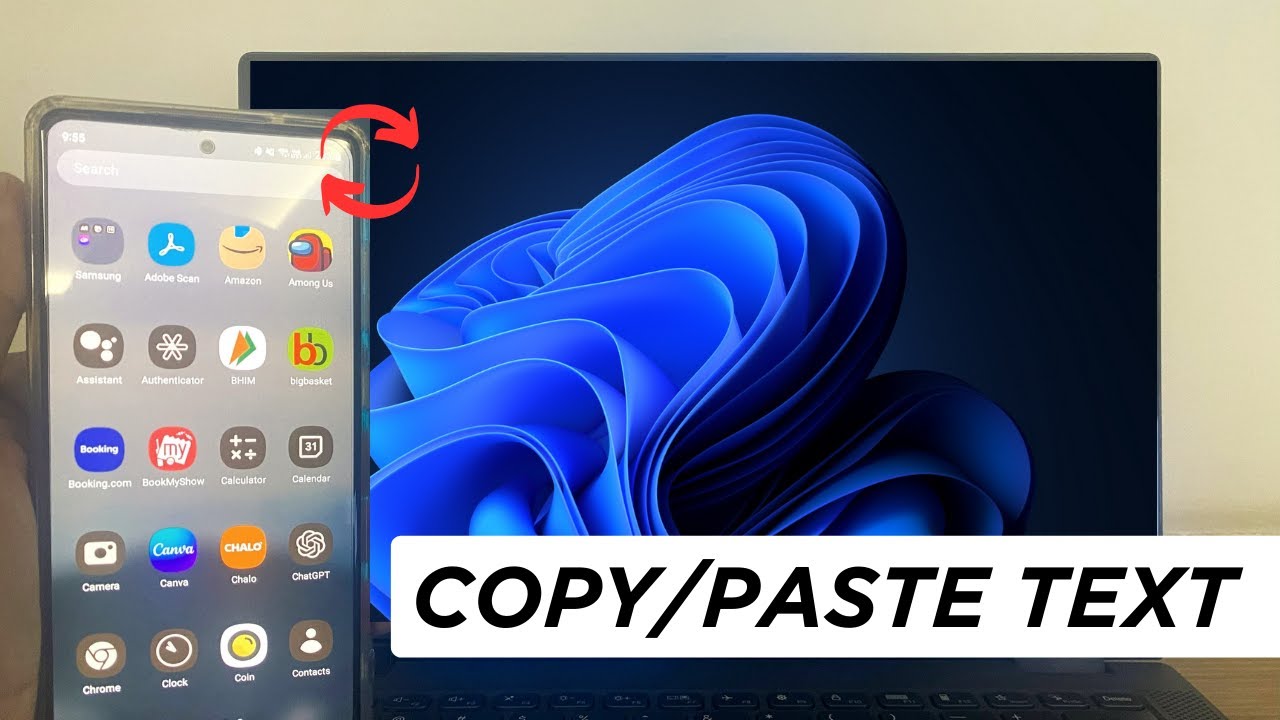
Copy text on your Android phone and paste it on your Windows PC, or the other way round, using Microsoft SwiftKey and Windows clipboard sync. Setup in minutes.
Learn how to create a Google Form on your computer: add questions, make them required, change the theme, send the form and see every response in a sheet.
Learn how to create a website in Google Sites for free: add a title and logo, set up pages and subpages, pick a theme, add content, then preview and publish.
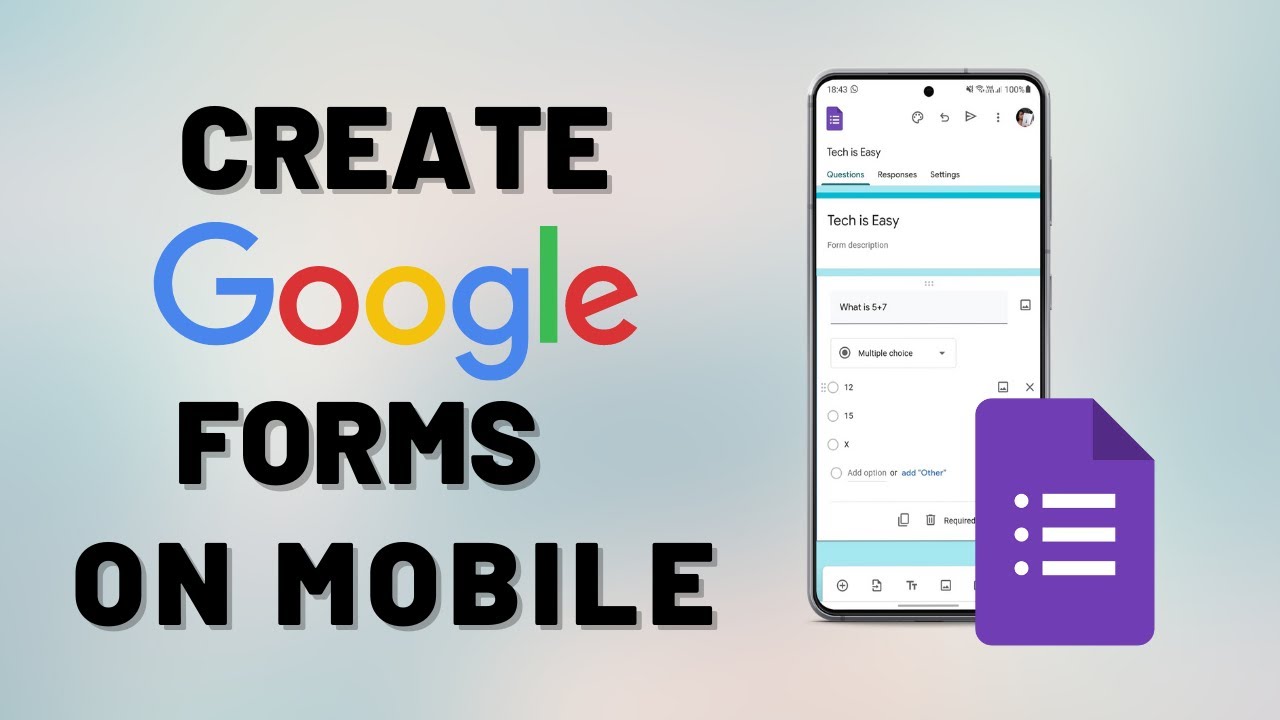
There is no Google Forms app, but you can still build one on your phone. Create a Google Form in your mobile browser, add questions, share it and see responses.
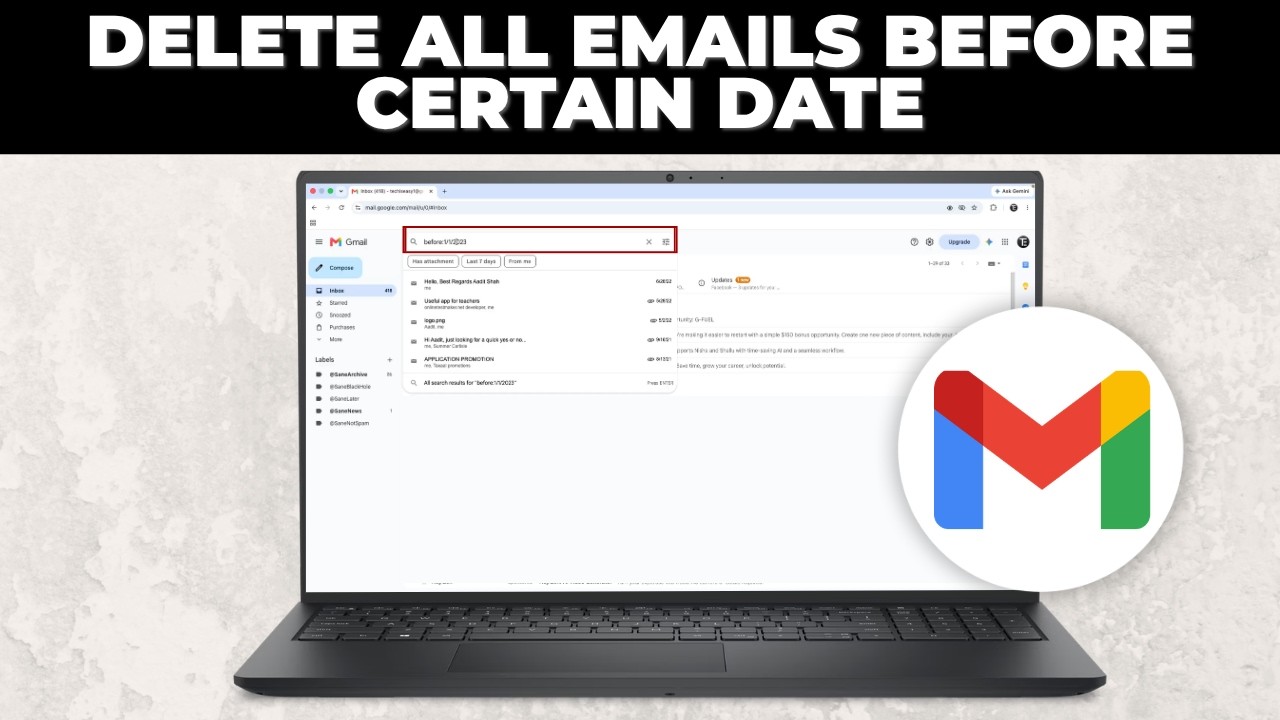
Delete all Gmail emails older than a date in one go: search before:date, select every matching email and click Delete. Works for thousands of old emails.
Delete your Google Family Link family group from the app: open your profile, tap the three dots, choose Delete family group and confirm with your password.
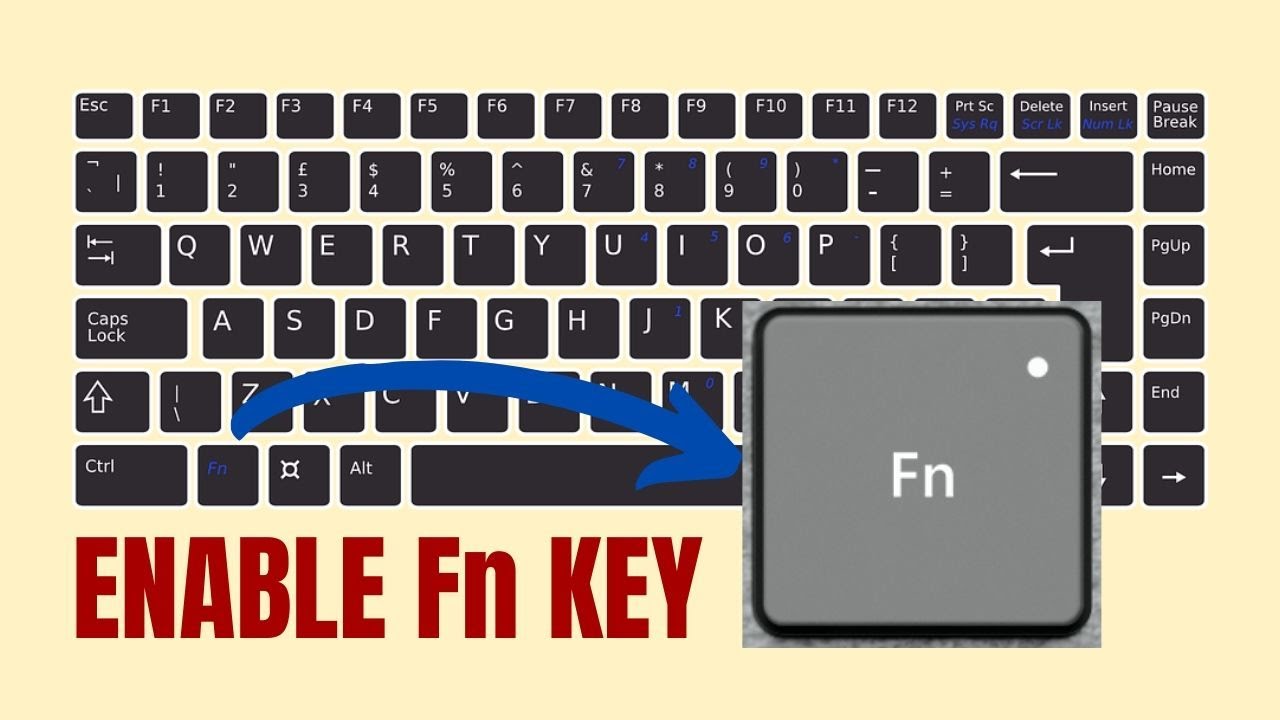
Change how the F1-F12 keys work on a Windows 10 laptop: switch Fn Lock in the BIOS (POST Behavior > Fn Lock Options) or toggle it instantly with Fn + Esc.
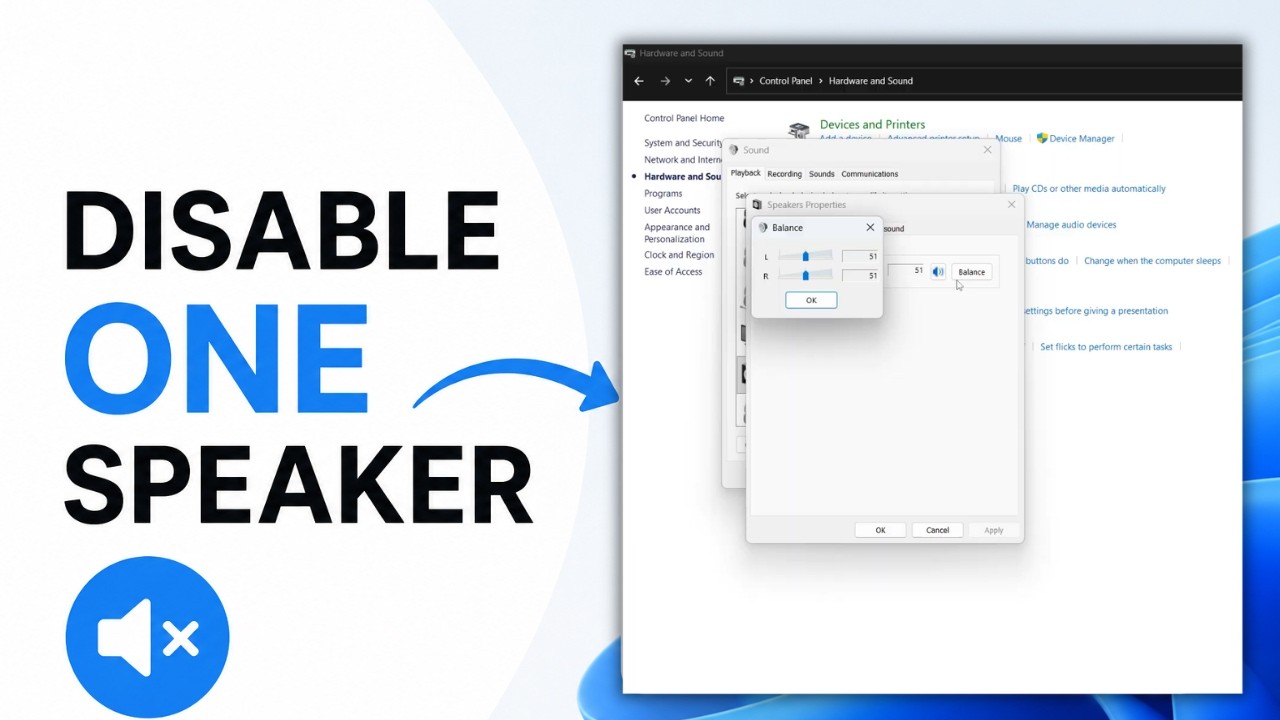
Turn off the left or right speaker on a Windows laptop from Control Panel: open Sound, go to Speakers Properties, Levels, Balance, and set one side to zero.
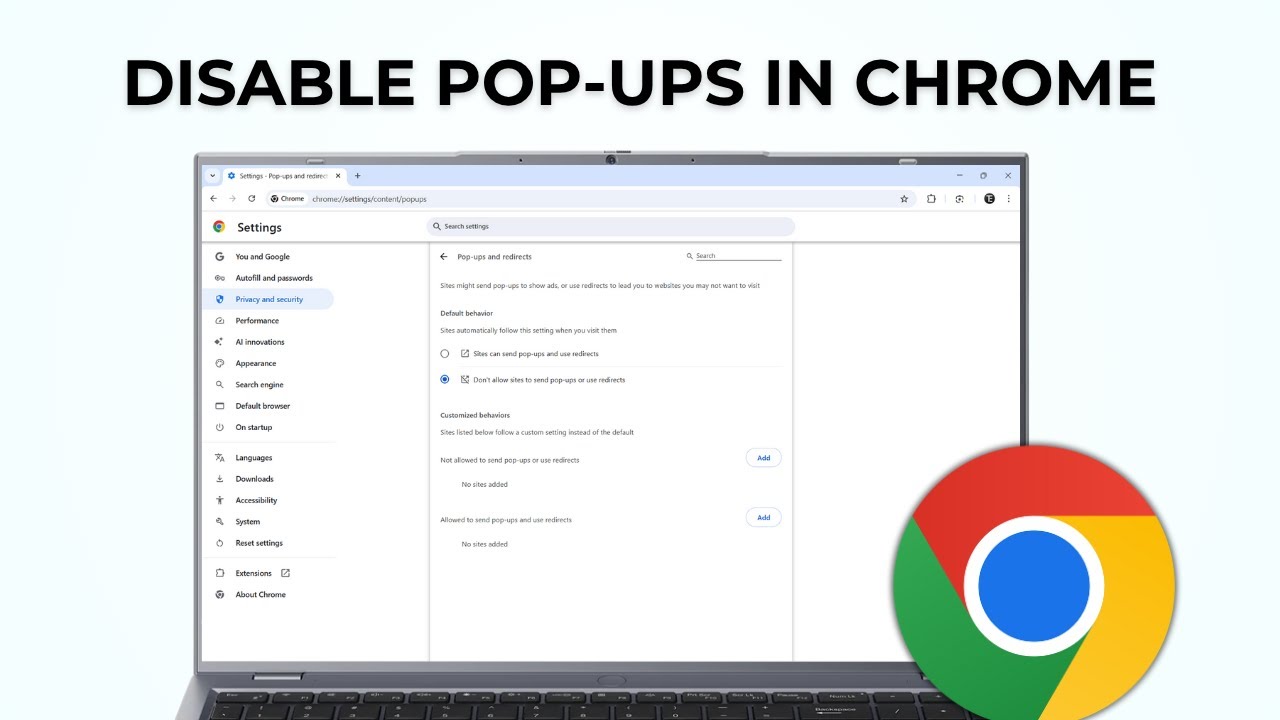
Disable pop-ups in Google Chrome: block sites that already send pop-ups and redirects, and set Chrome so new sites can't send them in the first place.
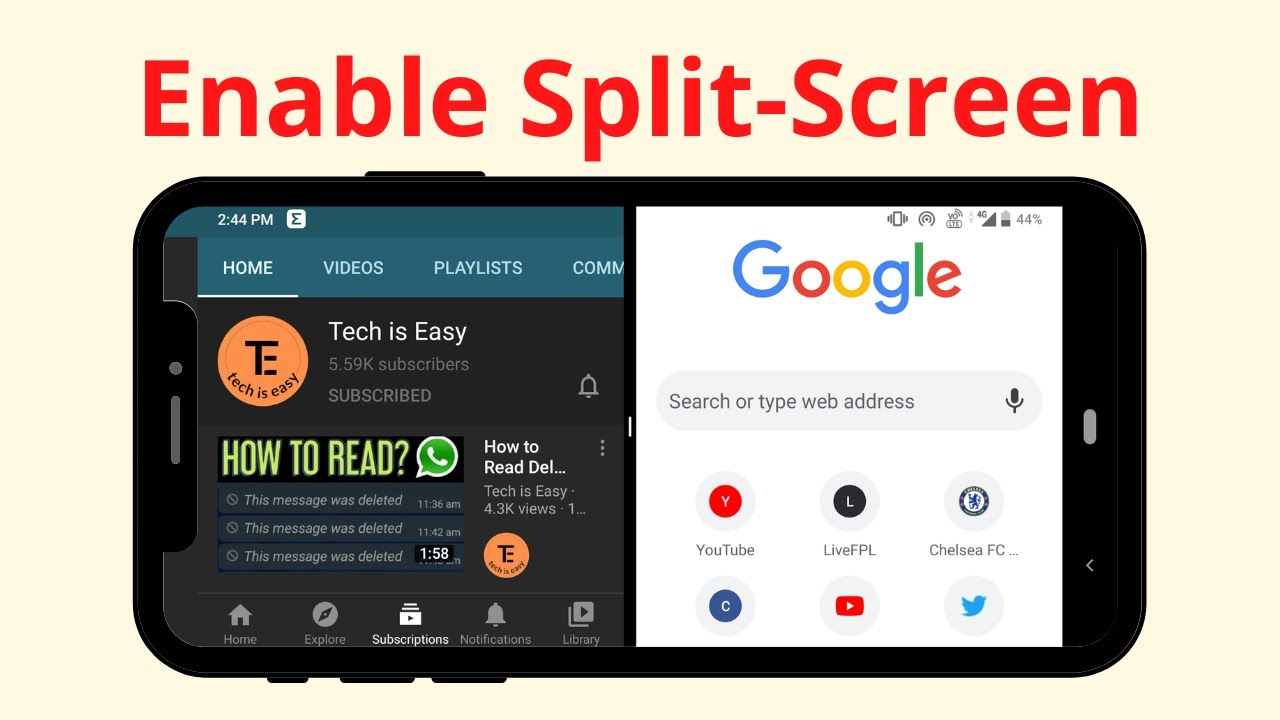
Turn on split screen on your Android phone and use two apps at the same time, like YouTube and Chrome, straight from the Recent apps screen in a few taps.
Extract audio from any video on your Android phone for free: upload it to FreeConvert in Chrome, convert it to MP3 and download the audio file to your phone.
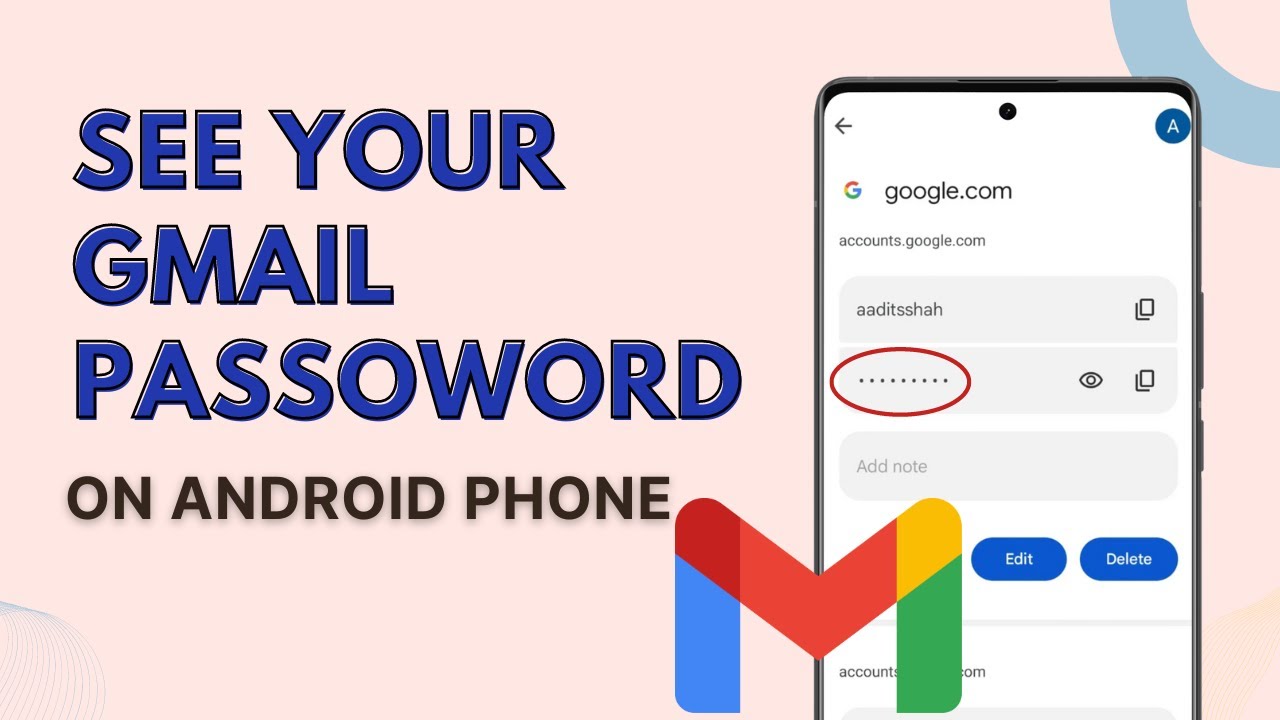
Forgot your Gmail password? See it on your Android phone through Google Password Manager in a few taps, as long as the password was saved to your account.
Use your school .edu email to sign up for Canva for Education, which includes Canva's Pro features for free. Every screen of the verification, step by step.
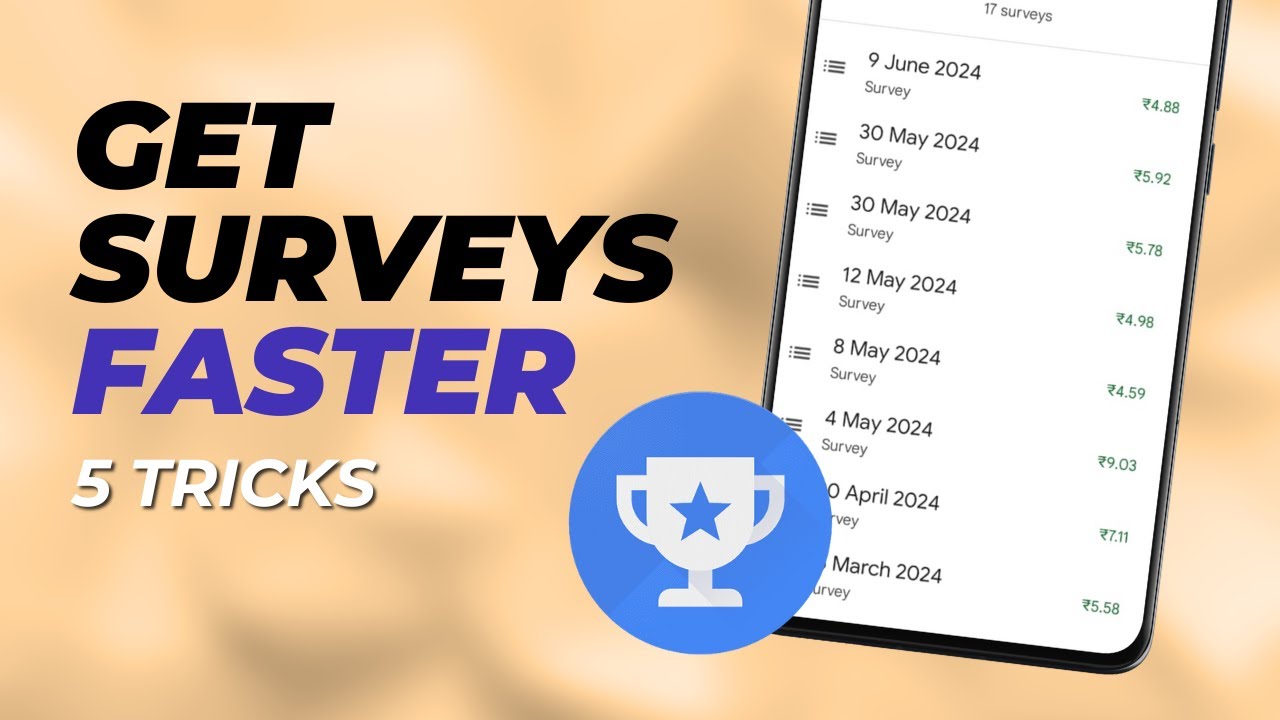
Not getting surveys in Google Opinion Rewards? Six tips from 3-4 years of using the app: survey eligibility, location history, updates, honest answers and more.
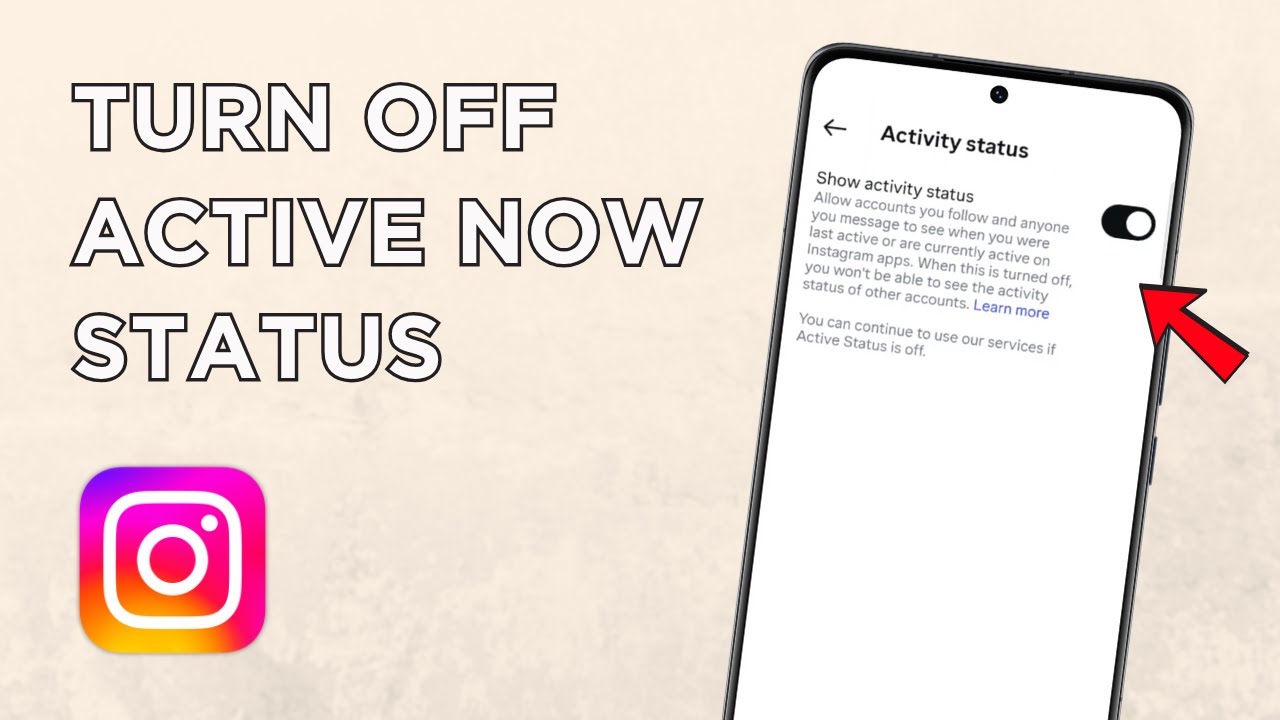
Hide your activity status on Instagram so people can't see when you're online or last active, by turning off Show activity status in the app's settings.
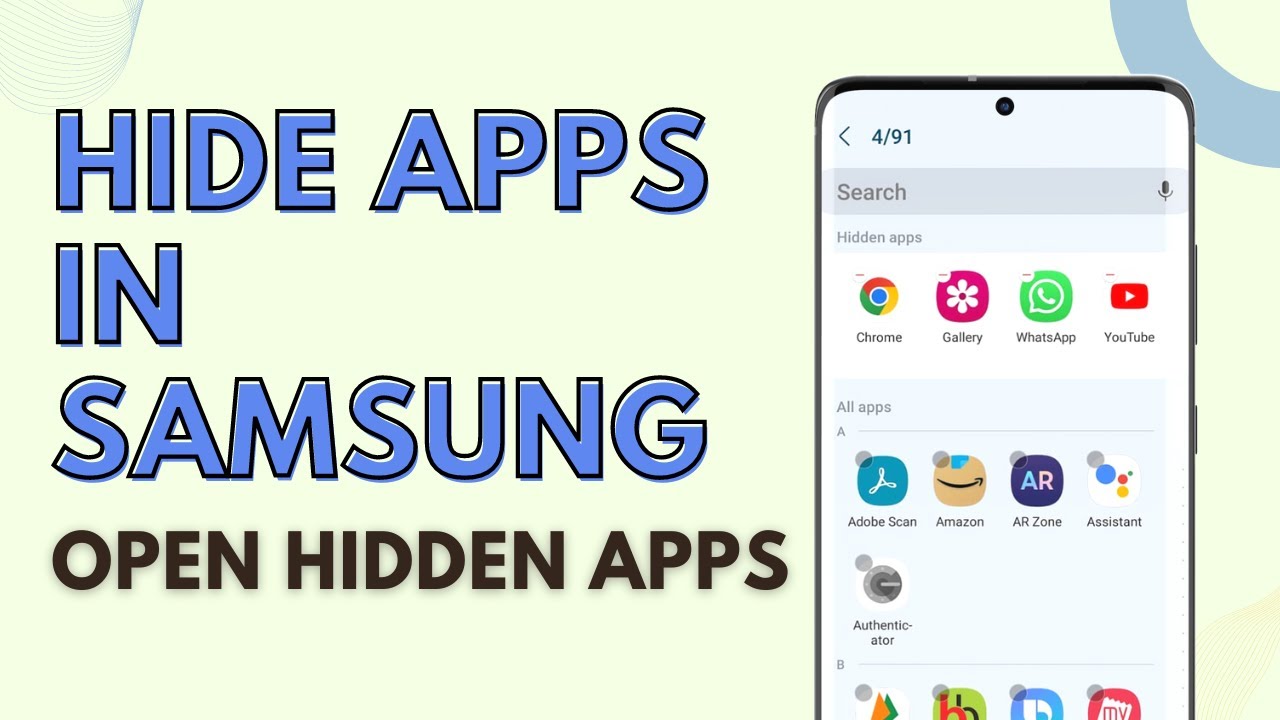
Hide apps on any Samsung Galaxy phone from Home screen settings, then open hidden apps in two ways: through search without unhiding, or by unhiding them.
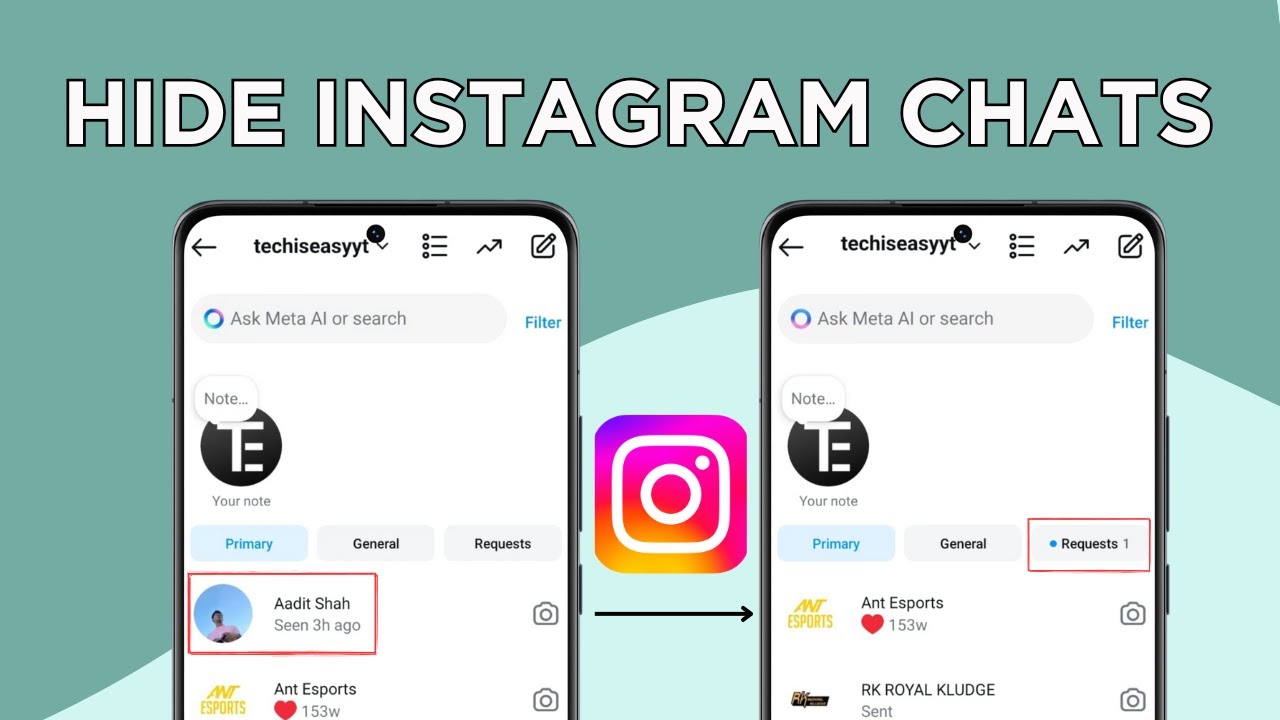
Hide an Instagram chat without deleting any messages by restricting the account, then find and read the hidden chat later in your message requests.
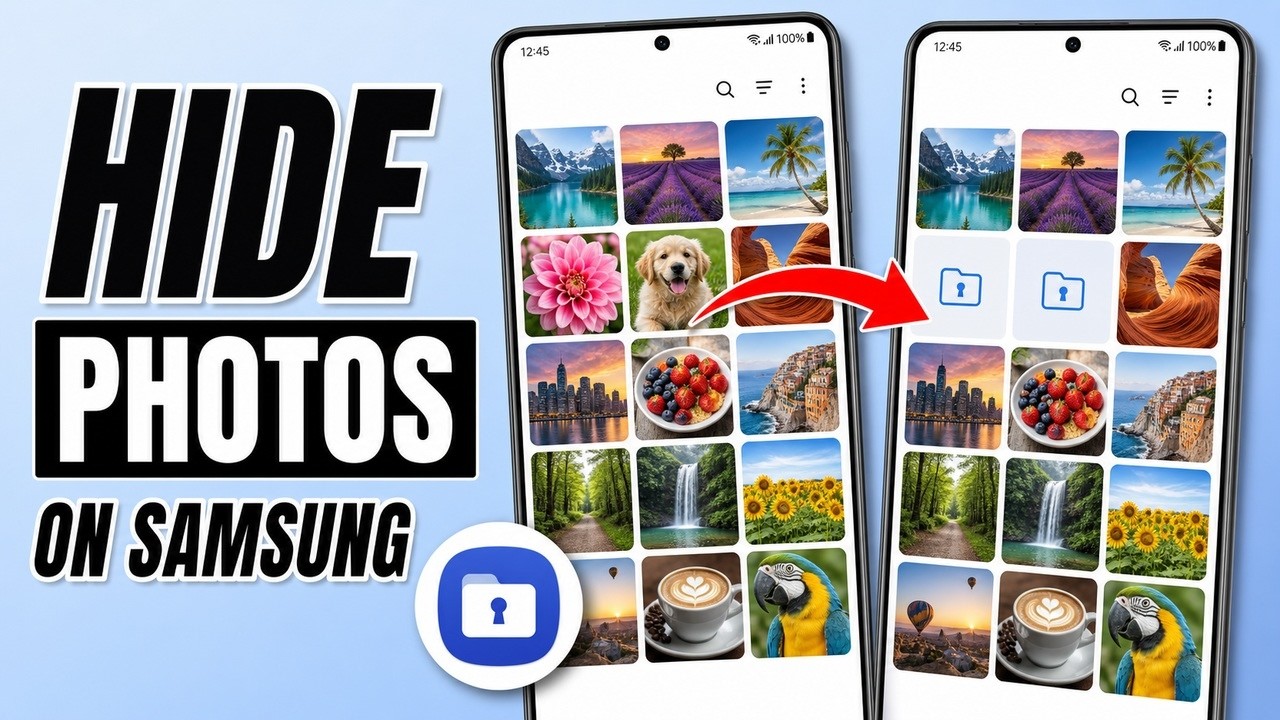
Hide photos and videos from the Gallery on any Samsung phone by moving them to Secure Folder, then open them again behind your PIN, password or pattern.
Hide chats on WhatsApp so they vanish from your chat list, even the Locked chats folder, and bring them back by typing your secret code in the search bar.
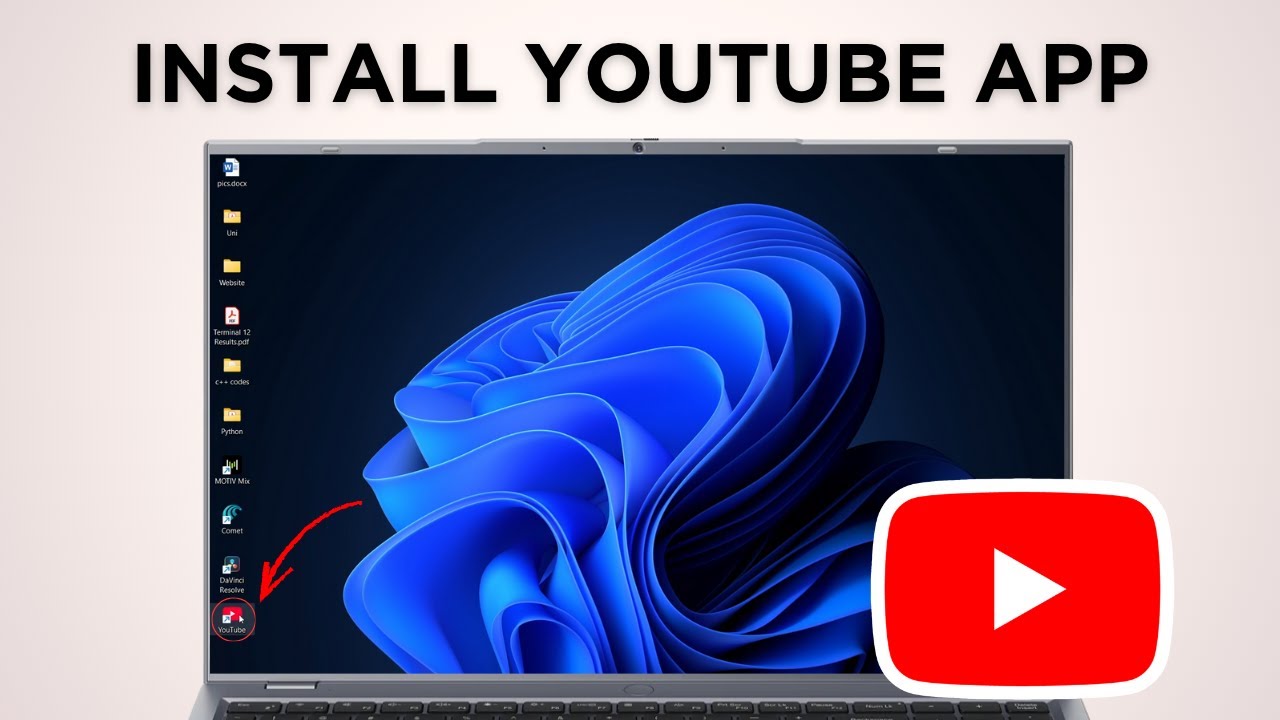
Install YouTube as an app on your PC in under a minute using Chrome's Install YouTube option, then pin it to the taskbar or uninstall it whenever you like.
Link Google Forms to Google Sheets in a few clicks: open the Responses tab, click Link to Sheets, create or pick a spreadsheet, and get every answer live.
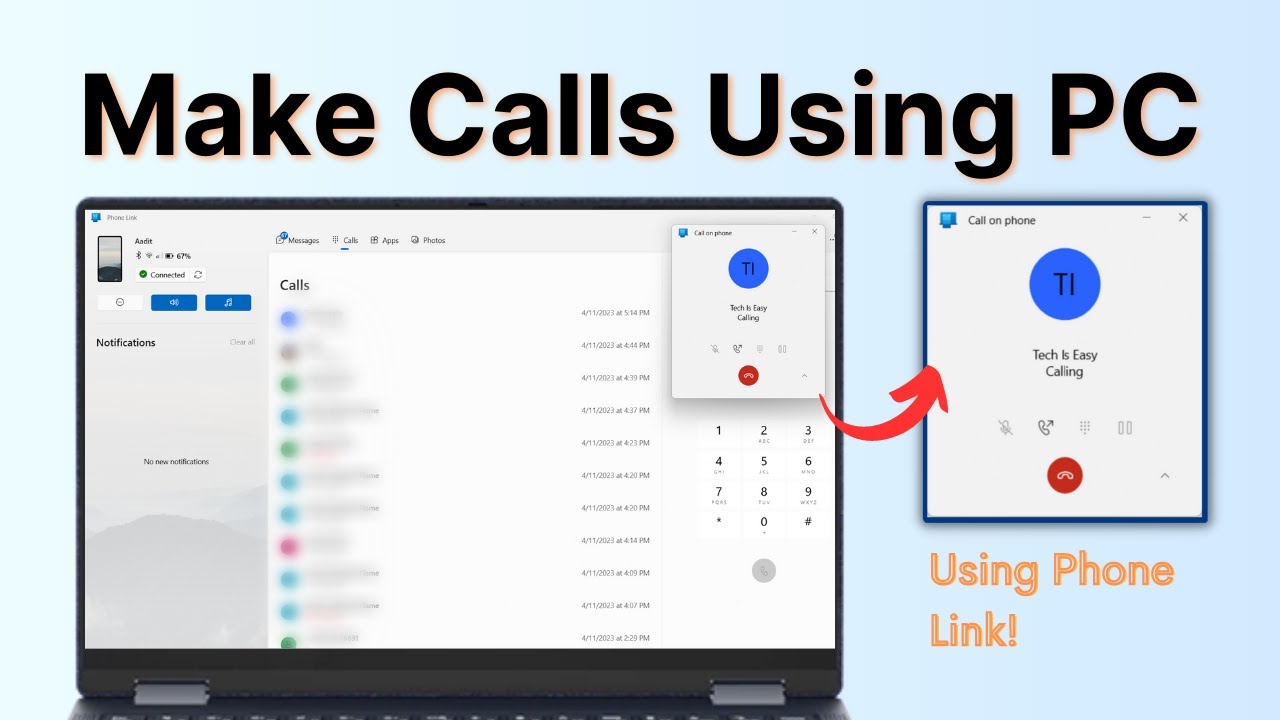
Make and receive phone calls on your Windows PC using Phone Link. Pair your Android phone or iPhone with a QR code, connect Bluetooth, and call from the dialer.
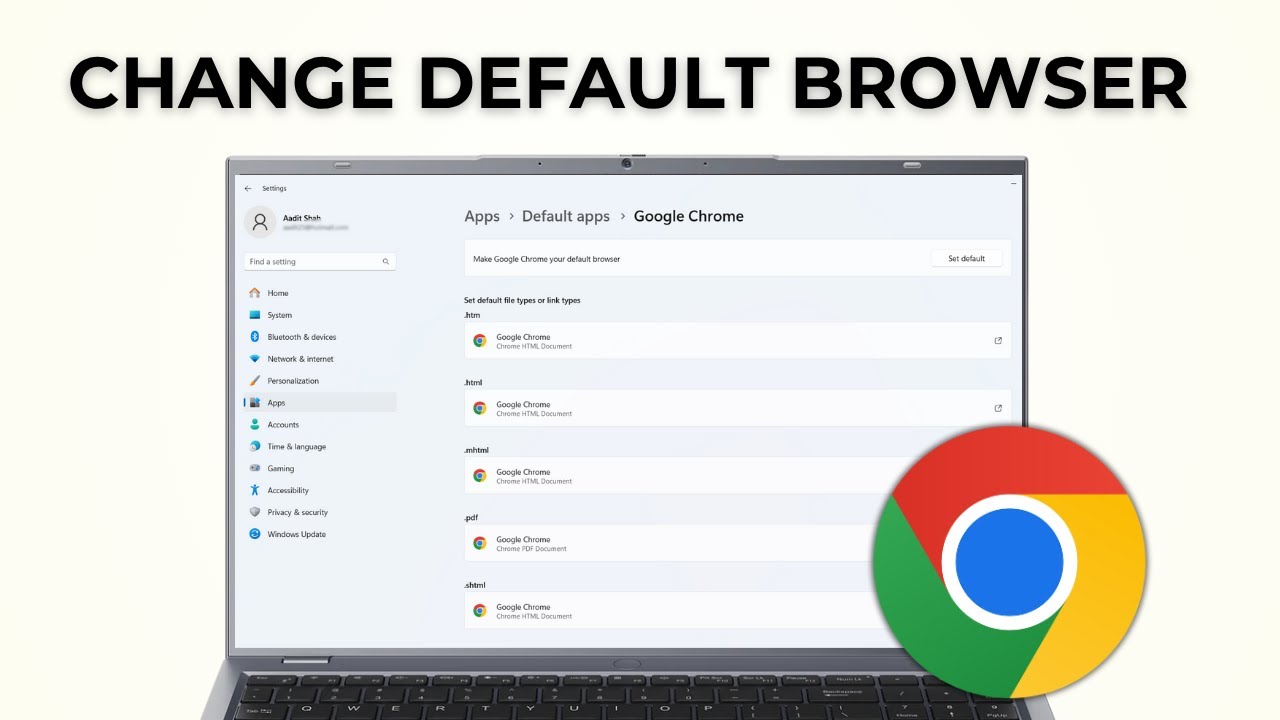
Make Google Chrome your default browser on Windows 11: open Settings > Apps > Default apps, search for Google Chrome and click Set default in seconds.
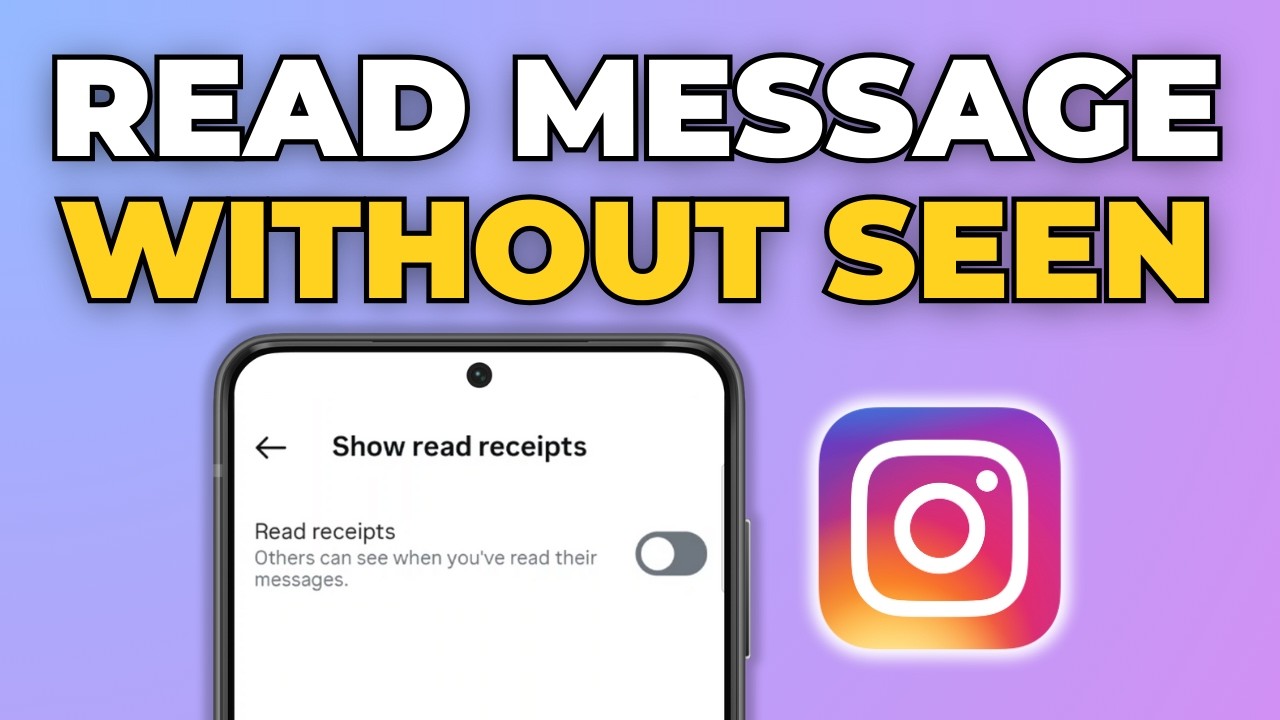
Read Instagram messages without showing Seen by turning off read receipts in Settings > Messages and story replies > Show read receipts. Takes 30 seconds.
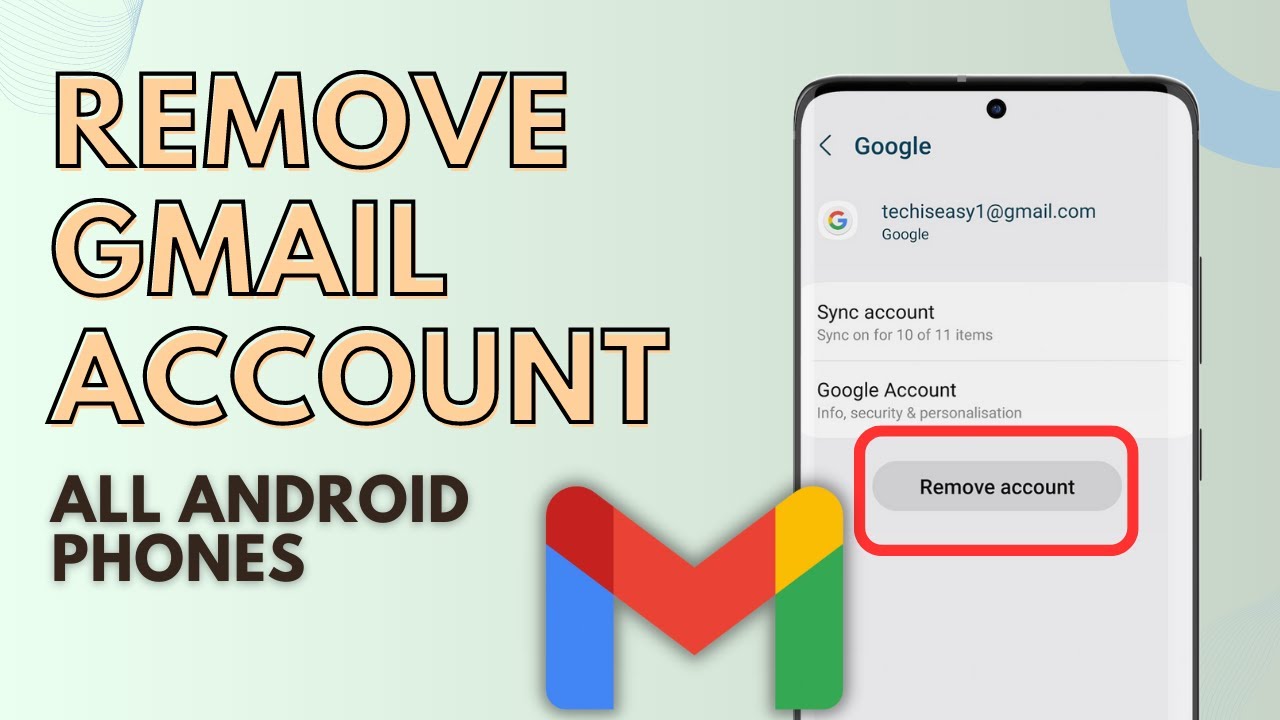
Remove a Gmail account from your Android phone using the Gmail app: tap your profile picture, Manage accounts on this device, then Remove account.
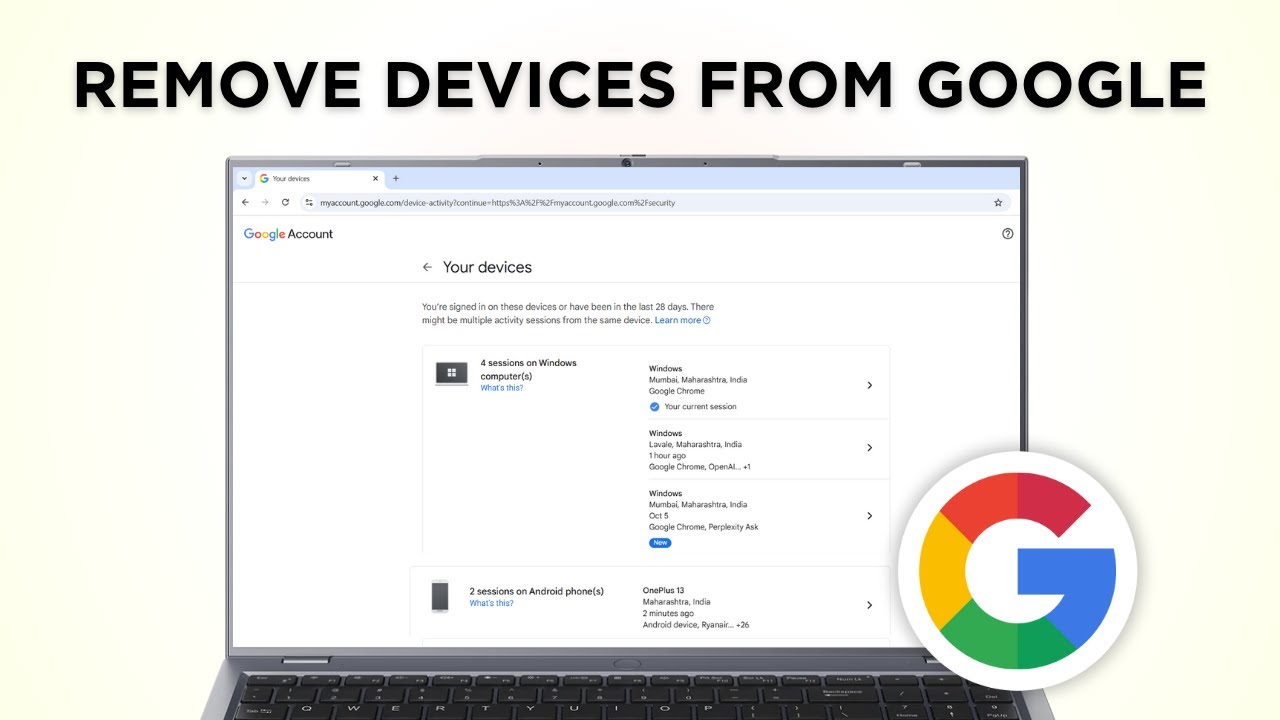
Remove your Google account from other devices in a few clicks: open Security, Manage all devices, pick the device and sign out of it remotely.
Save Google Form responses as a PDF: print the summary charts or every individual response, set the destination to Save as PDF and download the file.
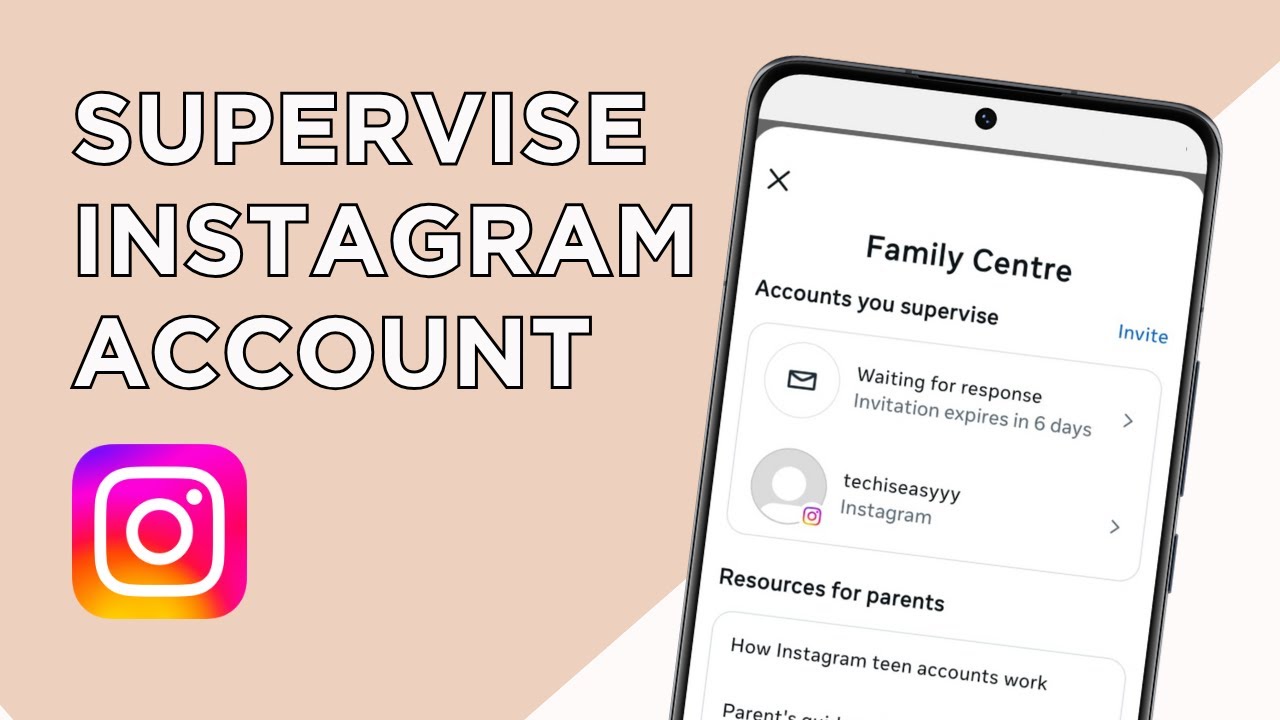
Set up parental controls on Instagram with Family Centre: invite your teen, have them accept, then set time limits, sleep mode and check their privacy.
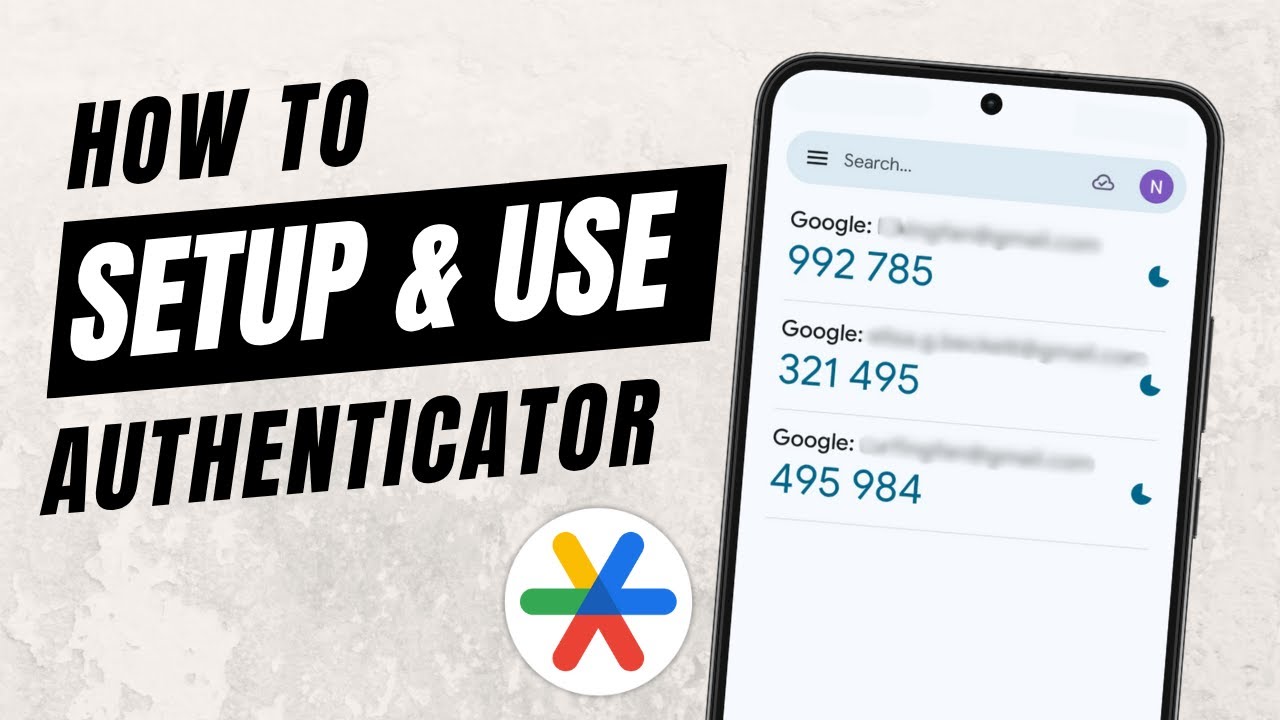
Set up the Google Authenticator app and use it for two-factor authentication: install it, add a code by scanning a QR code, and verify it with your account.
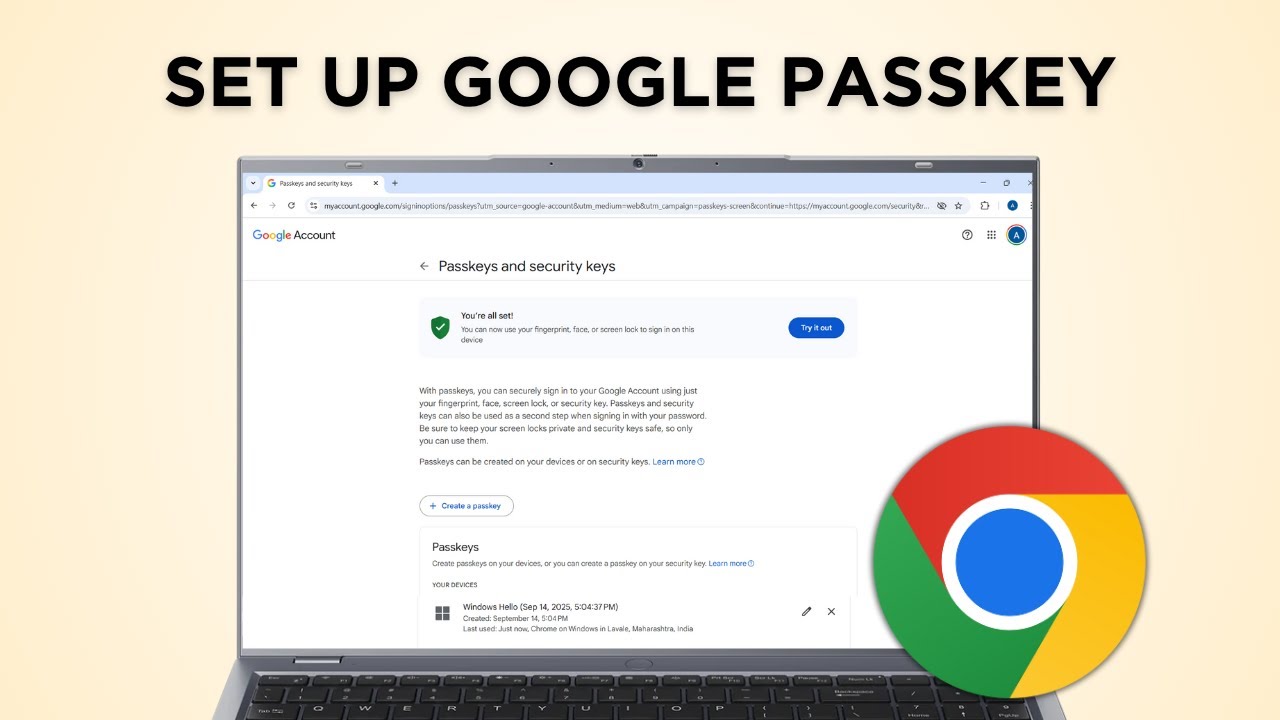
Create a passkey for your Google Account so you can sign in with your fingerprint, face or screen lock instead of a password. Takes about a minute.
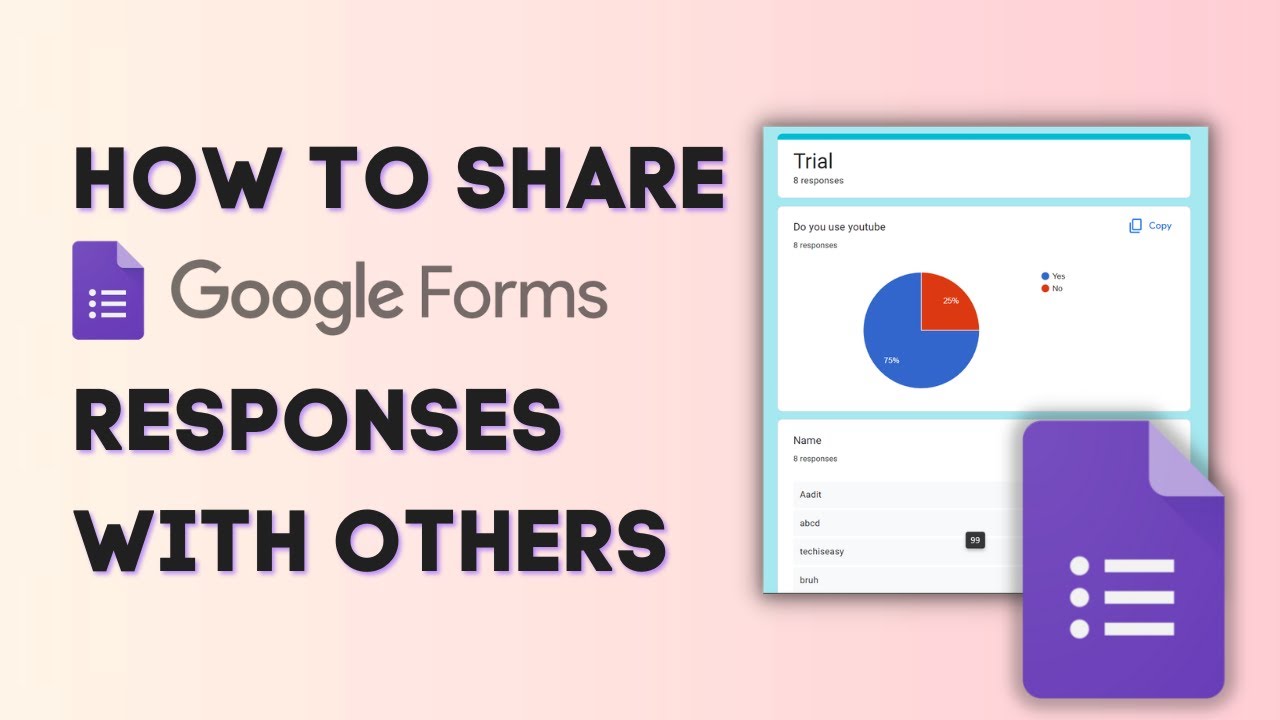
Five ways to share Google Form responses: add collaborators, save the summary charts as a PDF, share a linked Google Sheet, send a CSV or print every response.
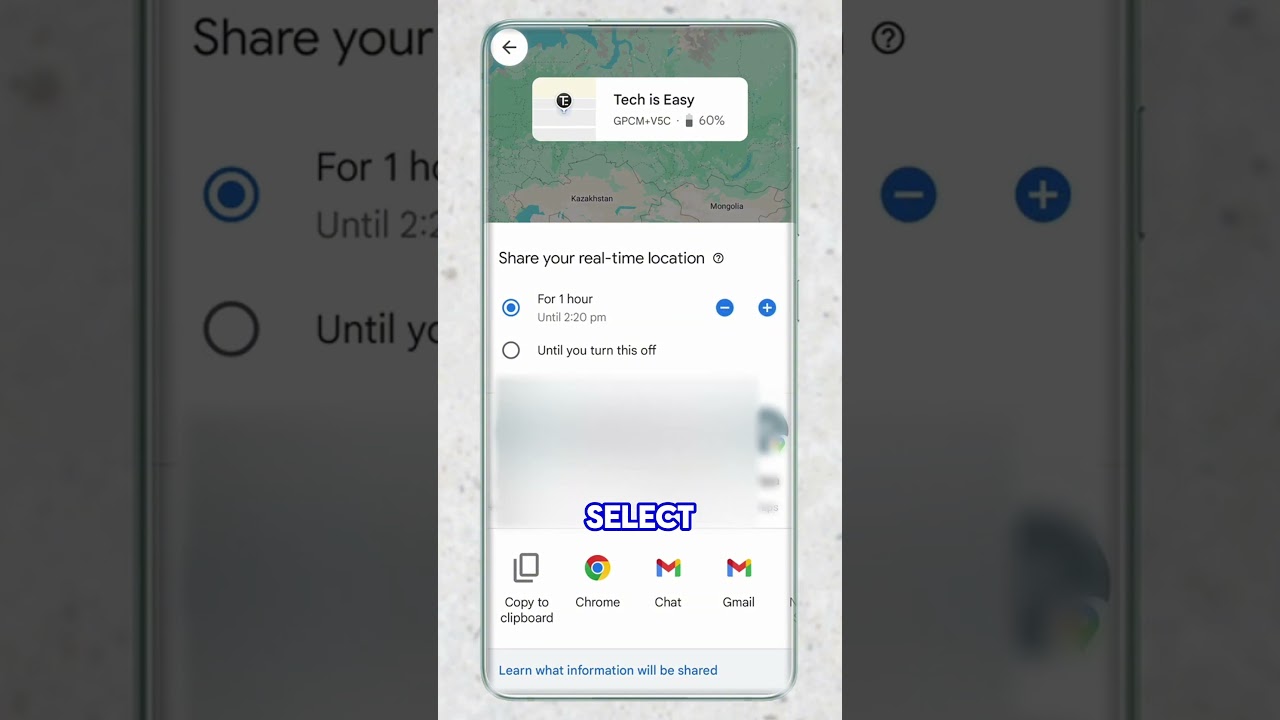
Share your live location from Google Maps with a link: pick how long to share for, copy the link, send it to anyone, and stop sharing whenever you want.
Share your WiFi password from an Android phone with a QR code: open your WiFi network's settings, tap QR code, and let others scan it to connect.
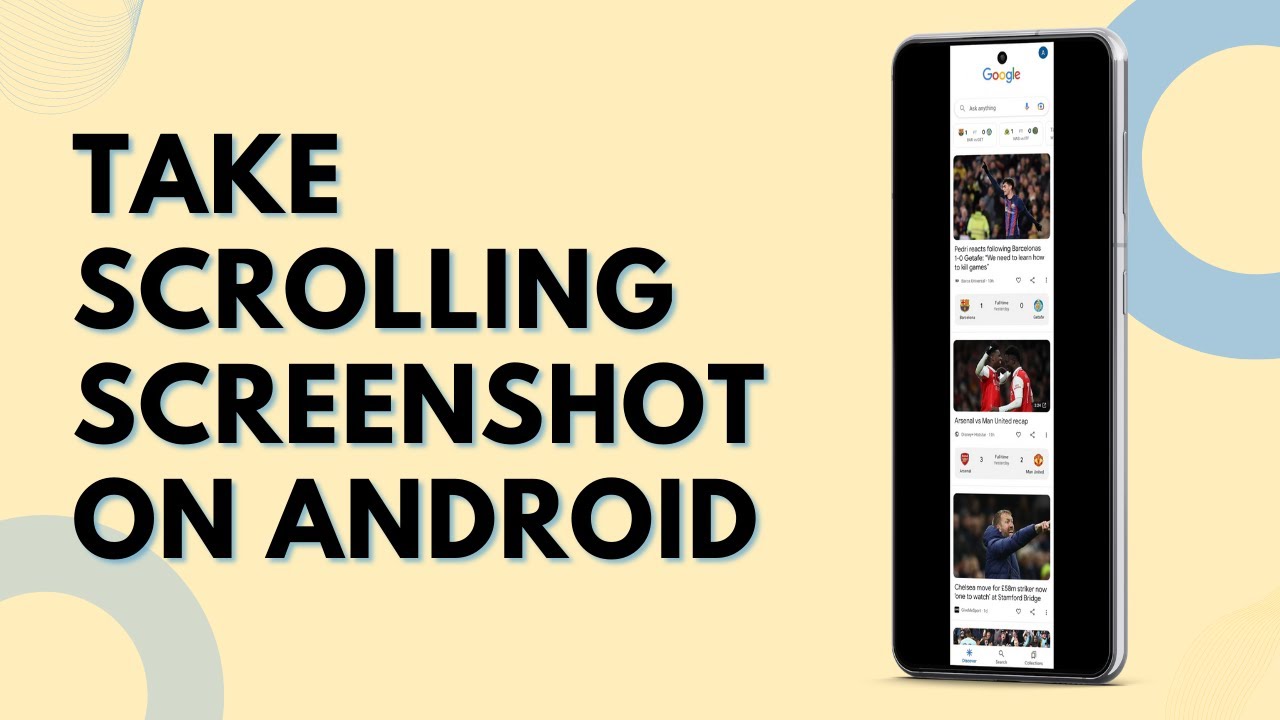
Take a scrolling or long screenshot on your Android phone: press Power and Volume Down, then tap the scroll capture button to add more of the page.
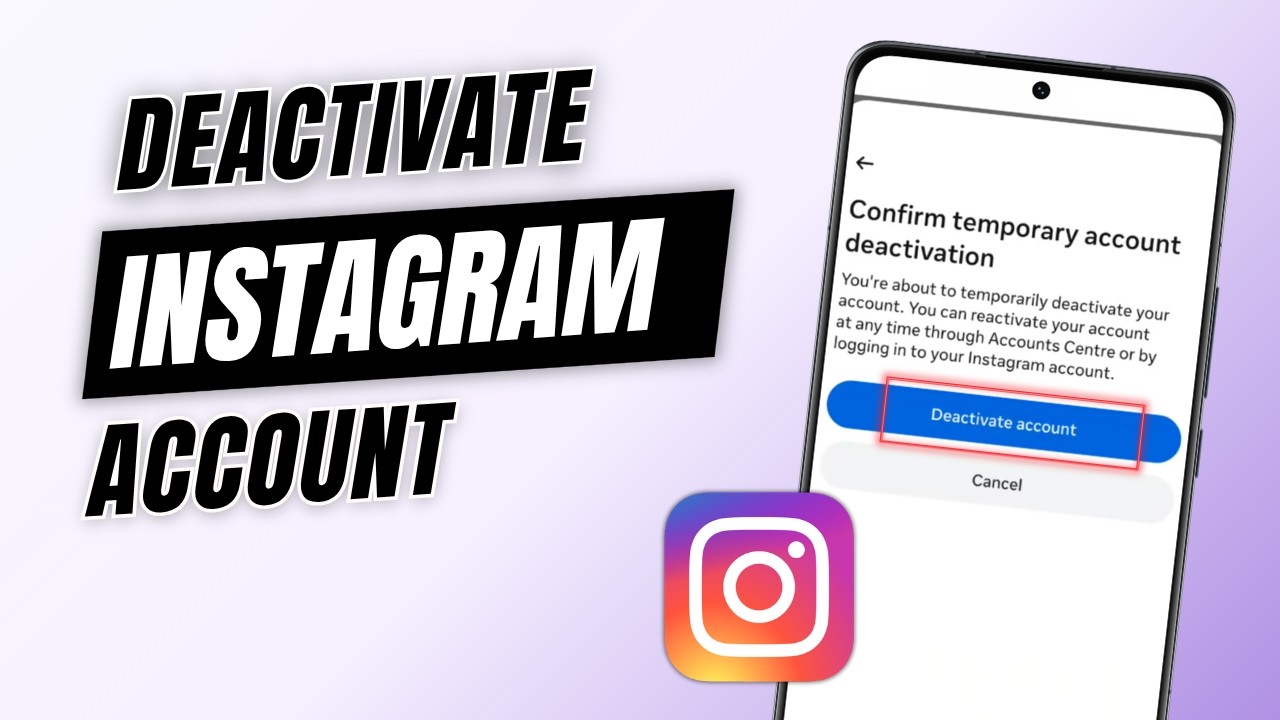
Temporarily deactivate your Instagram account from the app using Accounts Centre, and choose whether it reactivates on its own or stays off until you log in.
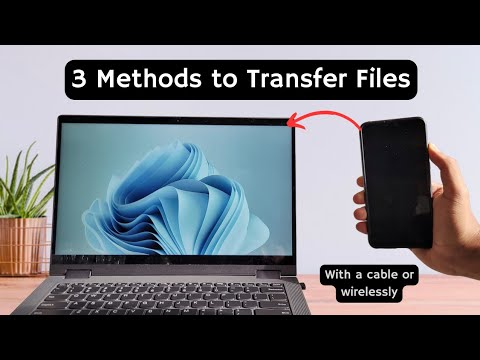
How to transfer files from Android to PC: send them wirelessly with Nearby Share, copy large files over a USB cable, or use WhatsApp and Google Drive.
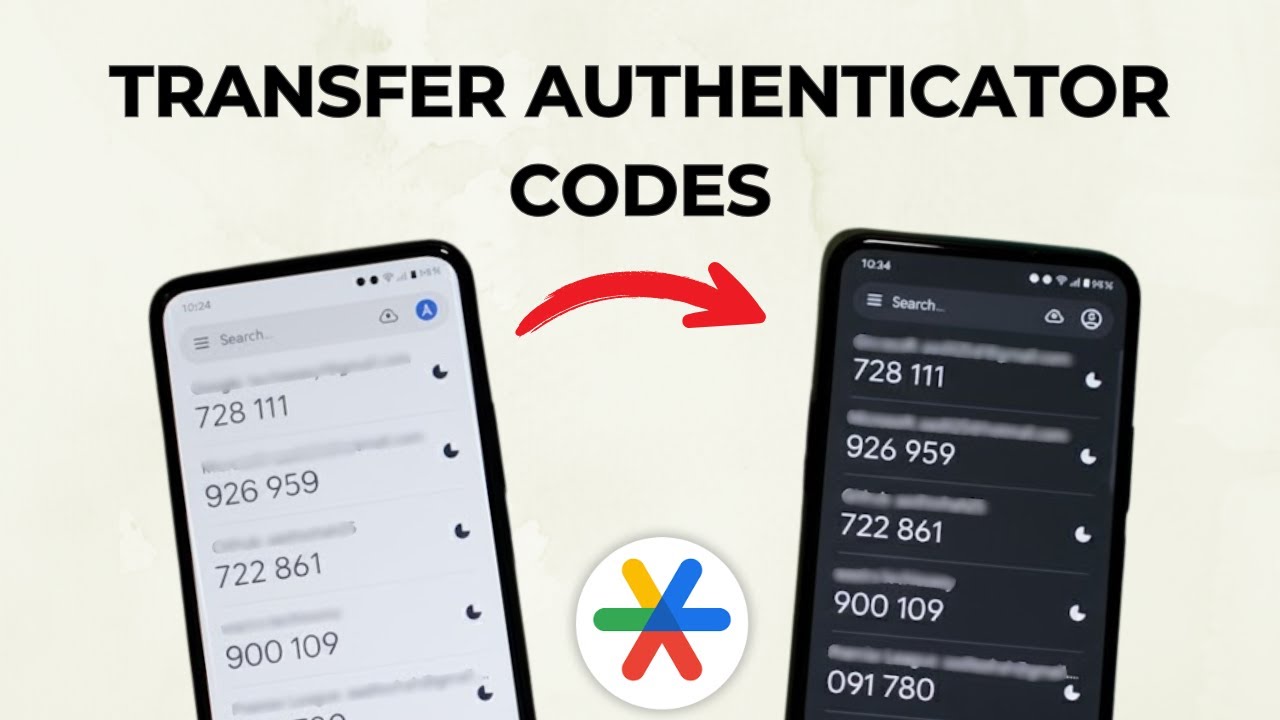
Move your Google Authenticator codes from your old phone to a new one: export them as a QR code on the old phone and scan it with the app on the new phone.
Move Google Photos to another Google account two ways: share a link and save selected photos, or use Partner Sharing to send every photo to the new account.
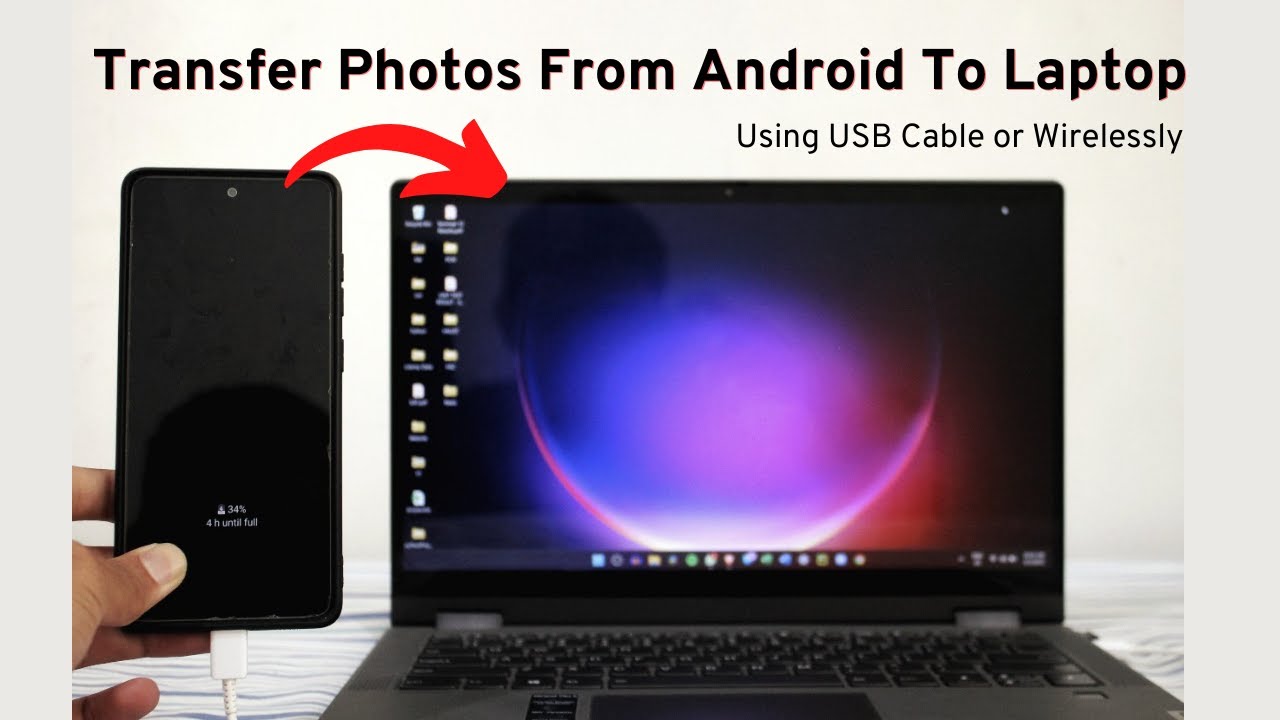
How to transfer photos from Android to PC or laptop four ways: a USB cable, emailing them to yourself, Google Drive, and the Phone Link app on Windows.
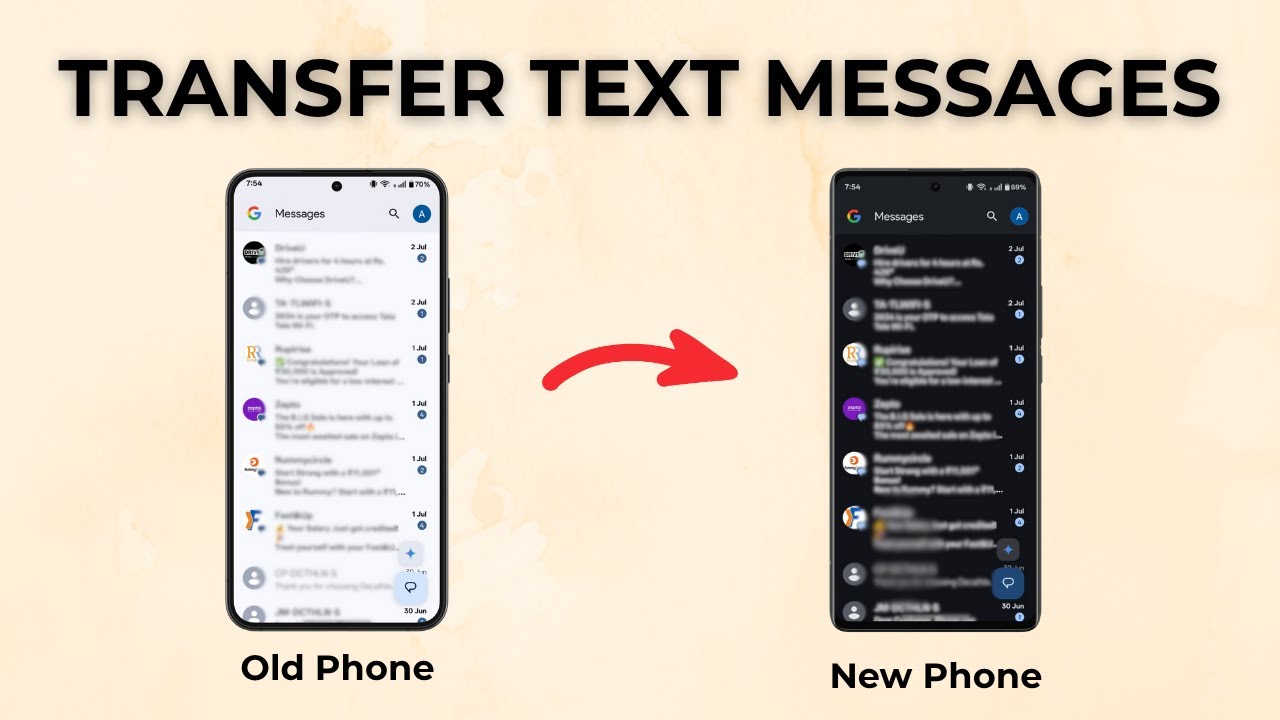
Move all your text messages (SMS) from an old Android phone to a new one with the free SMS Backup & Restore app: back up, send the file, then restore it.
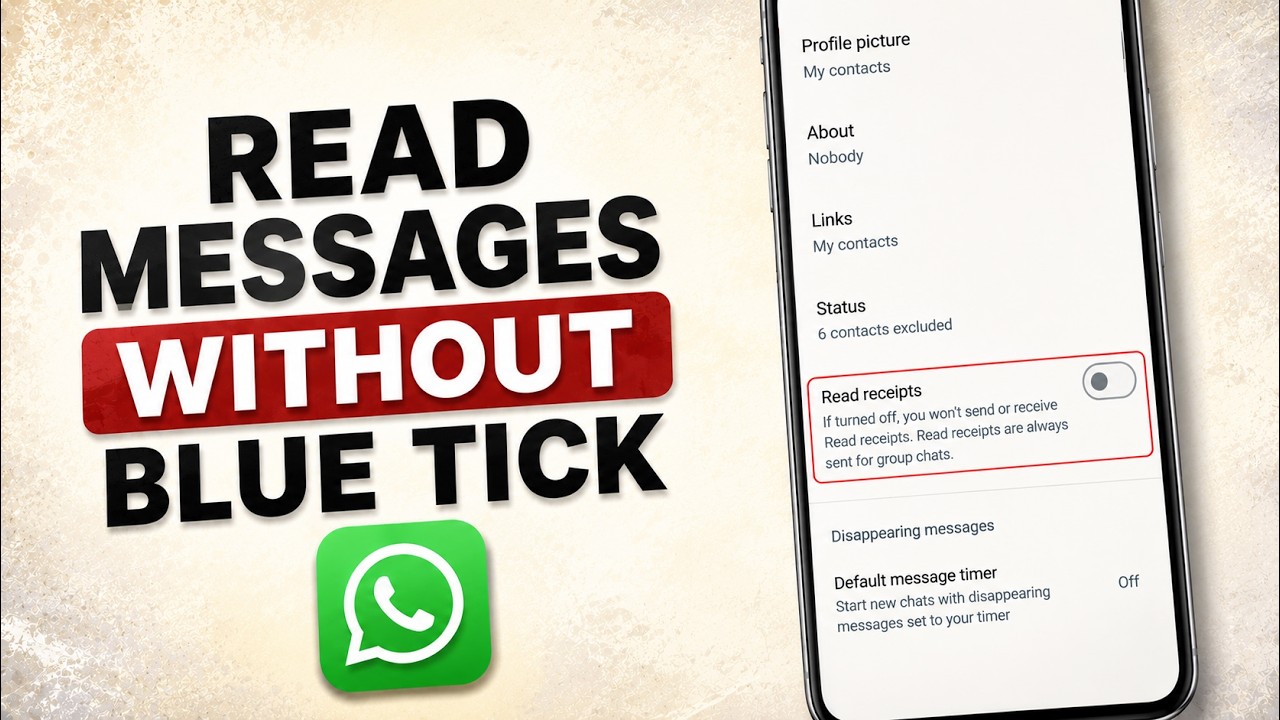
Turn off read receipts on WhatsApp so people don't see blue ticks when you read their messages. Takes four taps in Settings > Privacy on your phone.
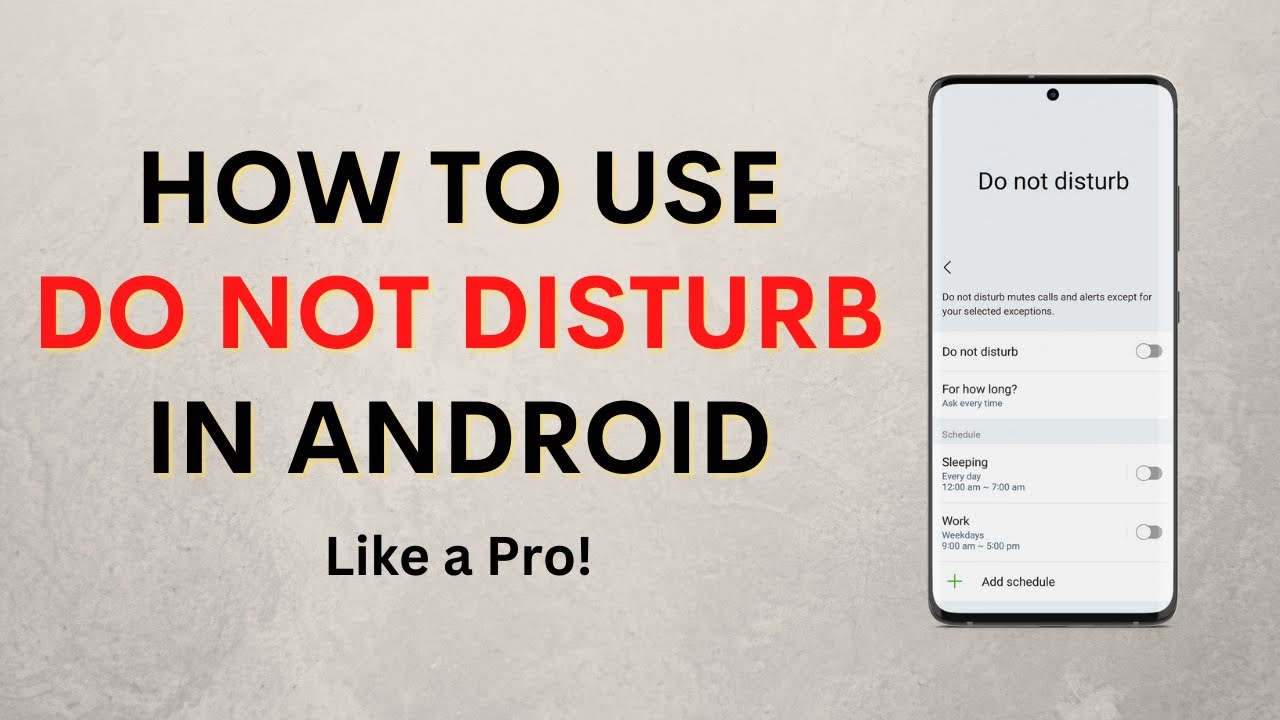
Set up Do Not Disturb on Android: allow calls from chosen contacts, keep alarms, let key apps through, schedule DND for work hours and hide notifications.
Use your Android phone as a webcam for your Windows PC with Phone Link. Link the phone, turn on Use as a connected camera, then pick it in Google Meet or Zoom.
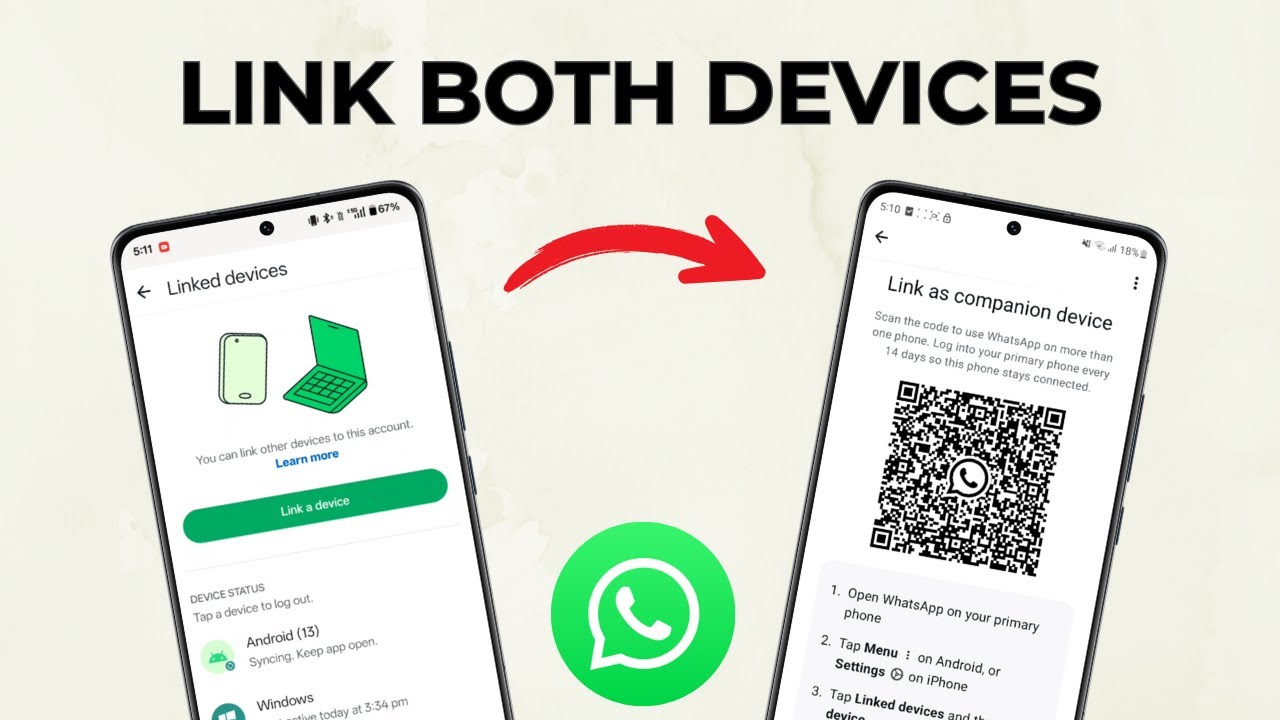
Use the same WhatsApp account on two phones with one number: link the second phone as a companion device and scan its QR code from your main phone.
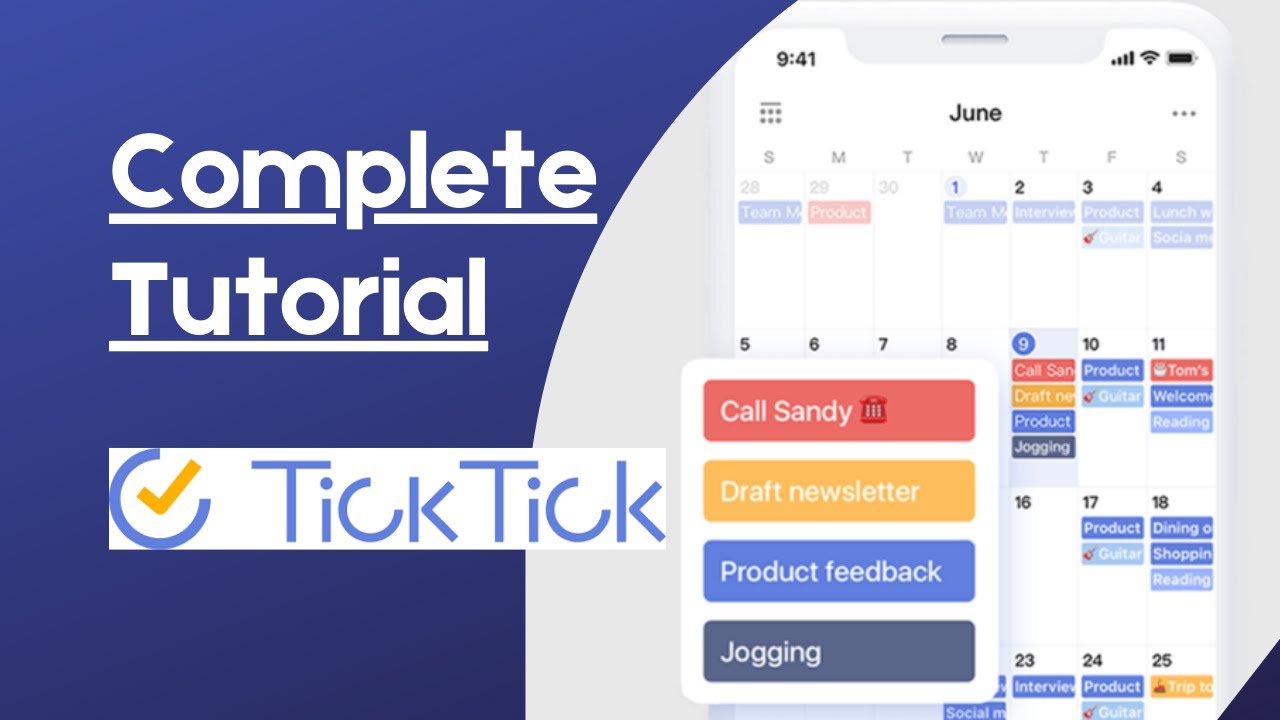
Learn how to use the TickTick app: add tasks with smart dates, set reminders and repeats, use priorities, tags and lists, the calendar, and home screen widgets.
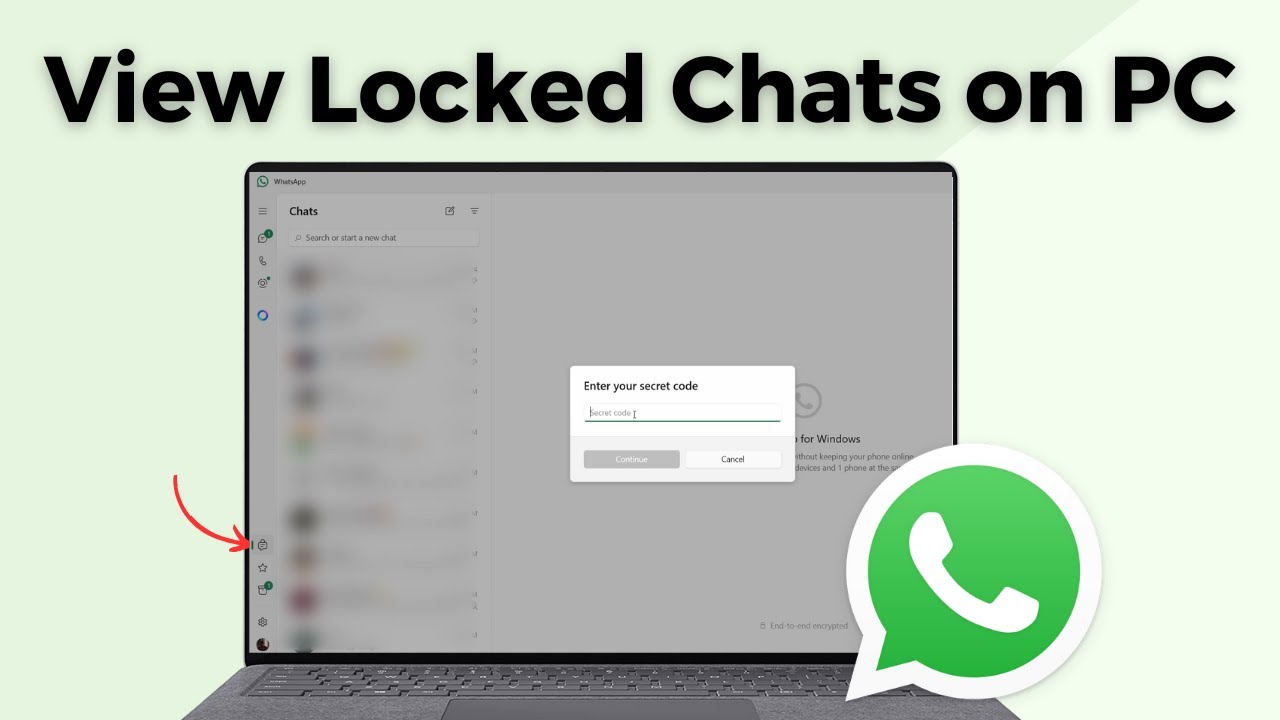
View locked chats in WhatsApp on your PC: set a secret code from Chat lock settings on your phone, then enter it on the computer to open your locked chats.
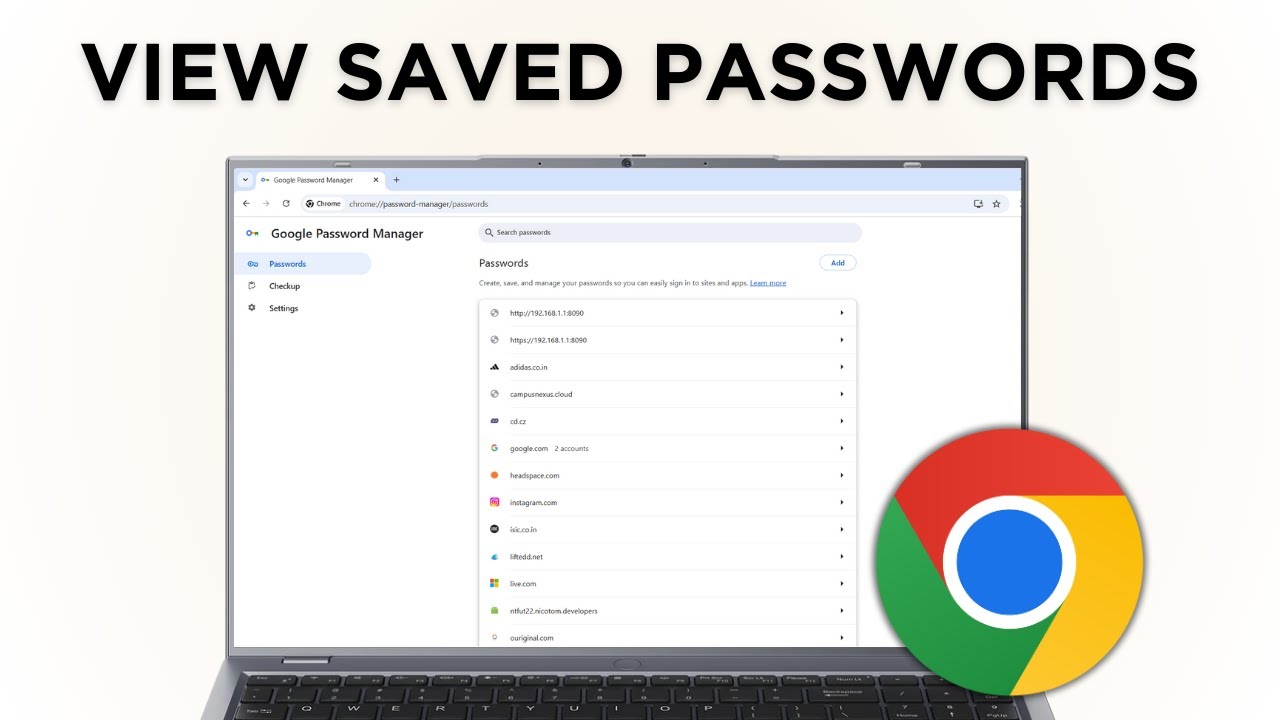
View saved passwords in Google Chrome on your computer: open Google Password Manager, pick a site, and click the eye icon to see, edit or delete a password.
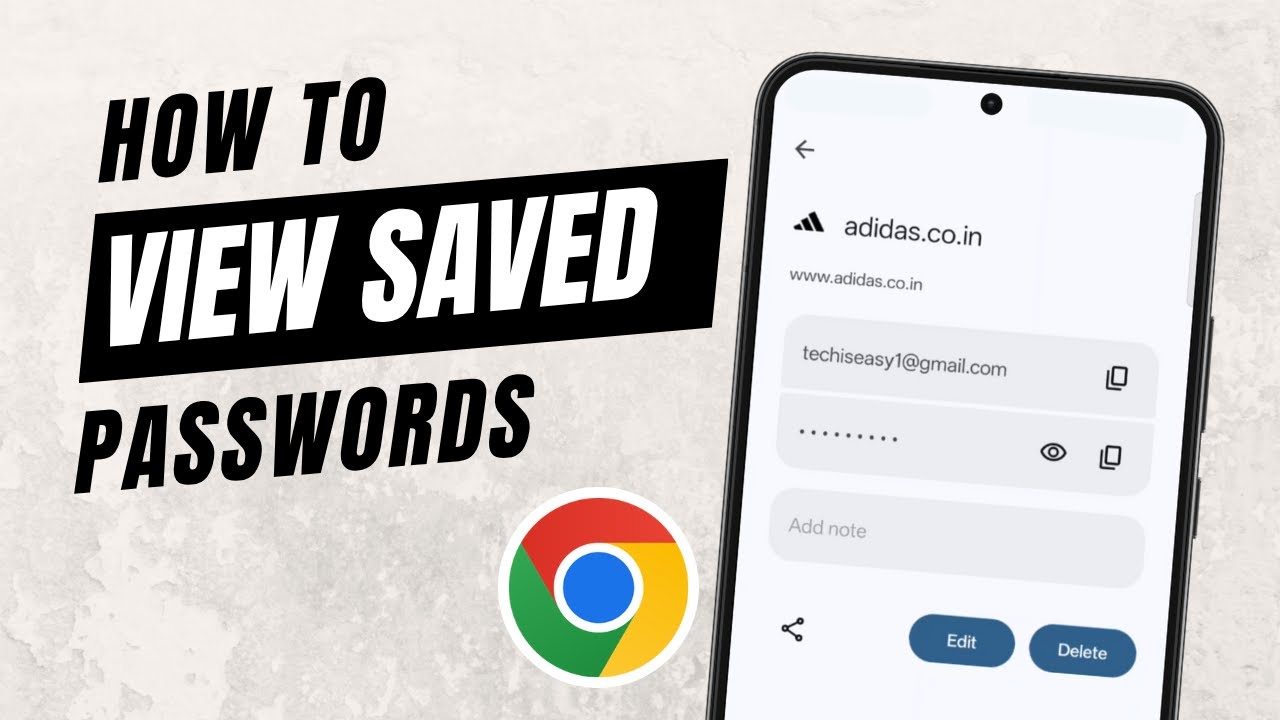
View saved passwords on your phone: open Chrome, go to Settings > Google Password Manager, tap a site and use the eye icon to see, edit or delete it.
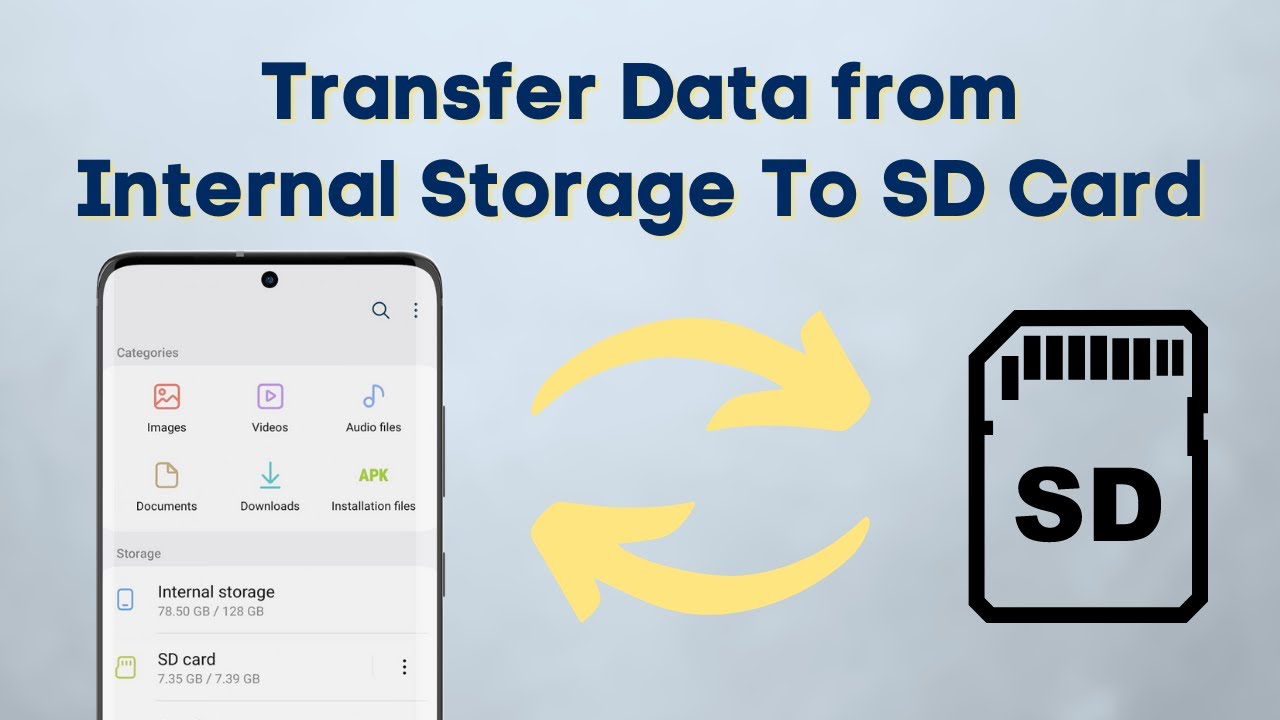
Move files from internal storage to SD card on Android with the built-in My Files app, and move them back to internal storage the same way. No extra apps.
Send a WhatsApp message to any number without saving the contact, using a wa.me link in your browser or by messaging the number to yourself.
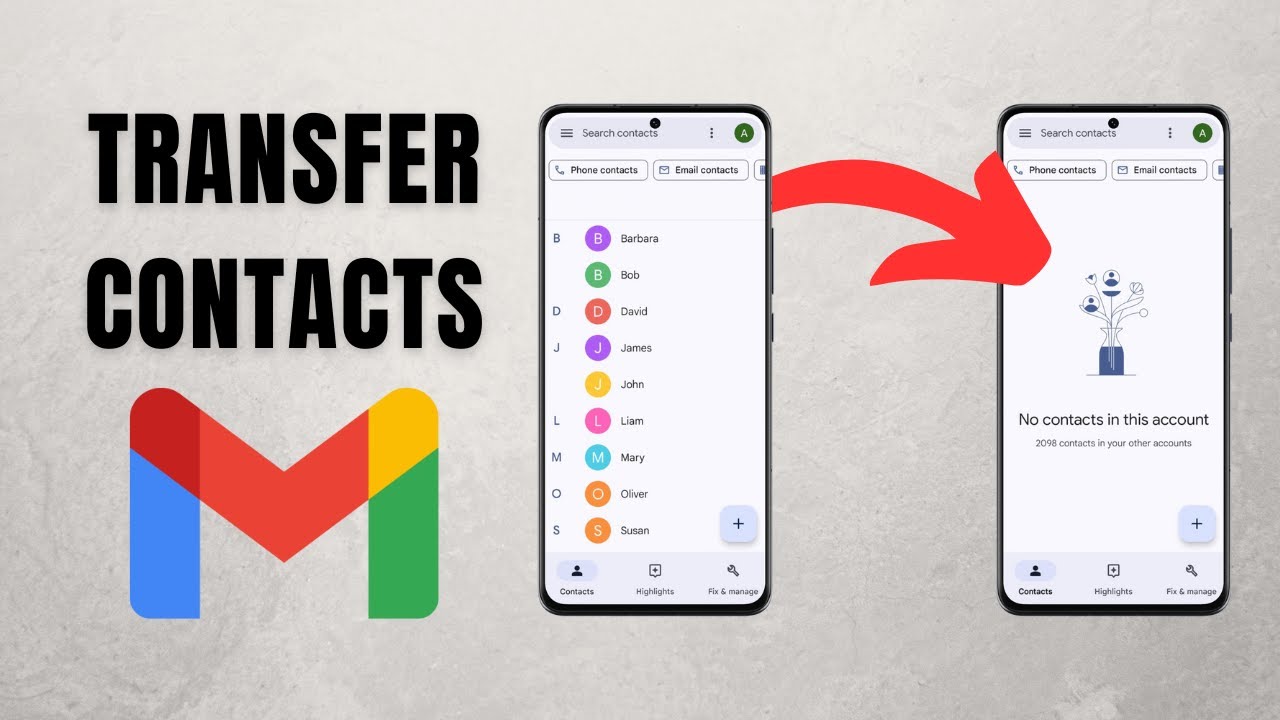
Transfer contacts from one Gmail account to another on your phone: export them to a VCF file in Google Contacts, then import that file into the new account.
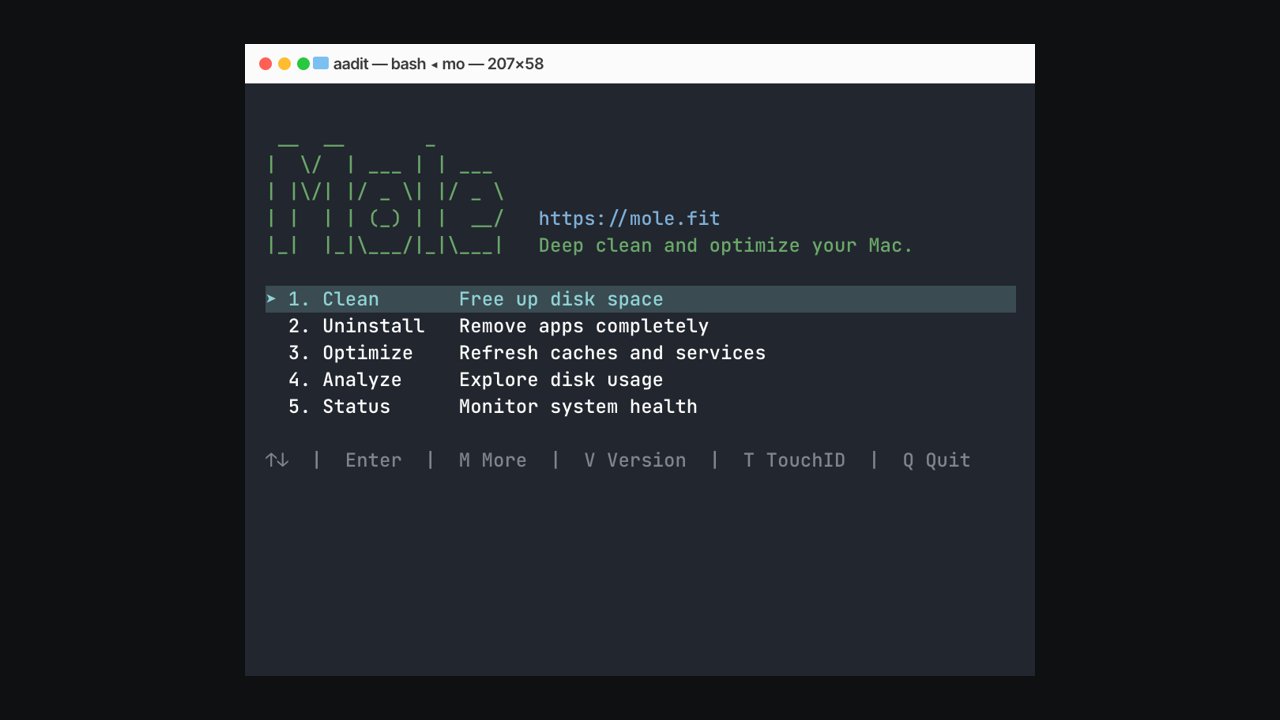
Install Mole, the free open-source Mac cleaner from GitHub (tw93/Mole), with Homebrew or one curl command, then run mo clean to clear caches, logs and app leftovers.
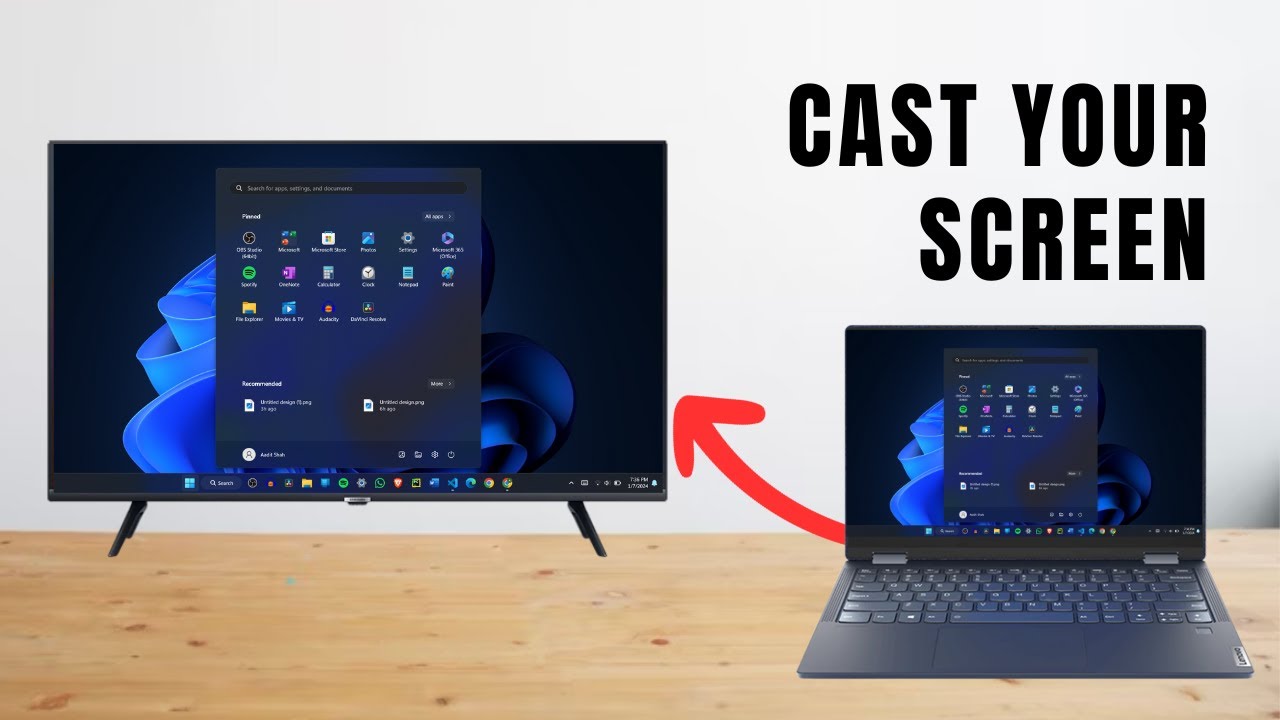
Cast your Windows laptop to a smart TV without HDMI or any app. Use Windows + K or Microsoft Edge's Cast screen option. Works on most smart TVs in under a minute.
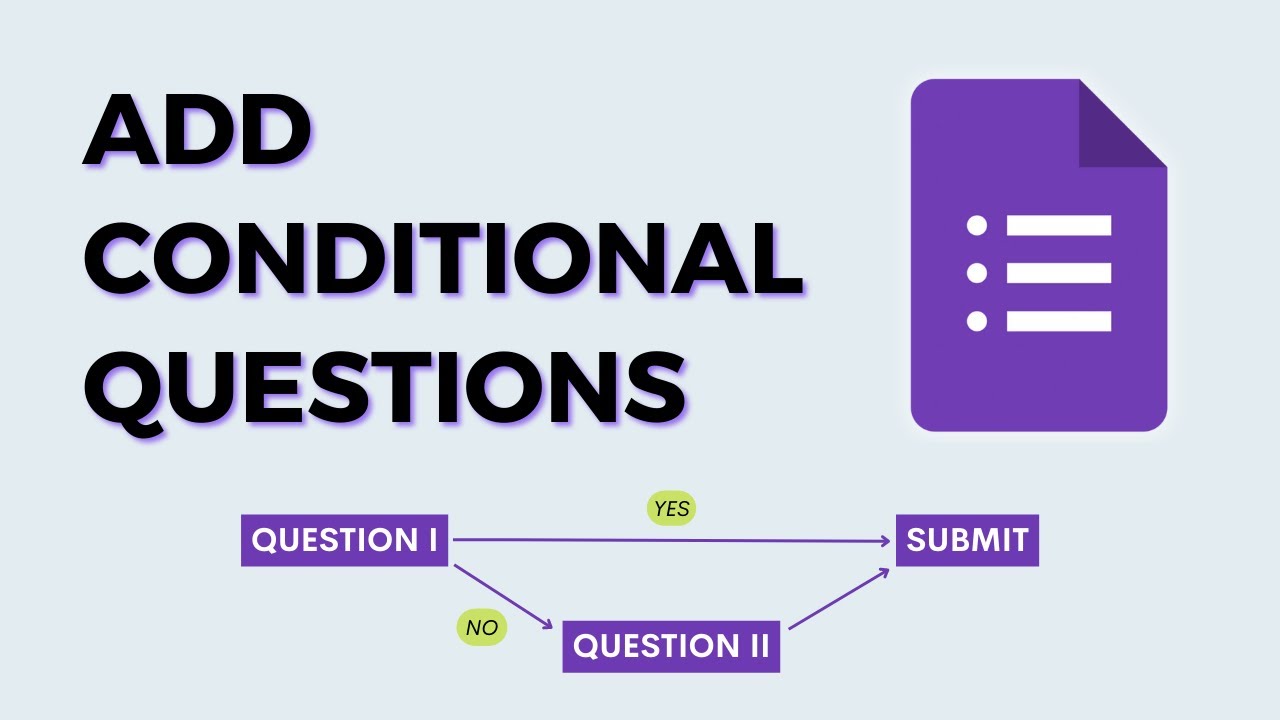
Show different questions based on someone's answer in Google Forms. Use sections and Go to section based on answer to build branching logic, then test it.
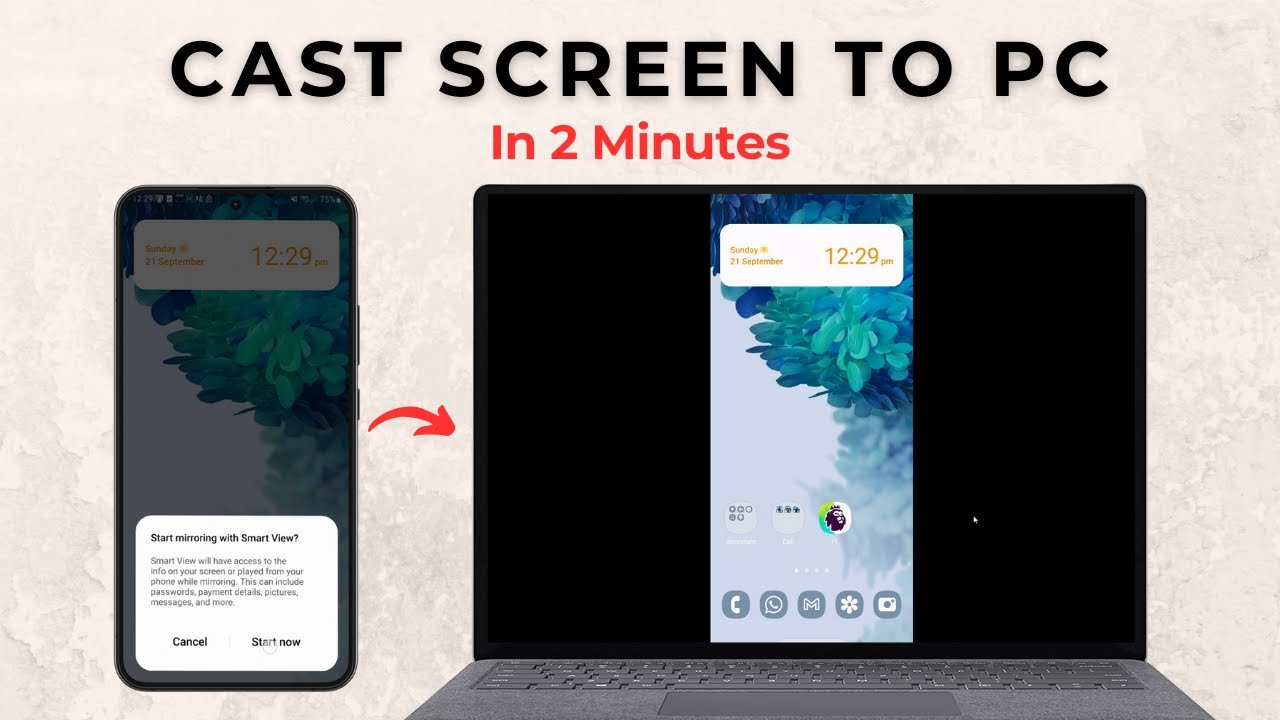
Mirror your Android phone to a Windows 11 PC with no extra apps. Add the Wireless Display feature, turn on Projecting to this PC, then cast from your phone.
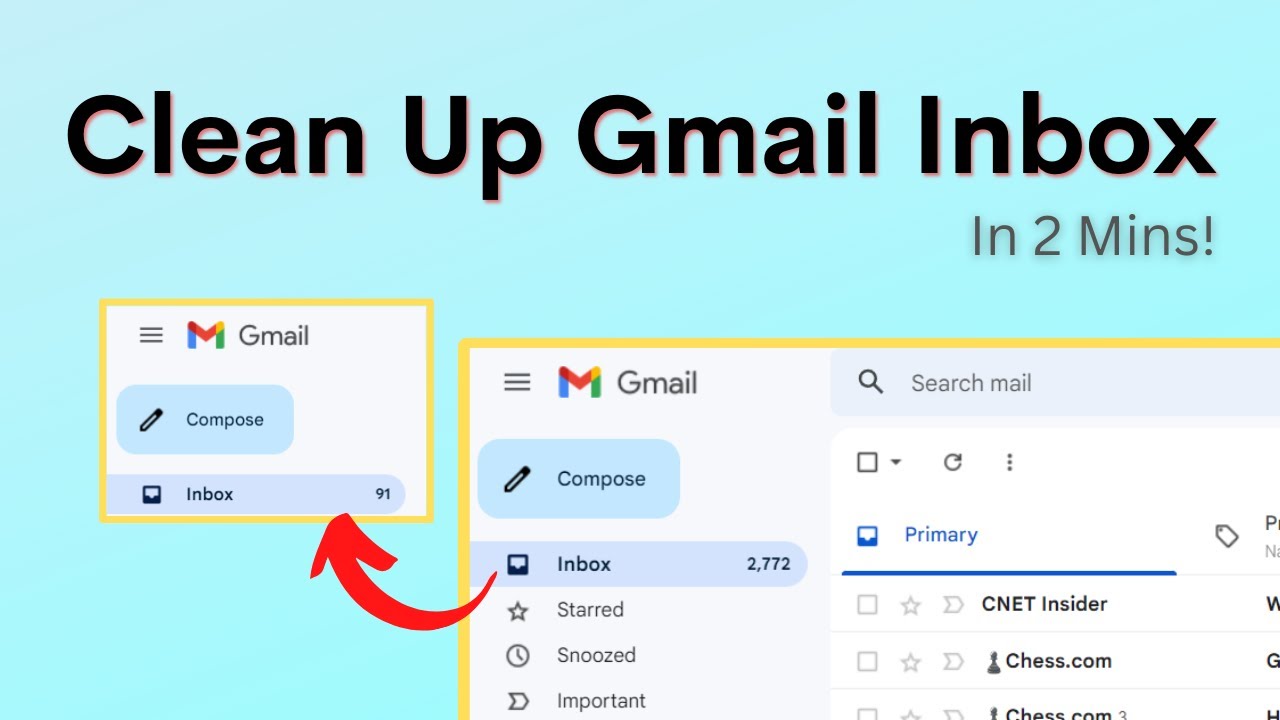
Clean up a cluttered Gmail inbox in minutes: send automatic emails to the Updates tab, find the senders who email you most, and bulk delete their mail.
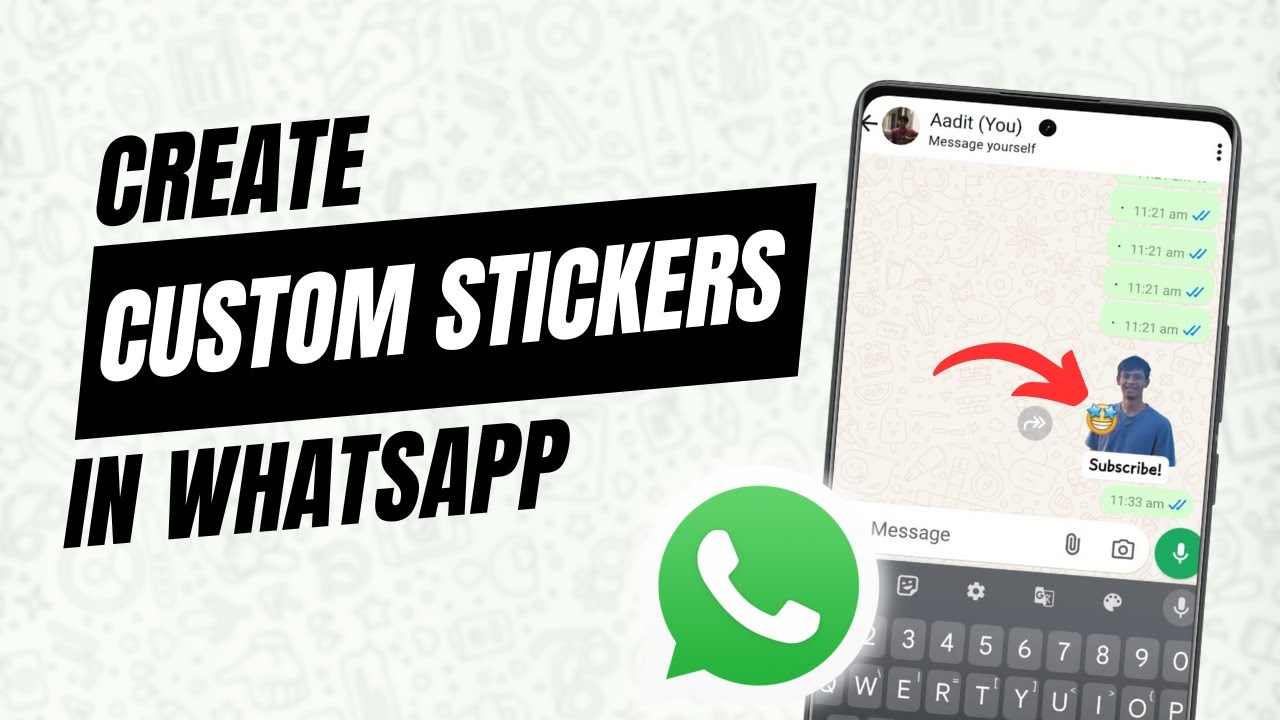
Make your own WhatsApp sticker from any photo using the built-in sticker maker. Remove the background, add emoji, text or drawings, send it and save it.
Add a YouTube video to a PowerPoint slide with Online Videos, make it start at a set time, change its cover image, and choose how it plays in your slideshow.
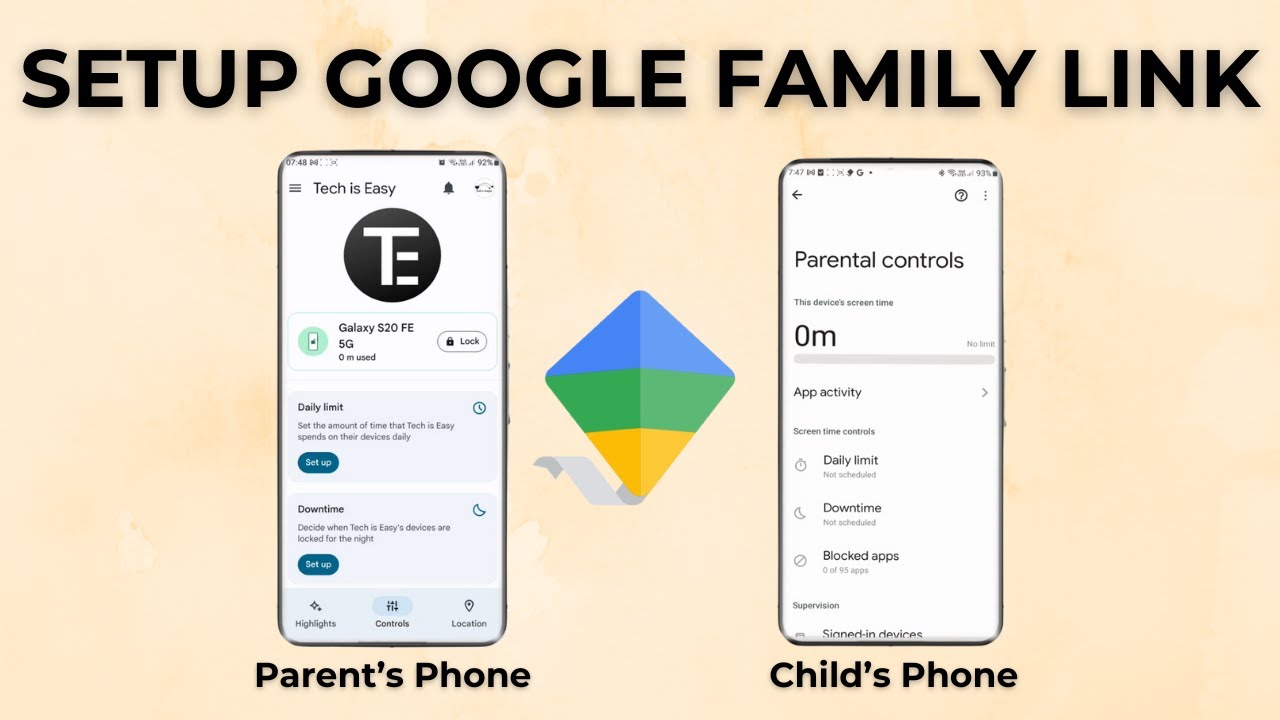
Set up Google Family Link parental controls step by step: start supervision on your child's Android phone, then manage screen time and apps from your own phone.
Move all your old emails to a new Gmail account in 2 steps: import existing mail with Accounts and Import, then set up forwarding so new mail follows you.
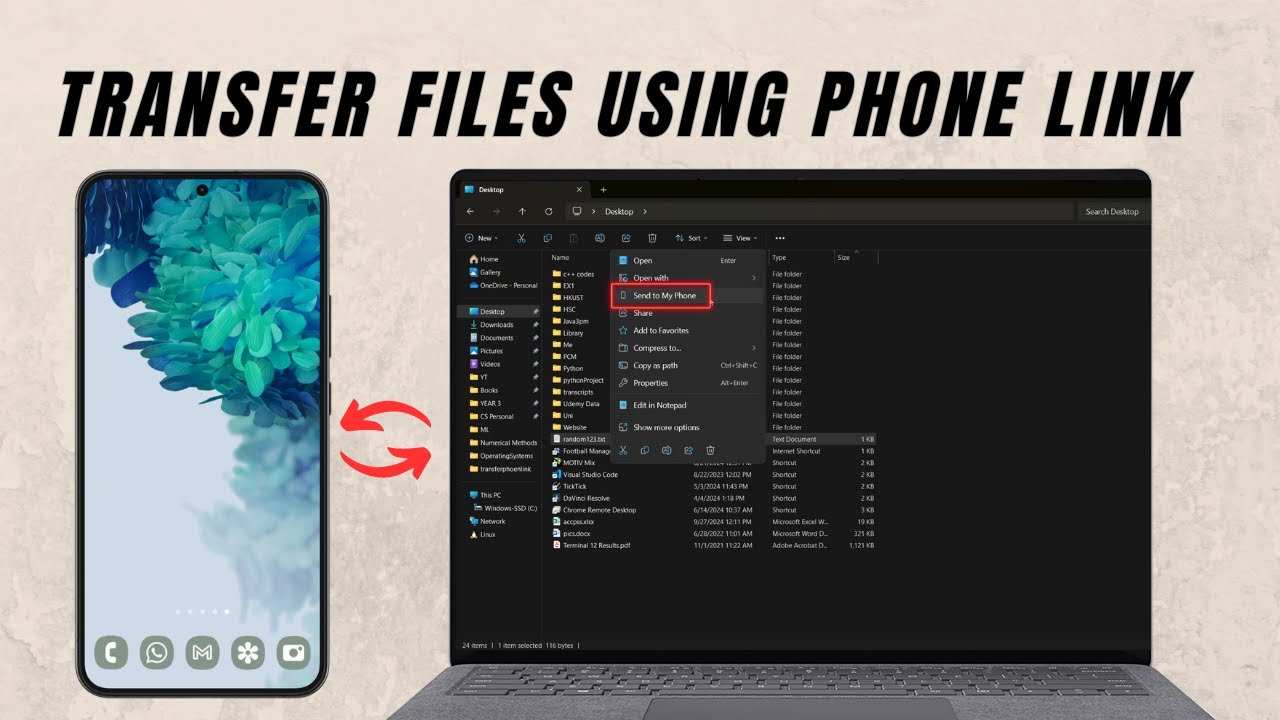
Send files from your Windows PC to your Android phone with Phone Link, no cable needed, and send photos from your phone back to the PC. Setup takes 2 minutes.
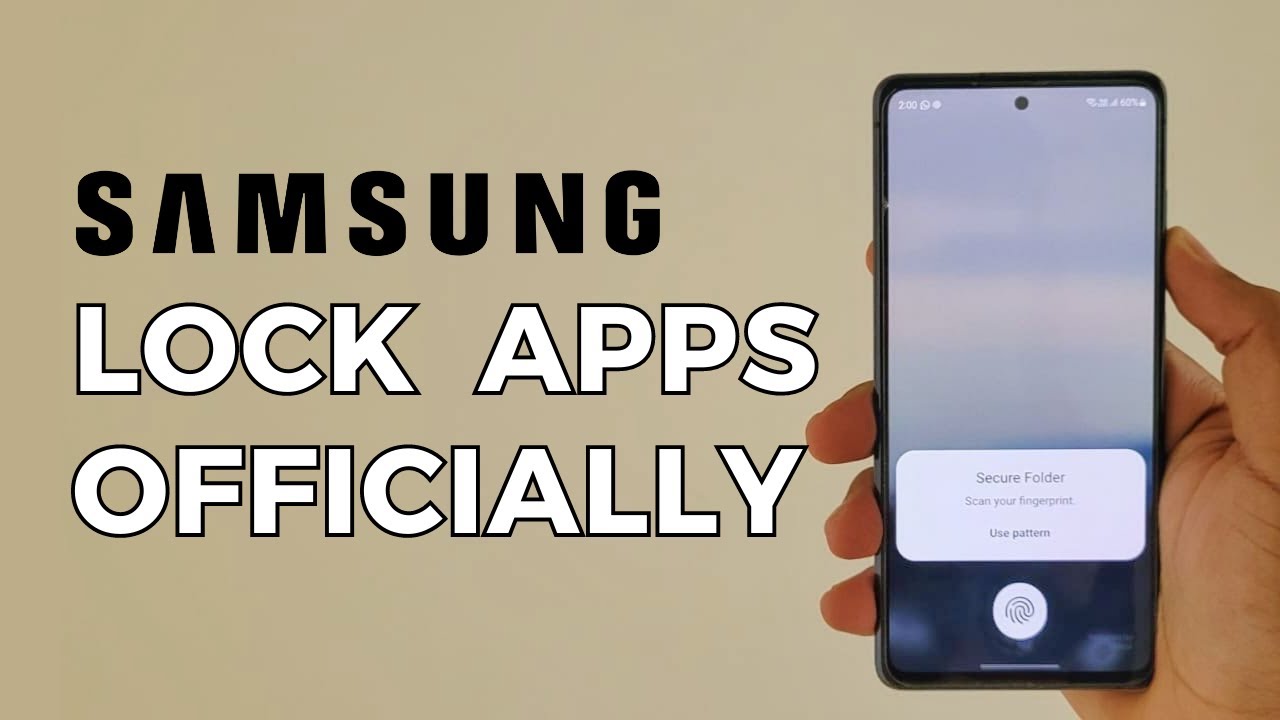
Lock any app on your Samsung phone without downloading an app lock. Samsung's built-in Secure Folder puts WhatsApp and other apps behind a PIN or fingerprint.
No guides match that search.