 Tech is Easy
Chrome guides
3 step-by-step Chrome guides with screenshots and the video.
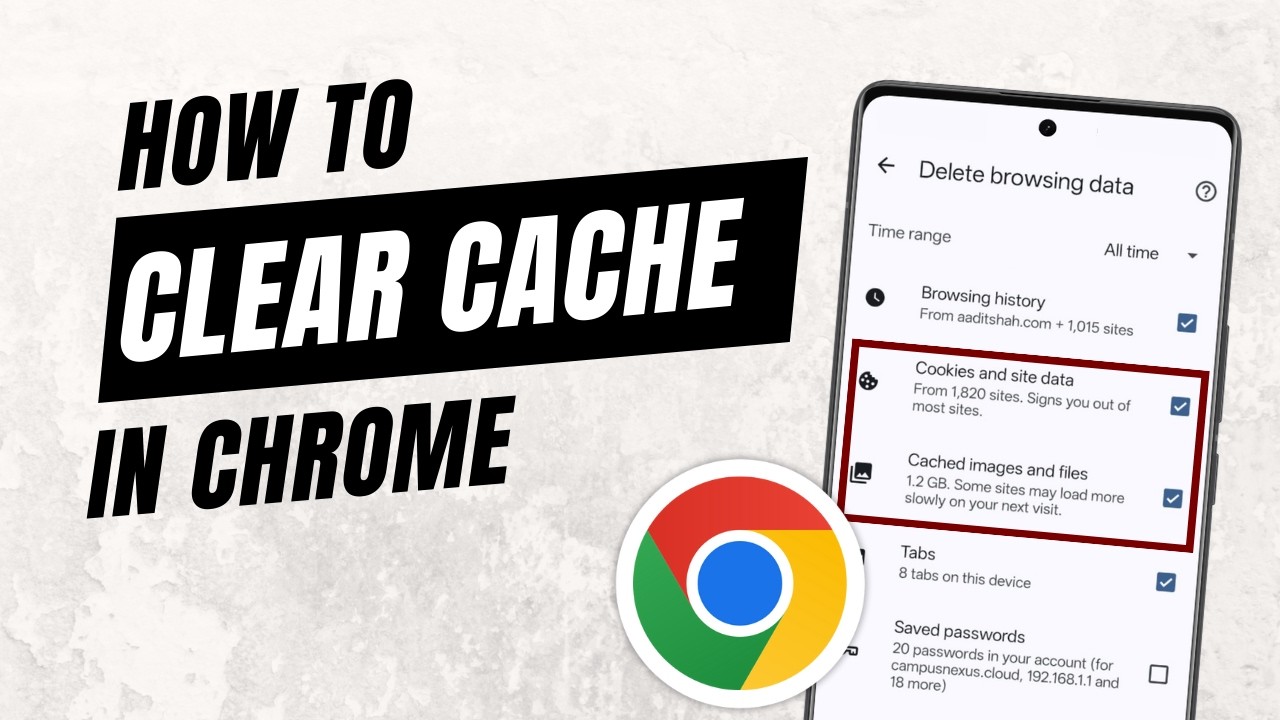
Chrome
How to Clear Cache in Google Chrome on Phone (Step-by-Step)Clear cache in Google Chrome on your phone: open Delete browsing data, pick All time, keep only cookies and cached files ticked, then tap Delete data.
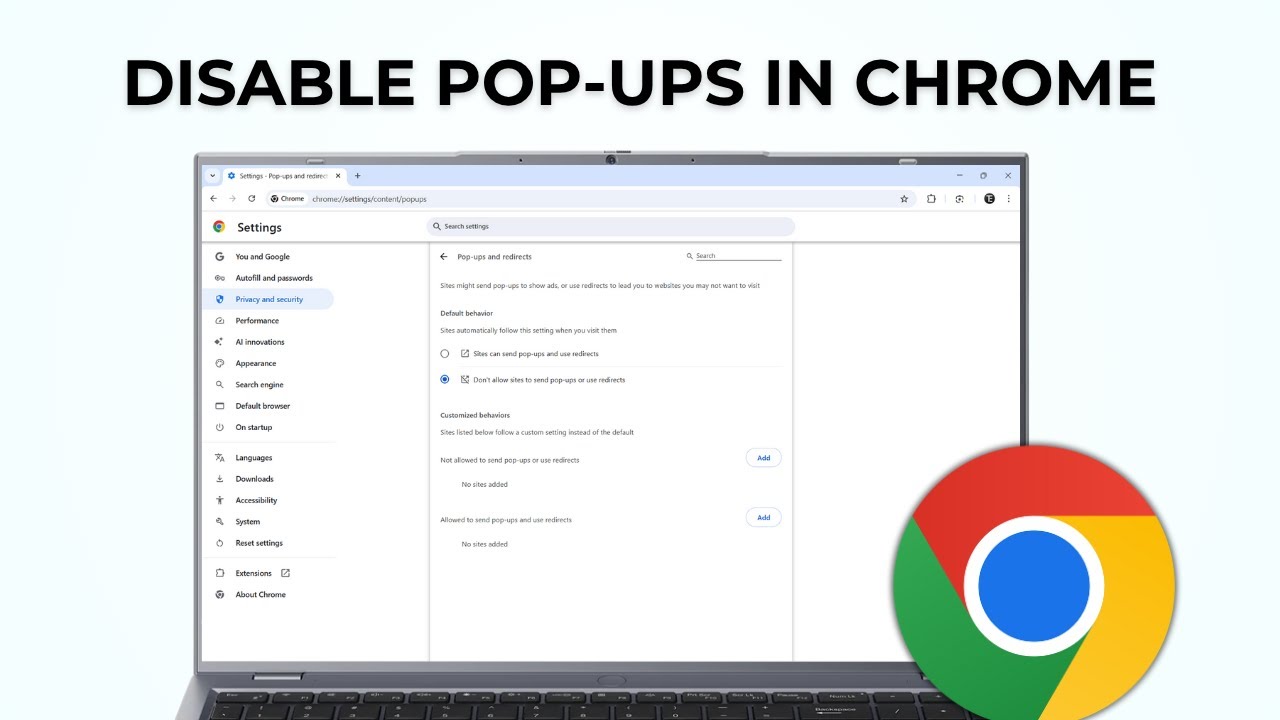
Chrome
How to Disable Pop-Ups in Google Chrome (Stop Redirects Too)Disable pop-ups in Google Chrome: block sites that already send pop-ups and redirects, and set Chrome so new sites can't send them in the first place.
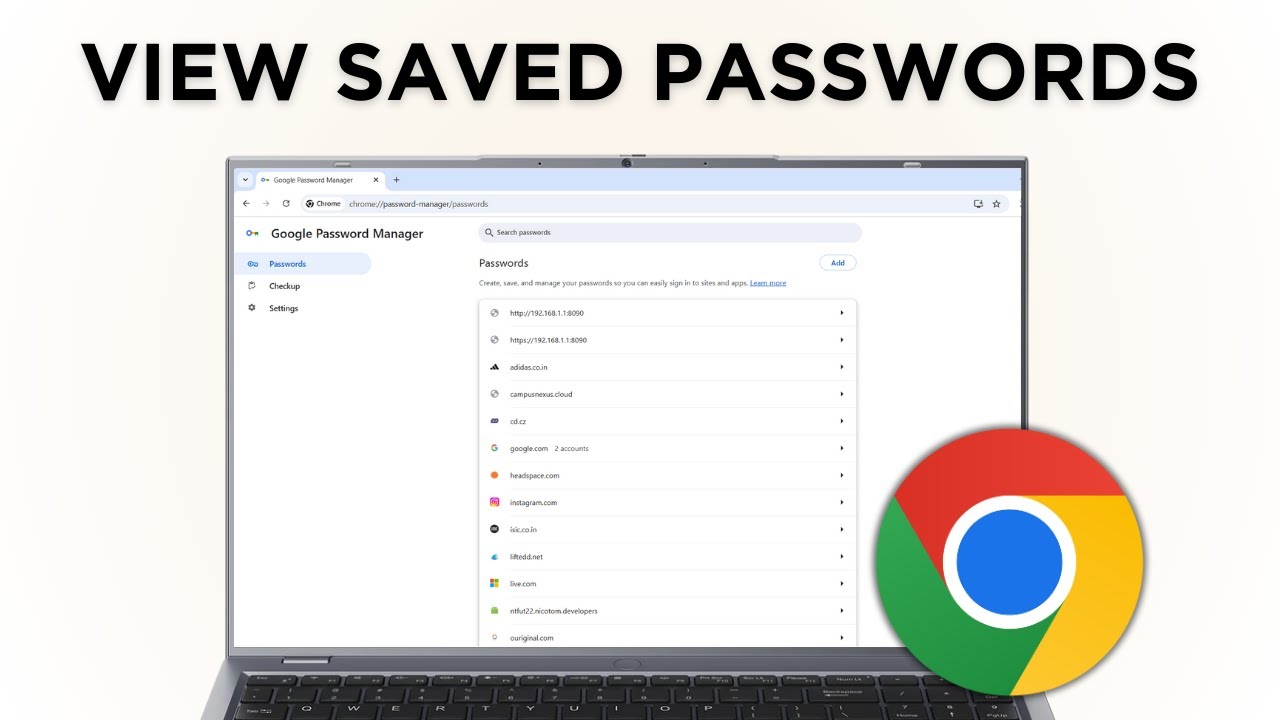
Chrome
How to View Saved Passwords in Google Chrome (Step-by-Step)View saved passwords in Google Chrome on your computer: open Google Password Manager, pick a site, and click the eye icon to see, edit or delete a password.
No guides match that search.