 Tech is Easy
Google Forms guides
9 step-by-step Google Forms guides with screenshots and the video.
Five useful Google Forms add-ons and how to use them: limit responses, take bookings, send email notifications, issue certificates and add a timer.
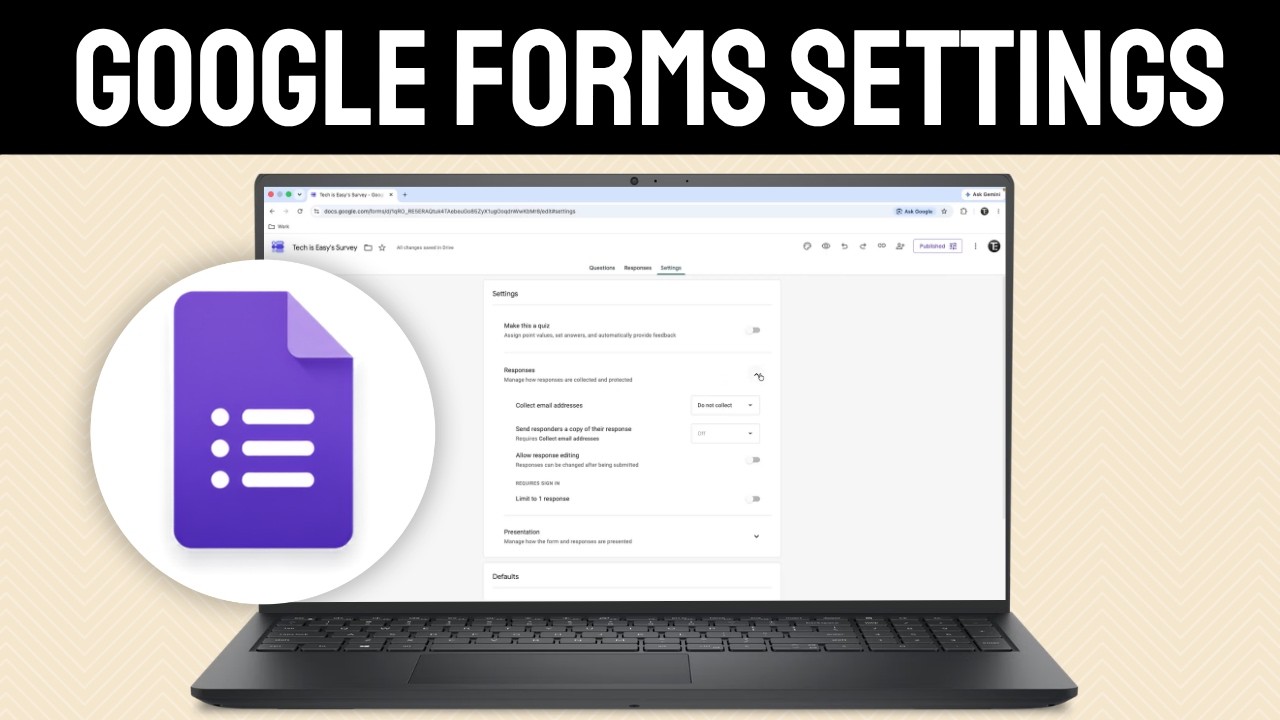
Learn the Google Forms settings that matter: collect emails, limit to one response, shuffle questions, disable autosave, set a response limit and more.
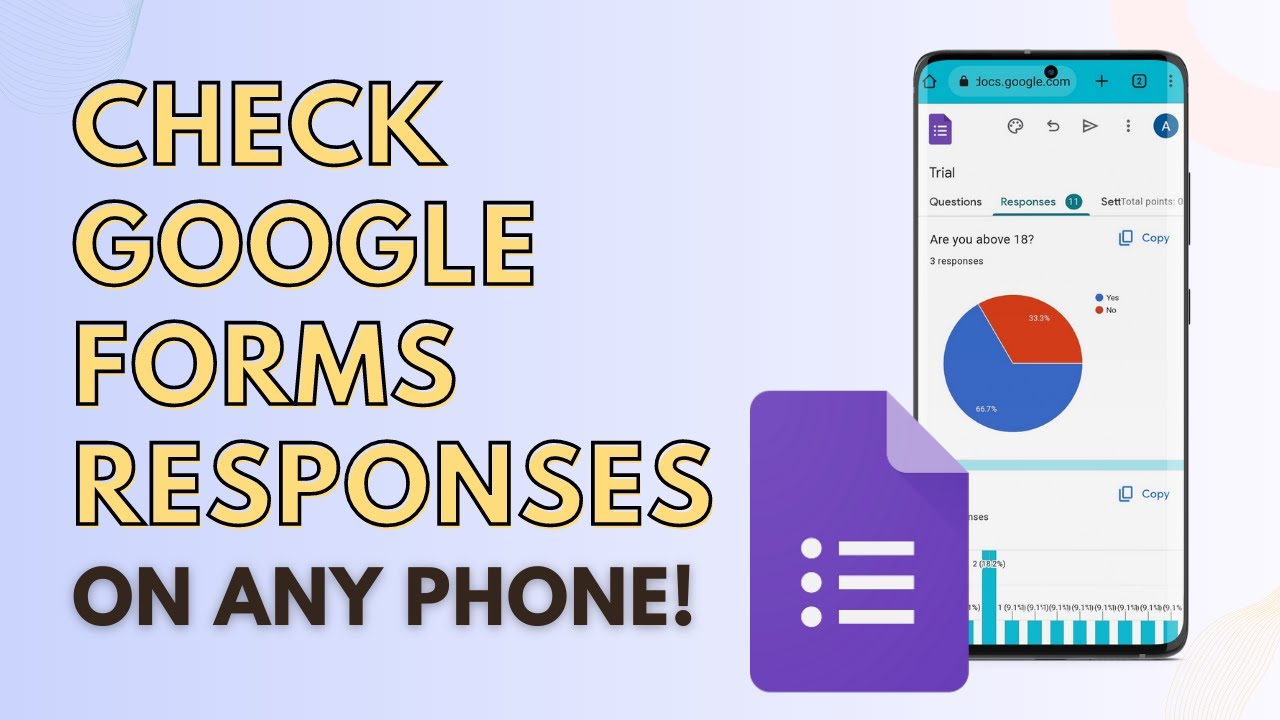
Check Google Form responses on your phone using Chrome's desktop site: see the summary charts, answers per question, each person's response, or a Google Sheet.
Learn how to create a Google Form on your computer: add questions, make them required, change the theme, send the form and see every response in a sheet.
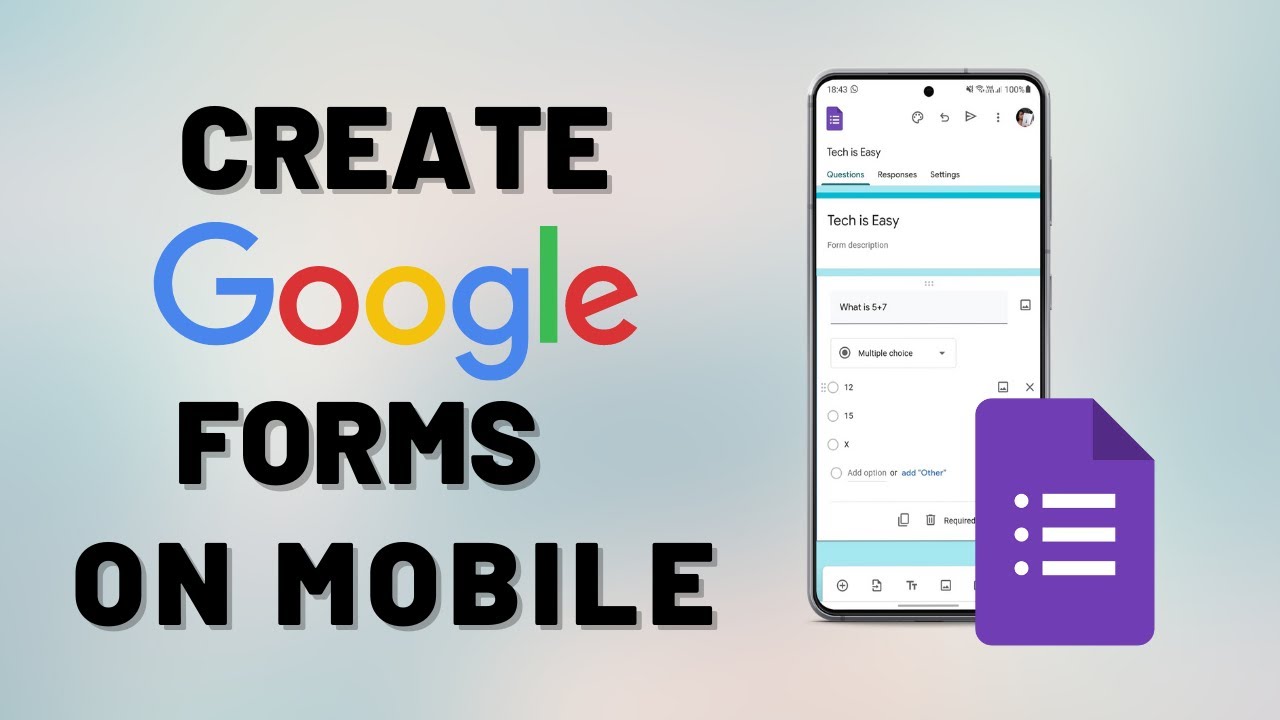
There is no Google Forms app, but you can still build one on your phone. Create a Google Form in your mobile browser, add questions, share it and see responses.
Link Google Forms to Google Sheets in a few clicks: open the Responses tab, click Link to Sheets, create or pick a spreadsheet, and get every answer live.
Save Google Form responses as a PDF: print the summary charts or every individual response, set the destination to Save as PDF and download the file.
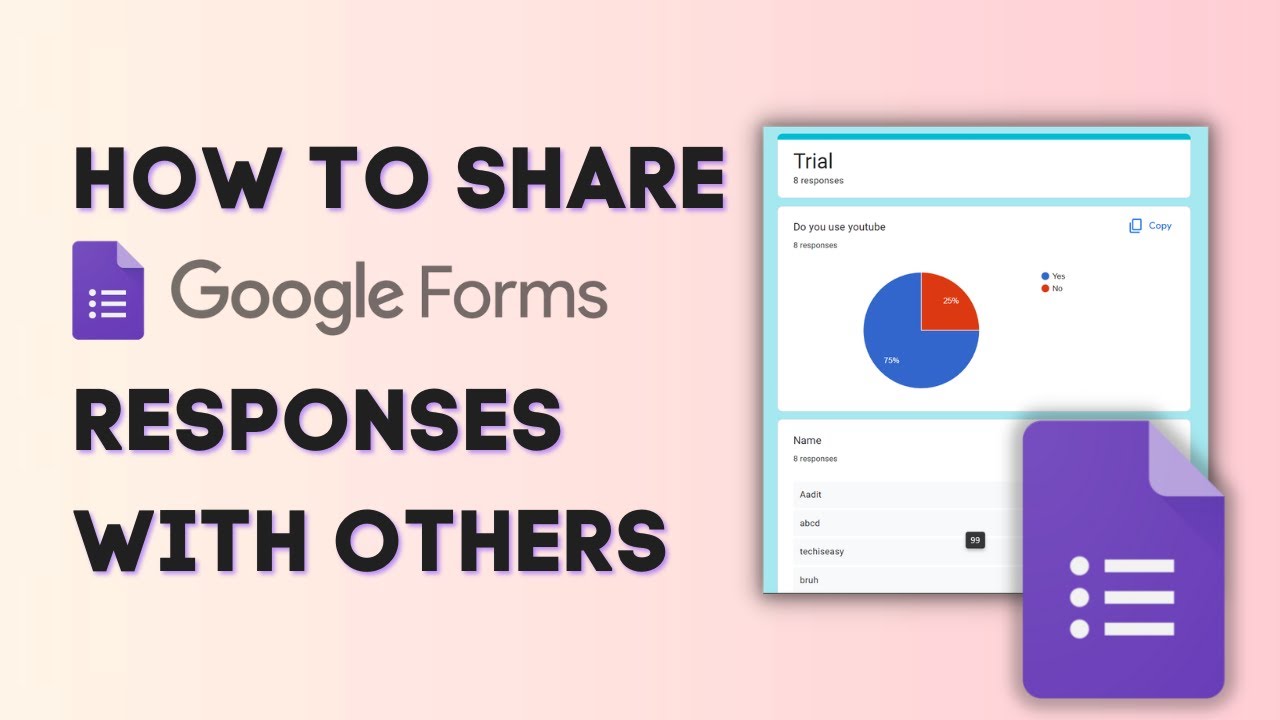
Five ways to share Google Form responses: add collaborators, save the summary charts as a PDF, share a linked Google Sheet, send a CSV or print every response.
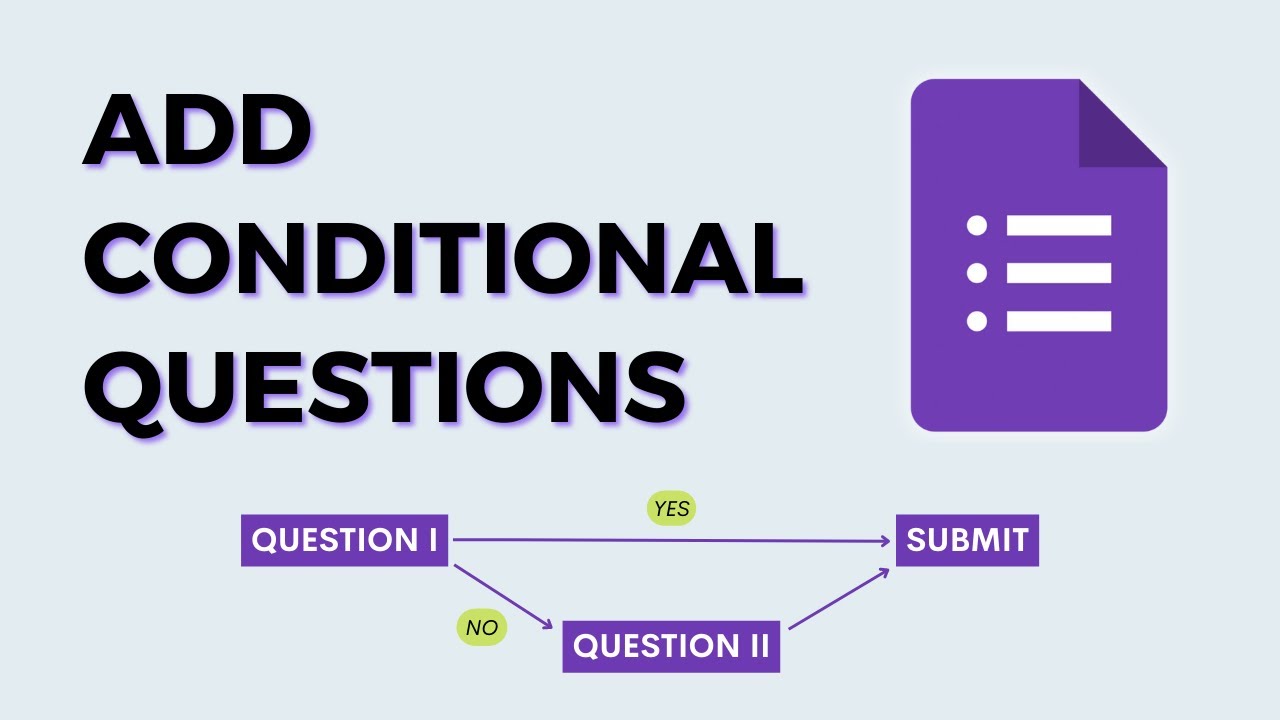
Show different questions based on someone's answer in Google Forms. Use sections and Go to section based on answer to build branching logic, then test it.
No guides match that search.