 Tech is Easy
Android guides
19 step-by-step Android guides with screenshots and the video.
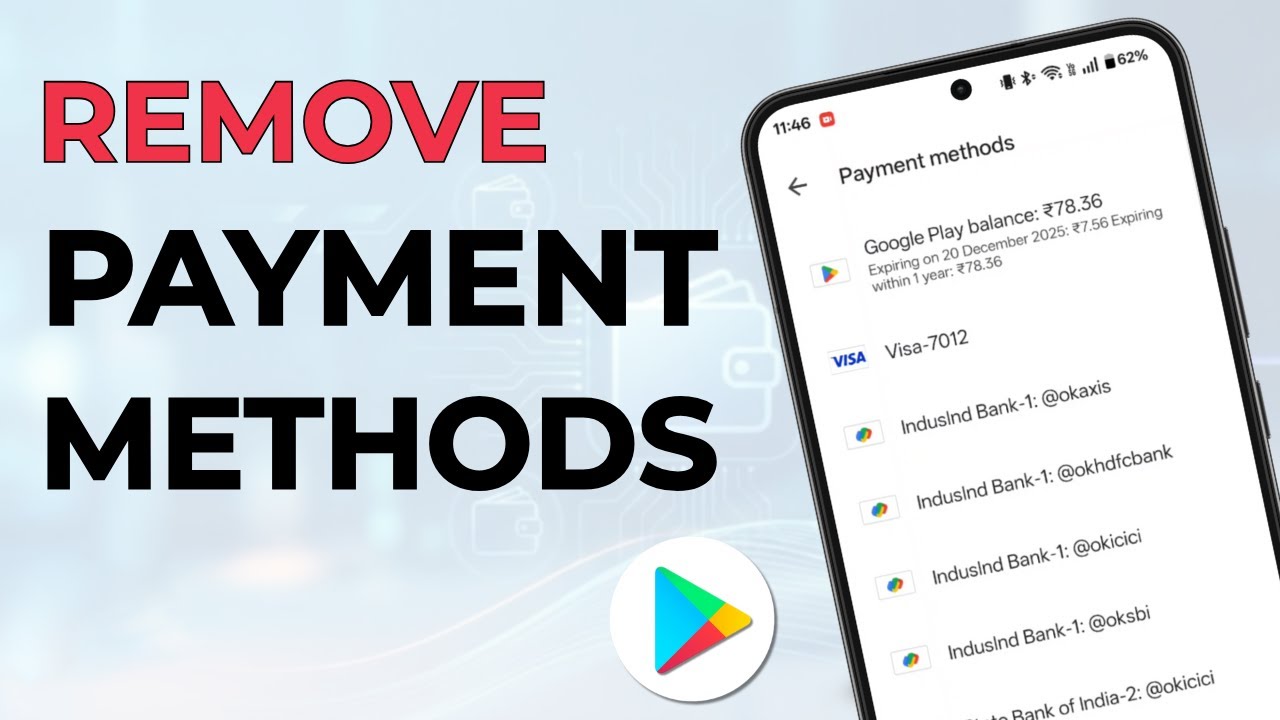
Remove a card, UPI ID or other payment method from Google Play Store on Android, including cards that are still linked to an active subscription.
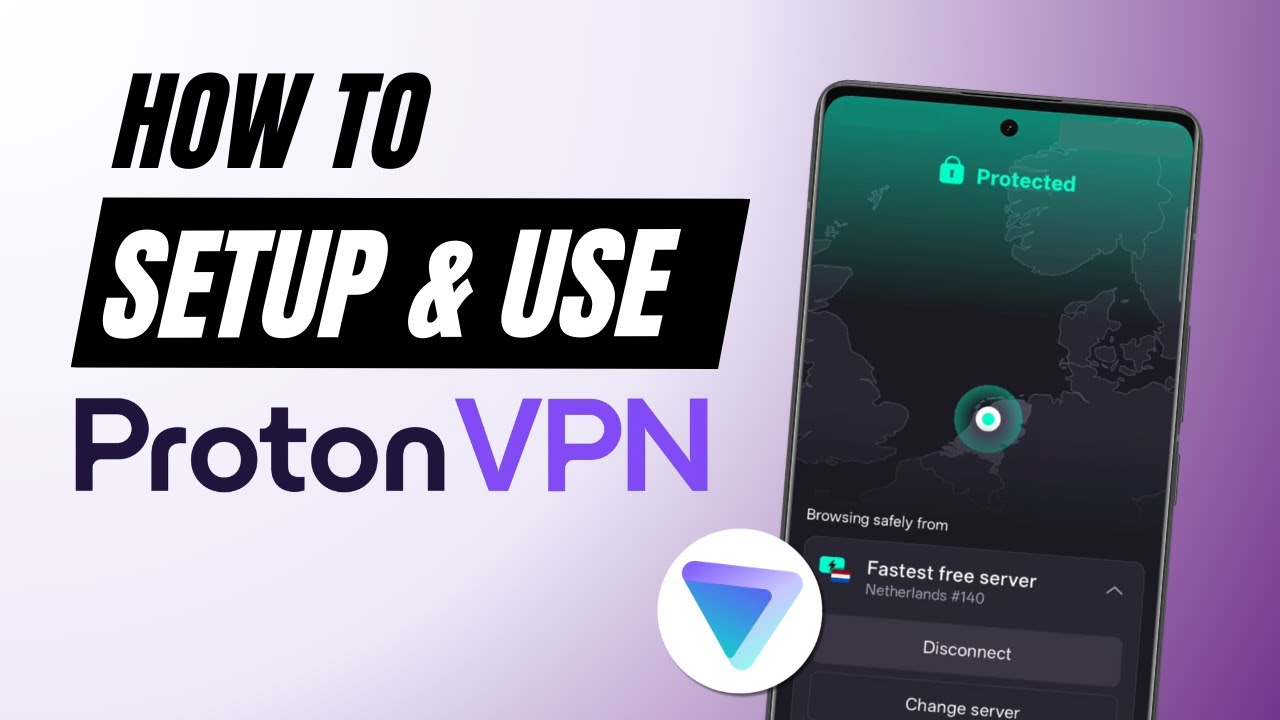
Set up and use Proton VPN for free on your Android phone: install it, connect as a guest without an email, check that it works and switch servers.
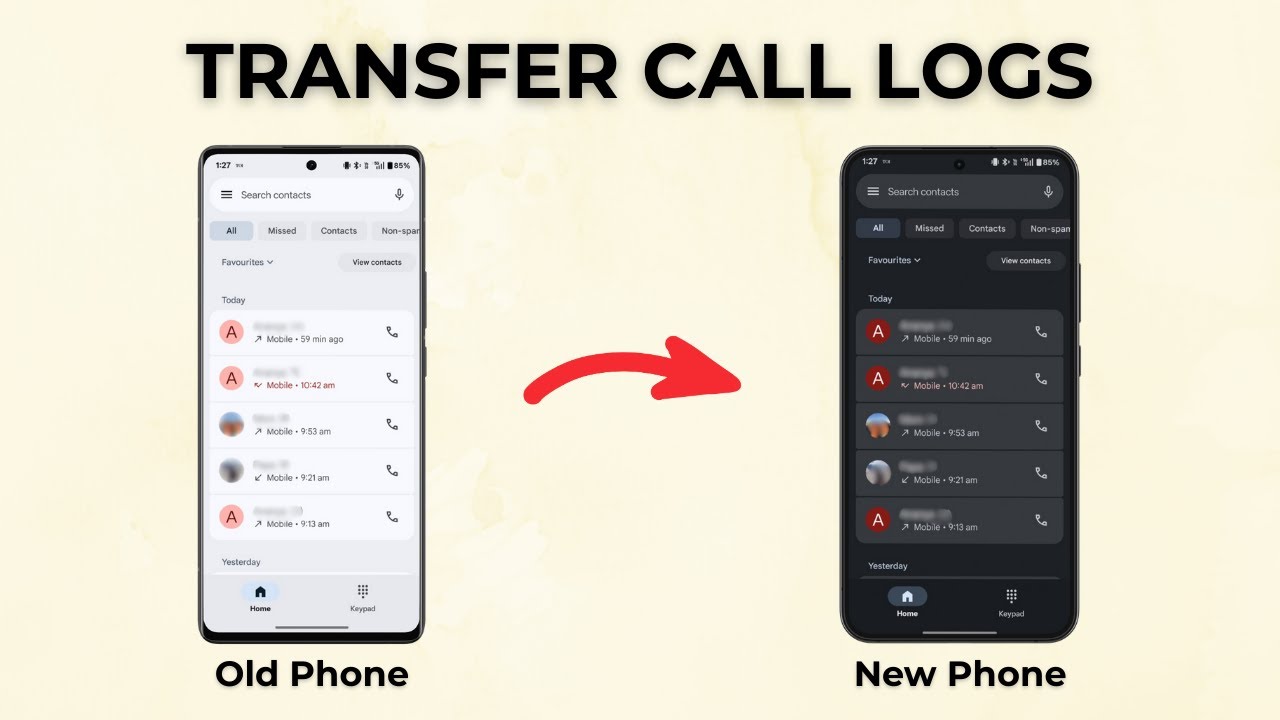
Copy your full call history from an old Android phone to a new one with the free SMS Backup & Restore app: back up, send the file by Bluetooth, restore.
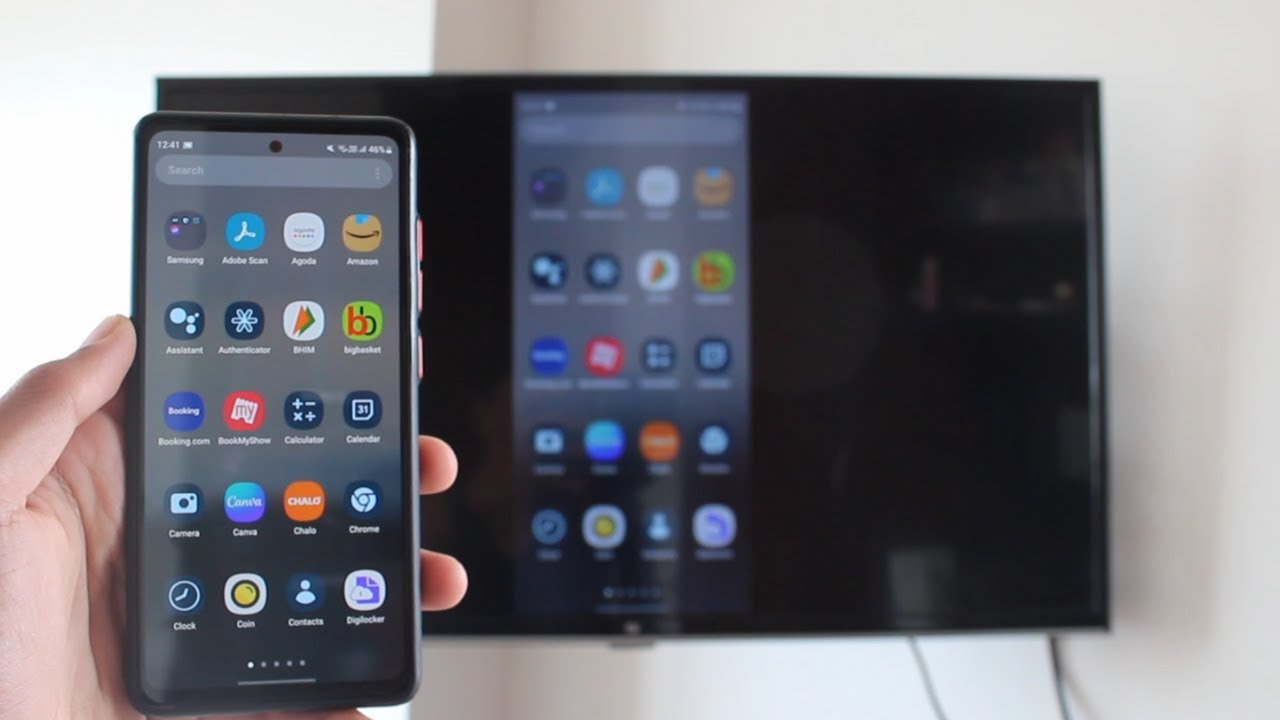
Cast your Android phone to an Android TV with Chromecast built in. Join both to the same Wi-Fi, open the Google Home app, and tap Cast my screen to mirror it.
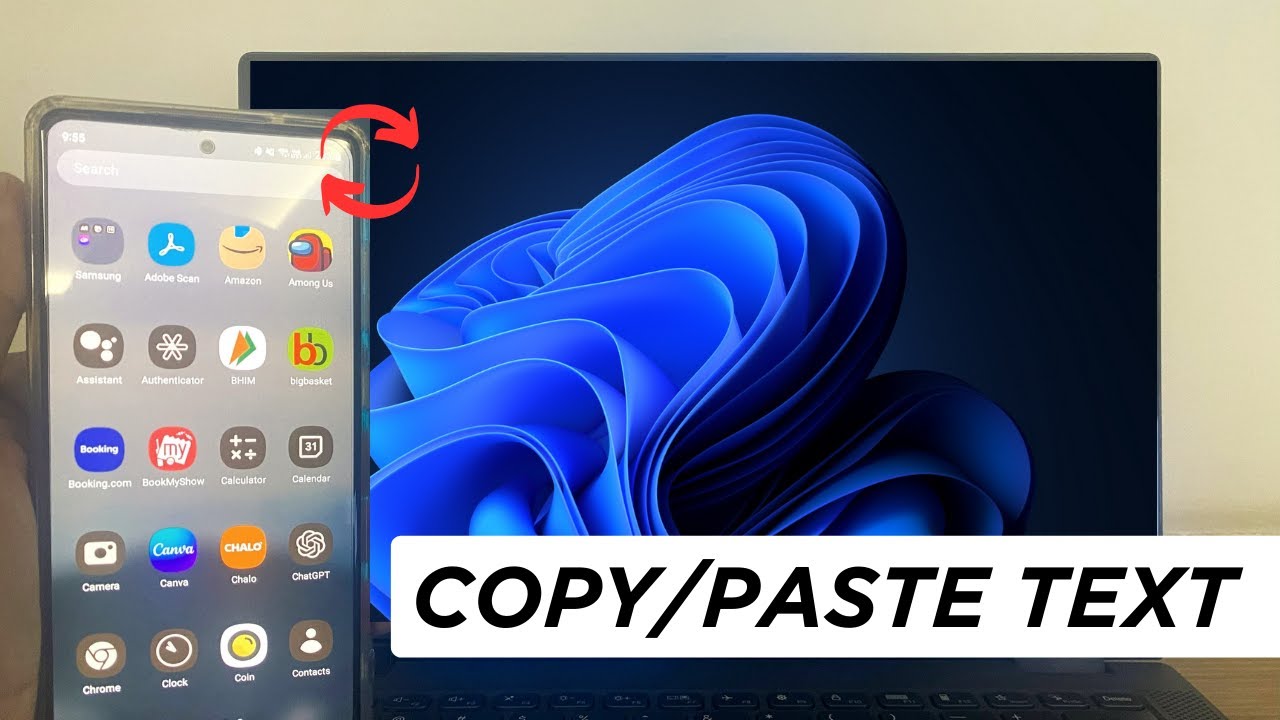
Copy text on your Android phone and paste it on your Windows PC, or the other way round, using Microsoft SwiftKey and Windows clipboard sync. Setup in minutes.

Delete your Google Family Link family group from the app: open your profile, tap the three dots, choose Delete family group and confirm with your password.
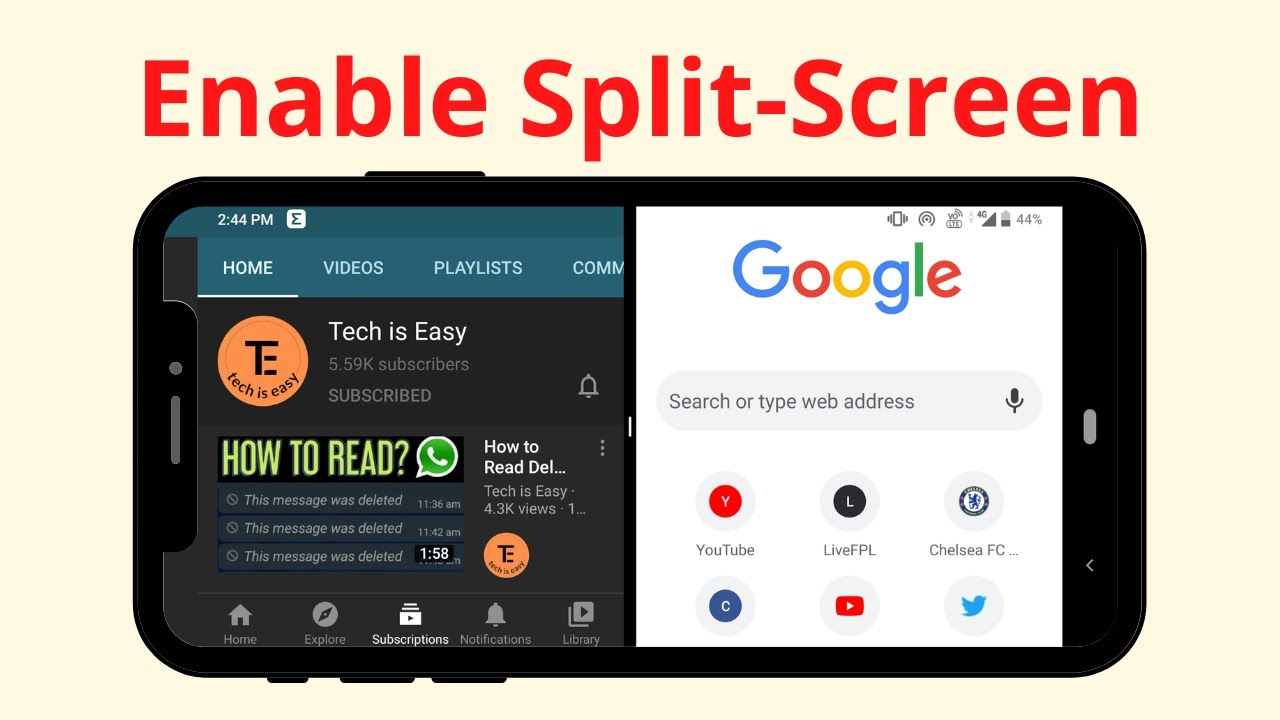
Turn on split screen on your Android phone and use two apps at the same time, like YouTube and Chrome, straight from the Recent apps screen in a few taps.

Extract audio from any video on your Android phone for free: upload it to FreeConvert in Chrome, convert it to MP3 and download the audio file to your phone.
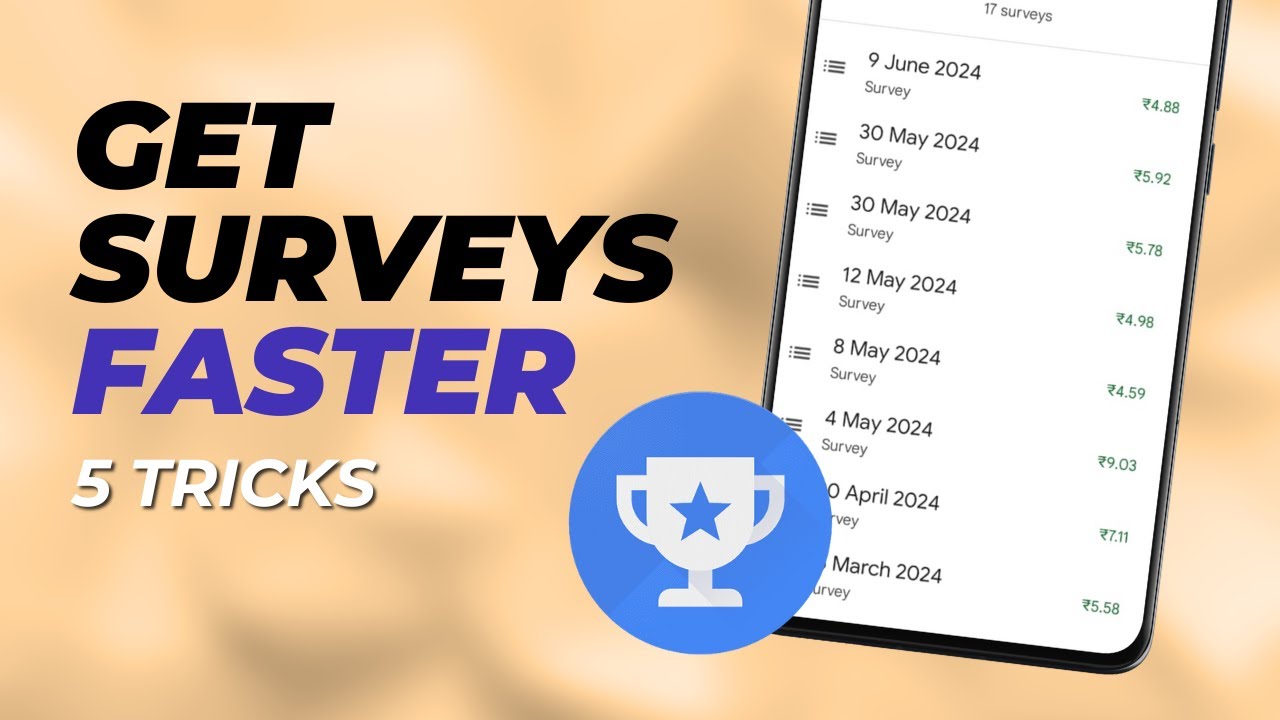
Not getting surveys in Google Opinion Rewards? Six tips from 3-4 years of using the app: survey eligibility, location history, updates, honest answers and more.
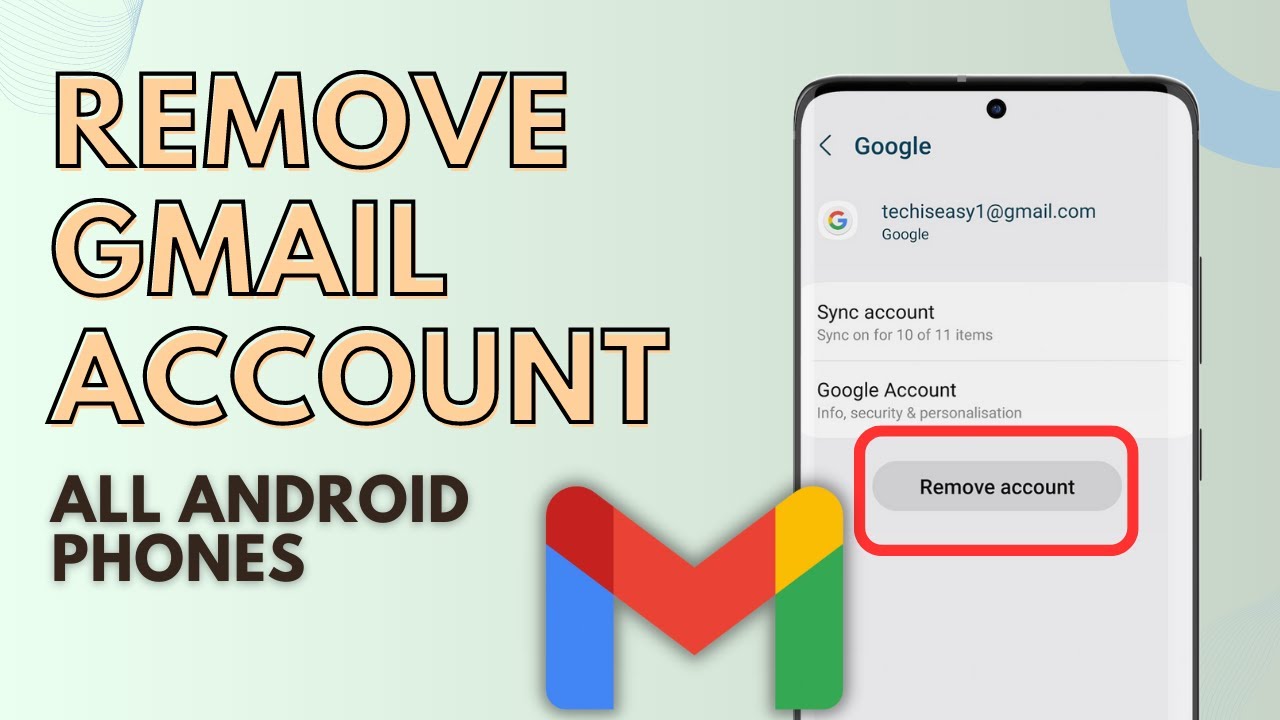
Remove a Gmail account from your Android phone using the Gmail app: tap your profile picture, Manage accounts on this device, then Remove account.
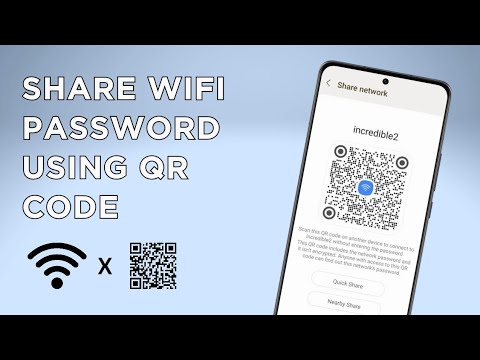
Share your WiFi password from an Android phone with a QR code: open your WiFi network's settings, tap QR code, and let others scan it to connect.
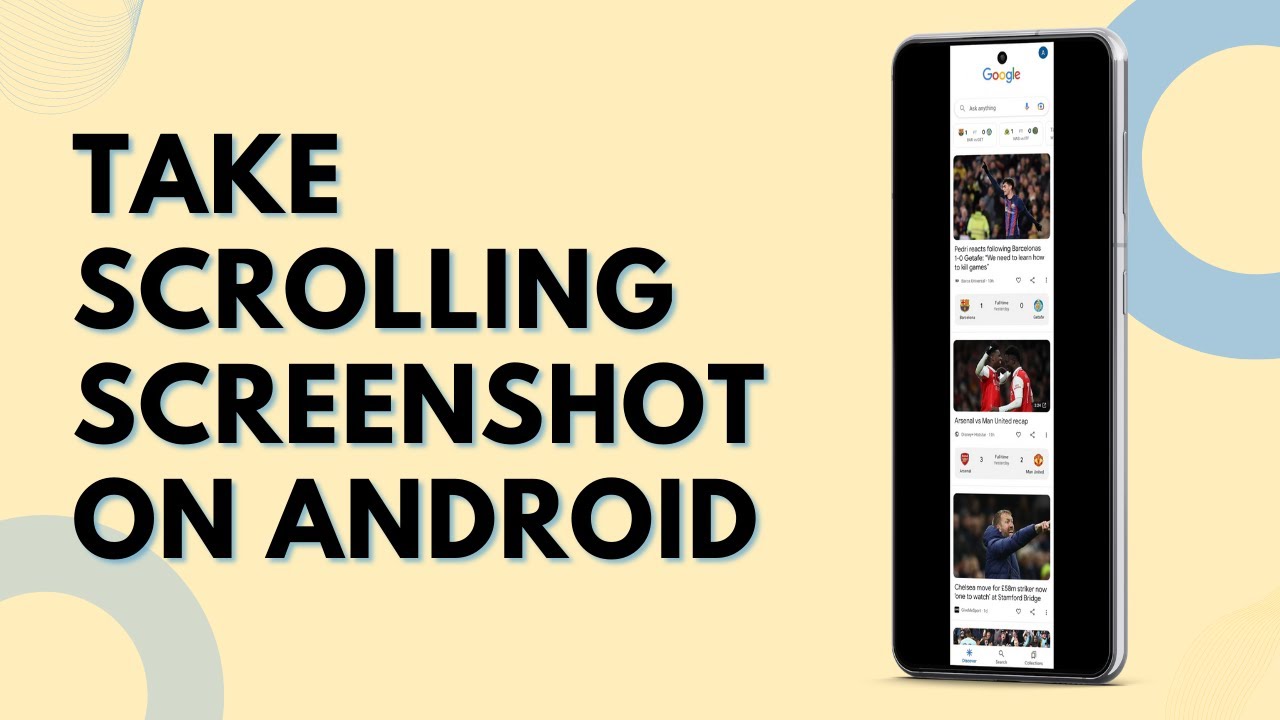
Take a scrolling or long screenshot on your Android phone: press Power and Volume Down, then tap the scroll capture button to add more of the page.
How to transfer files from Android to PC: send them wirelessly with Nearby Share, copy large files over a USB cable, or use WhatsApp and Google Drive.
How to transfer photos from Android to PC or laptop four ways: a USB cable, emailing them to yourself, Google Drive, and the Phone Link app on Windows.
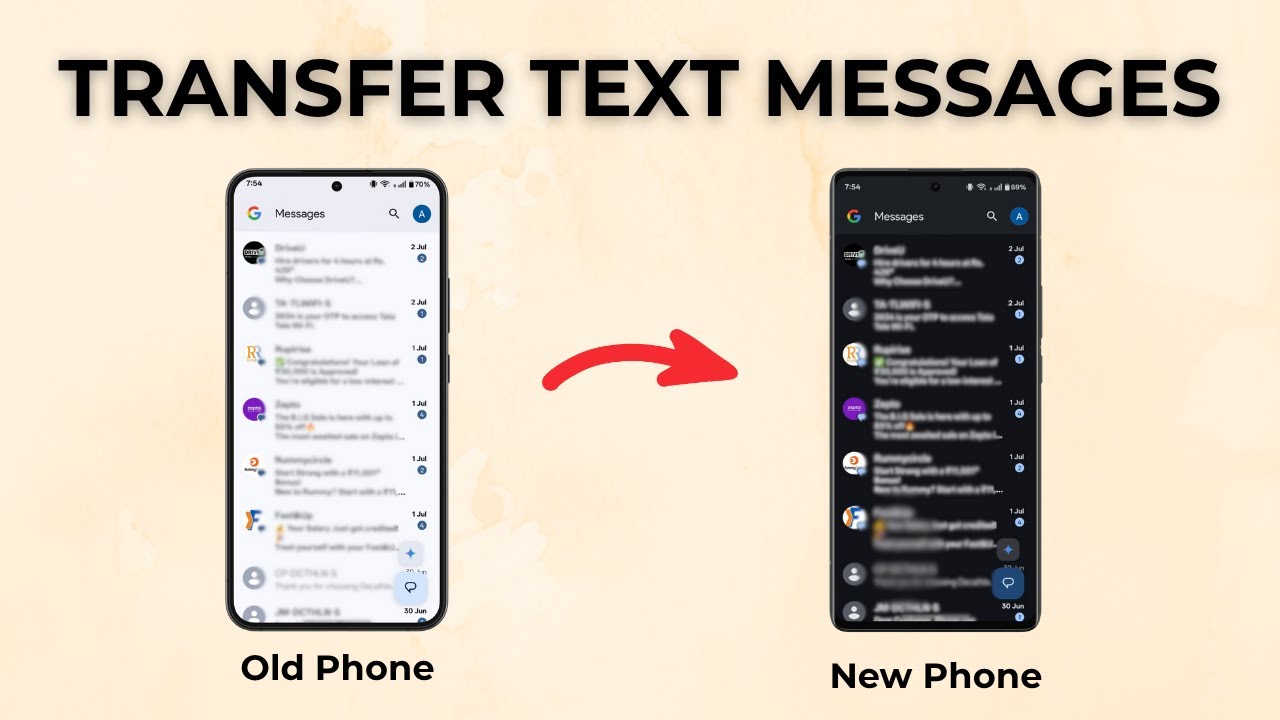
Move all your text messages (SMS) from an old Android phone to a new one with the free SMS Backup & Restore app: back up, send the file, then restore it.
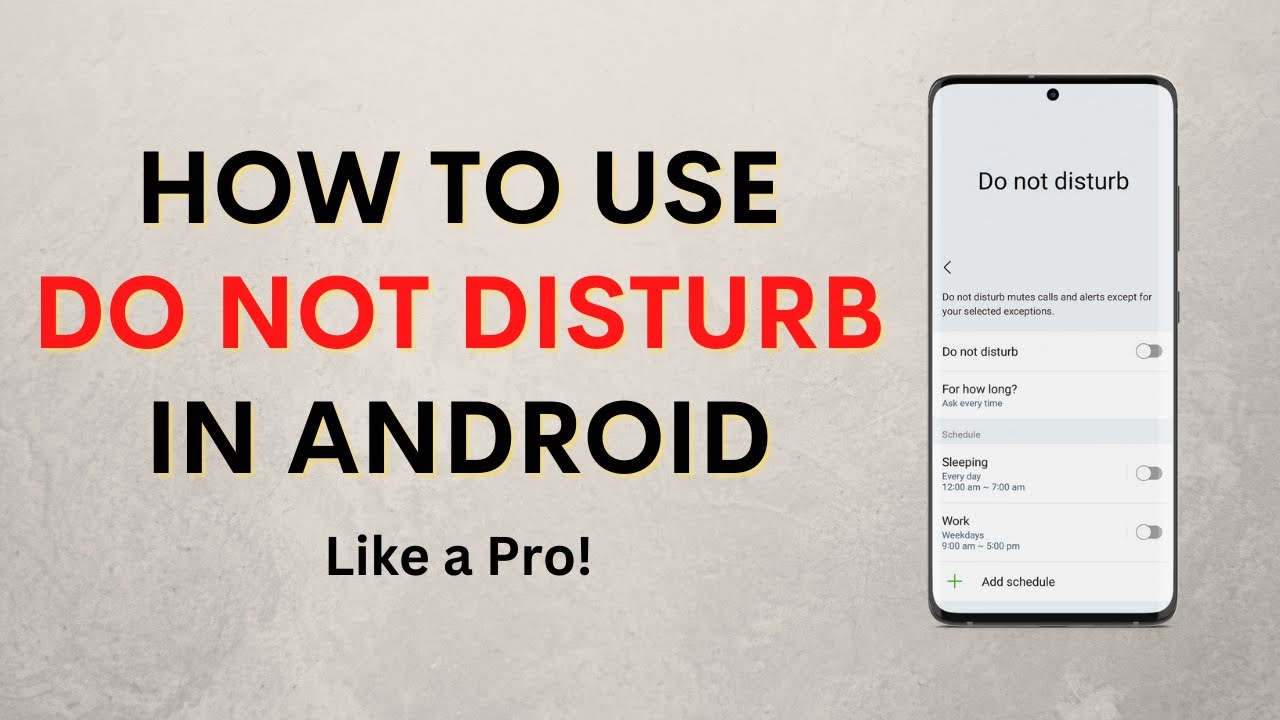
Set up Do Not Disturb on Android: allow calls from chosen contacts, keep alarms, let key apps through, schedule DND for work hours and hide notifications.
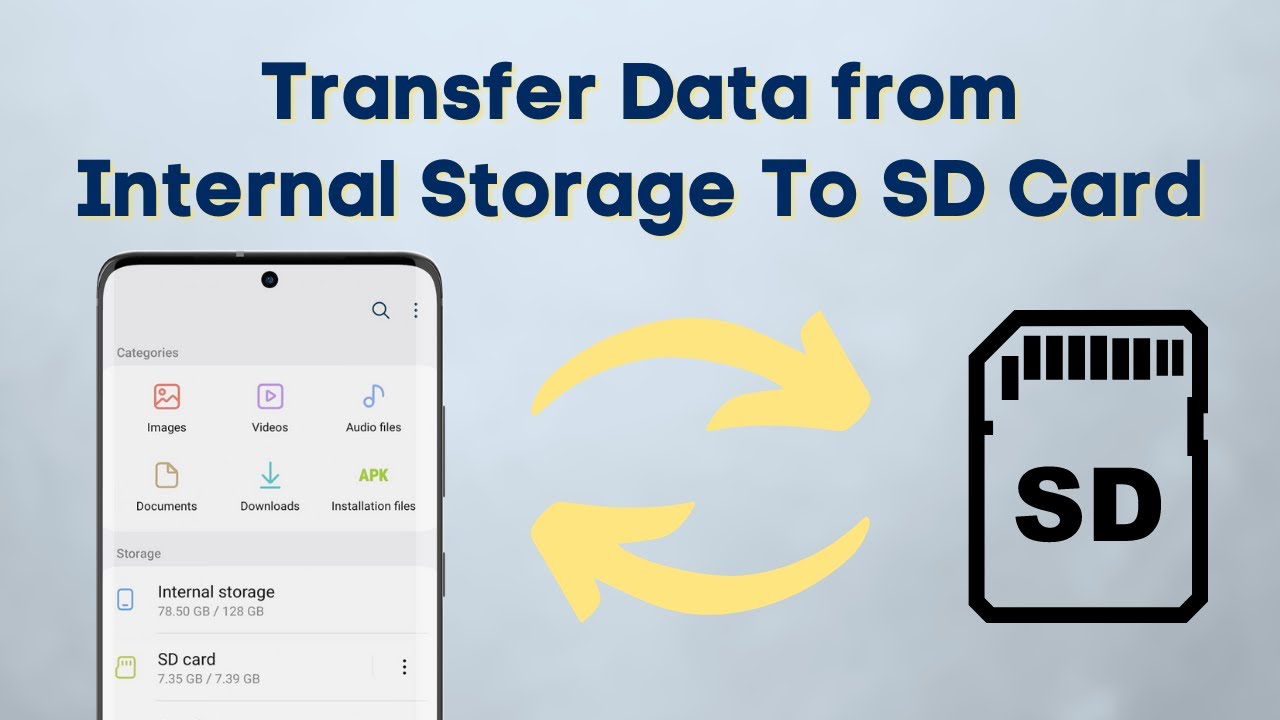
Move files from internal storage to SD card on Android with the built-in My Files app, and move them back to internal storage the same way. No extra apps.
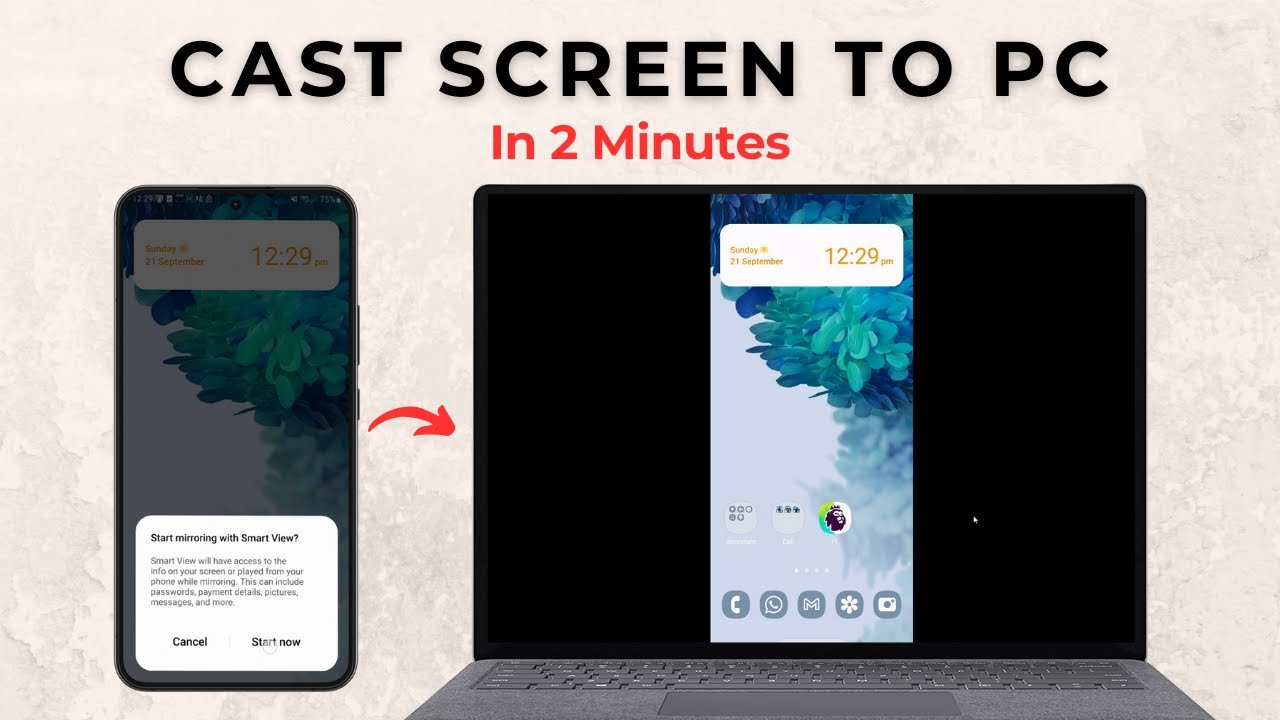
Mirror your Android phone to a Windows 11 PC with no extra apps. Add the Wireless Display feature, turn on Projecting to this PC, then cast from your phone.
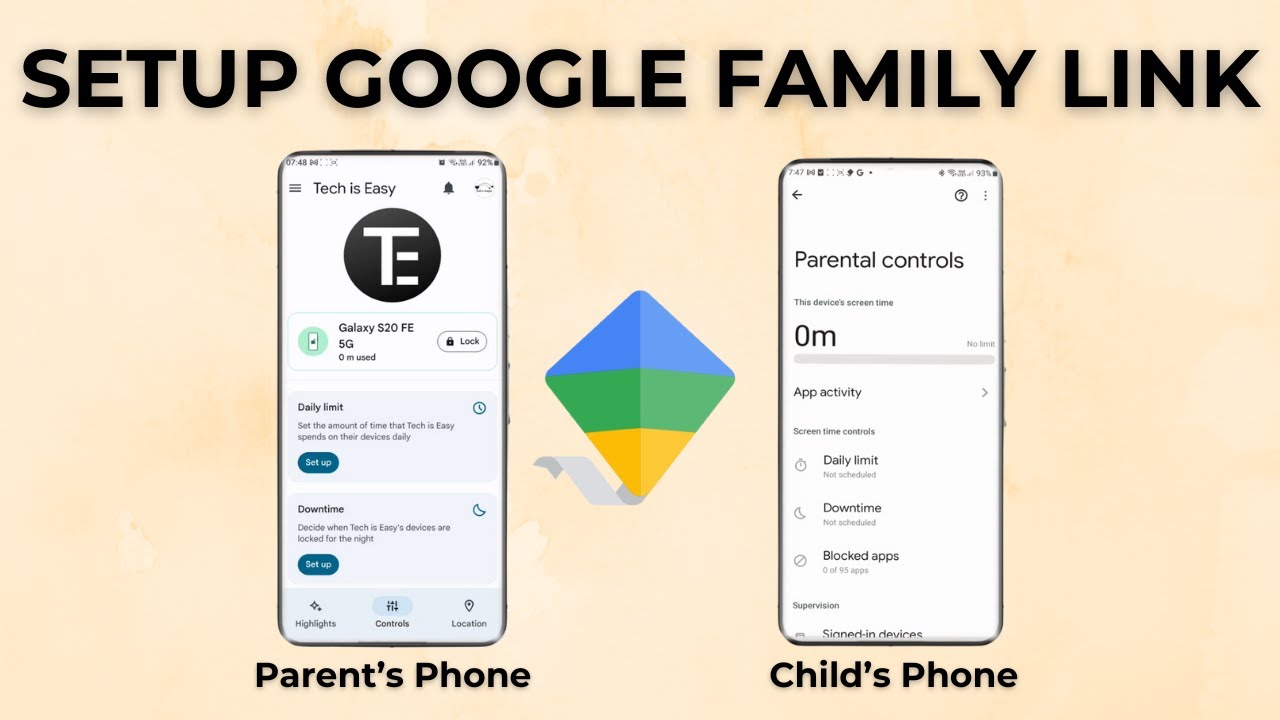
Set up Google Family Link parental controls step by step: start supervision on your child's Android phone, then manage screen time and apps from your own phone.
No guides match that search.