 Tech is Easy
Google Account guides
9 step-by-step Google Account guides with screenshots and the video.
Move Google Drive files from one account to another two ways: share and copy to keep Docs and Sheets as they are, or use Google Takeout to keep your folders.
Transfer photos from Google Photos to iCloud with Google Takeout: pick your albums, link your Apple Account and let Google copy everything straight across.
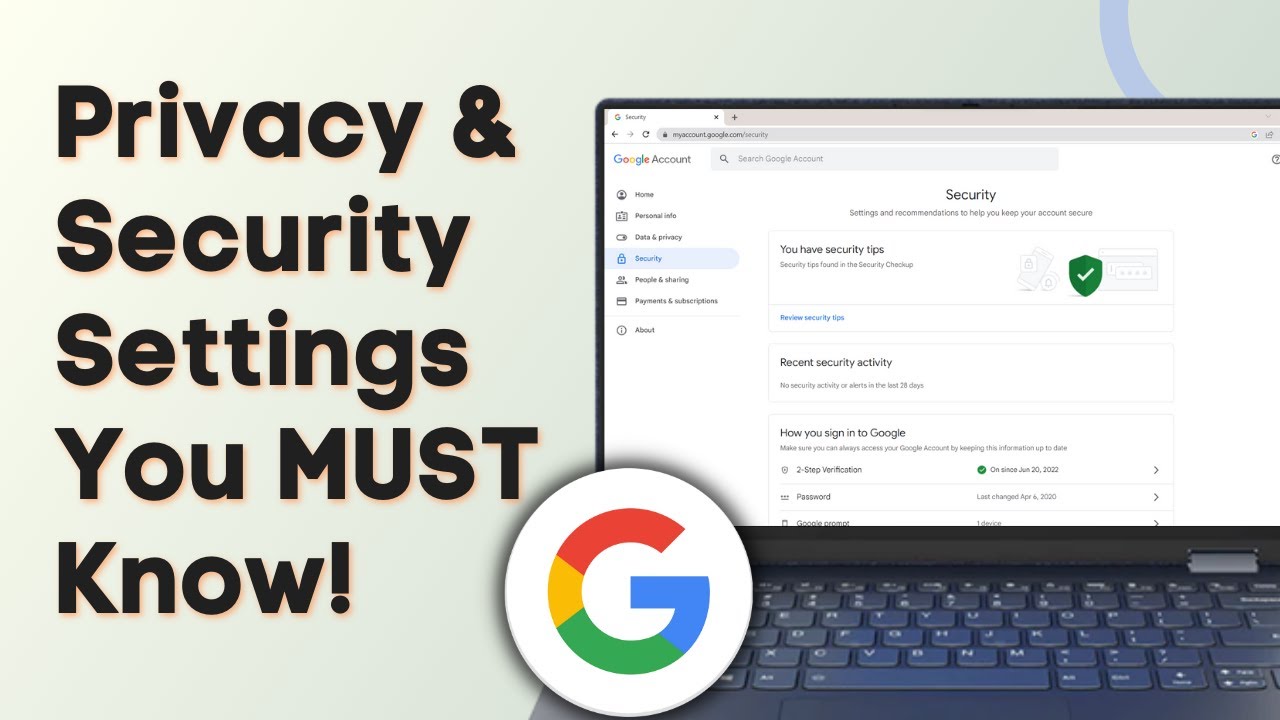
Check the Google Account settings that matter: run a Security Checkup, remove app and device access, review saved passwords and control your activity history.
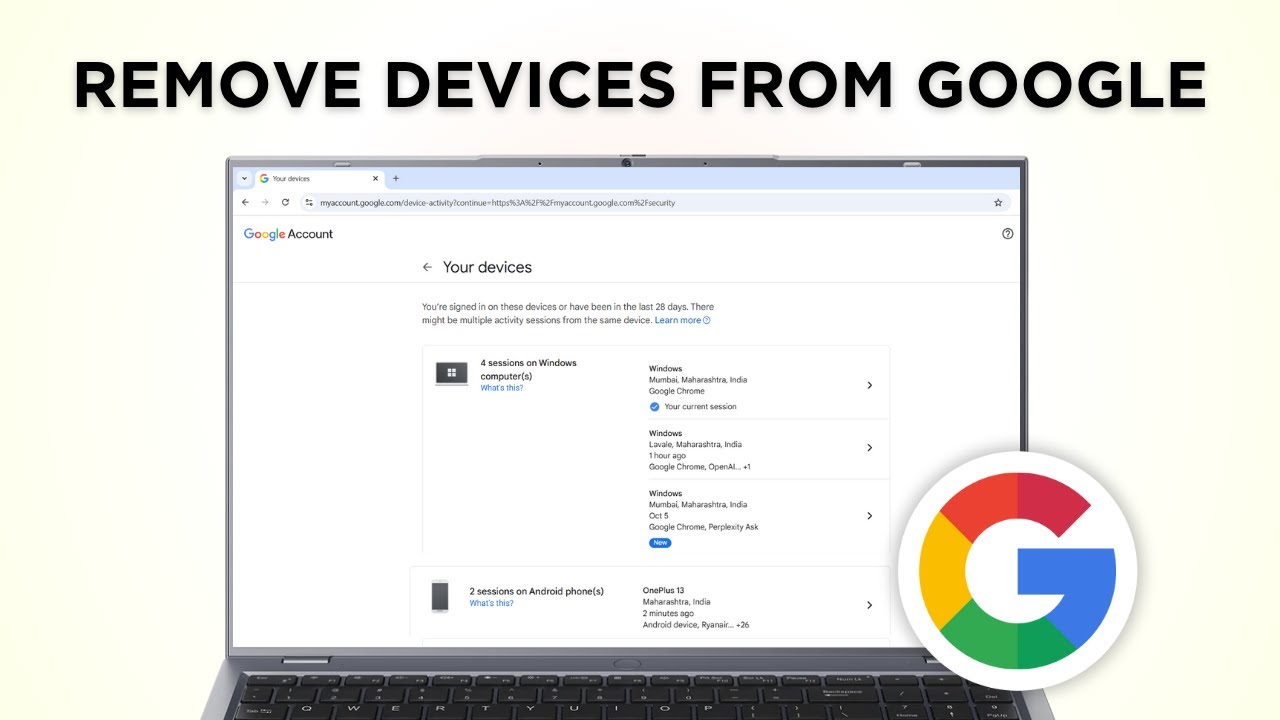
Remove your Google account from other devices in a few clicks: open Security, Manage all devices, pick the device and sign out of it remotely.
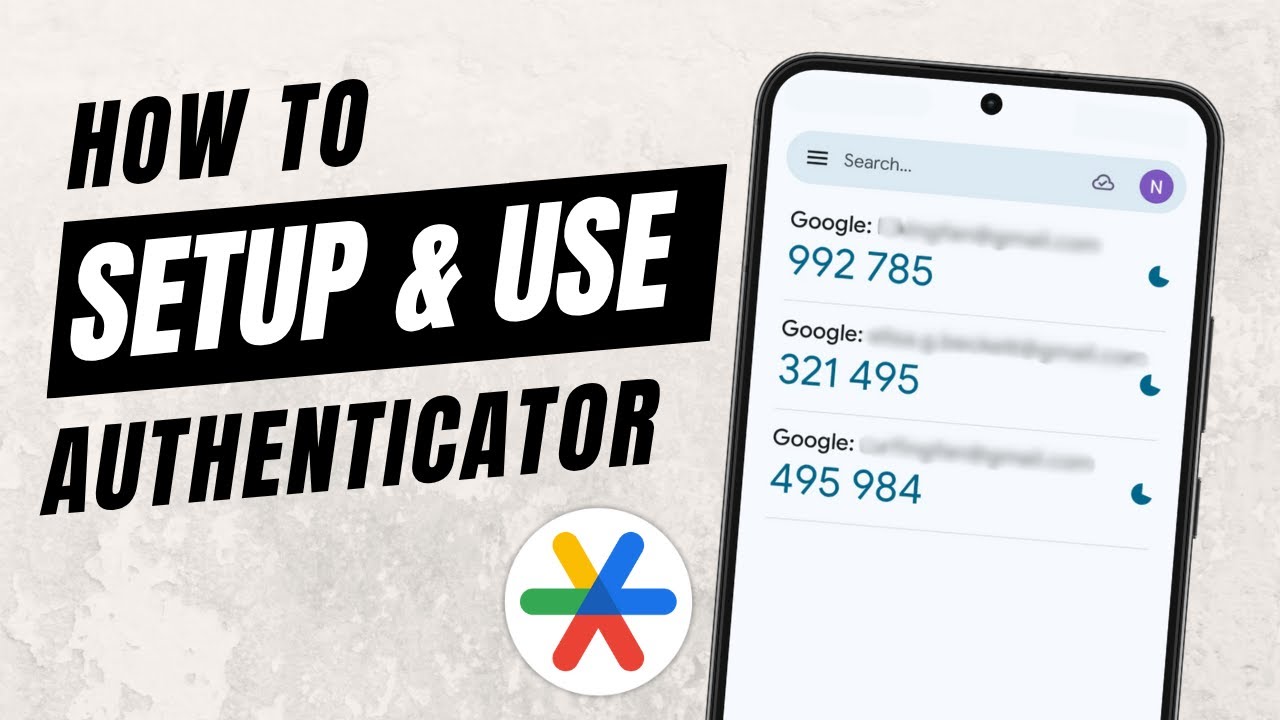
Set up the Google Authenticator app and use it for two-factor authentication: install it, add a code by scanning a QR code, and verify it with your account.
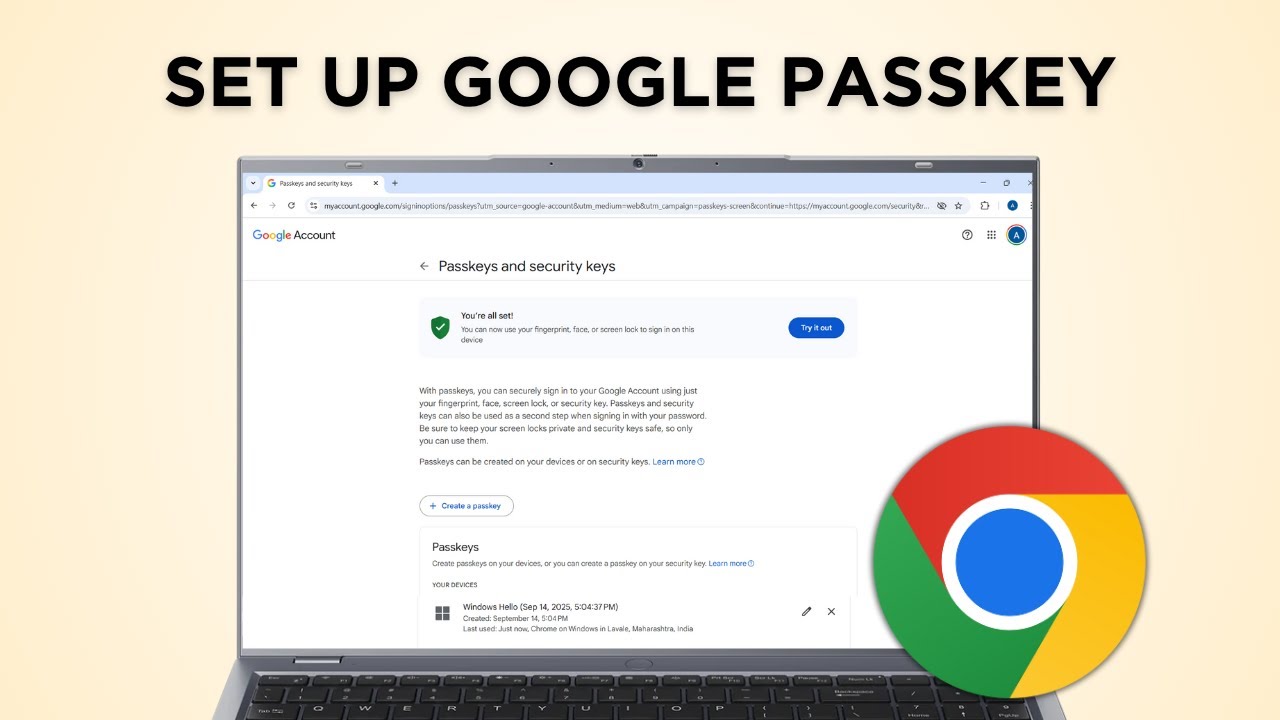
Create a passkey for your Google Account so you can sign in with your fingerprint, face or screen lock instead of a password. Takes about a minute.
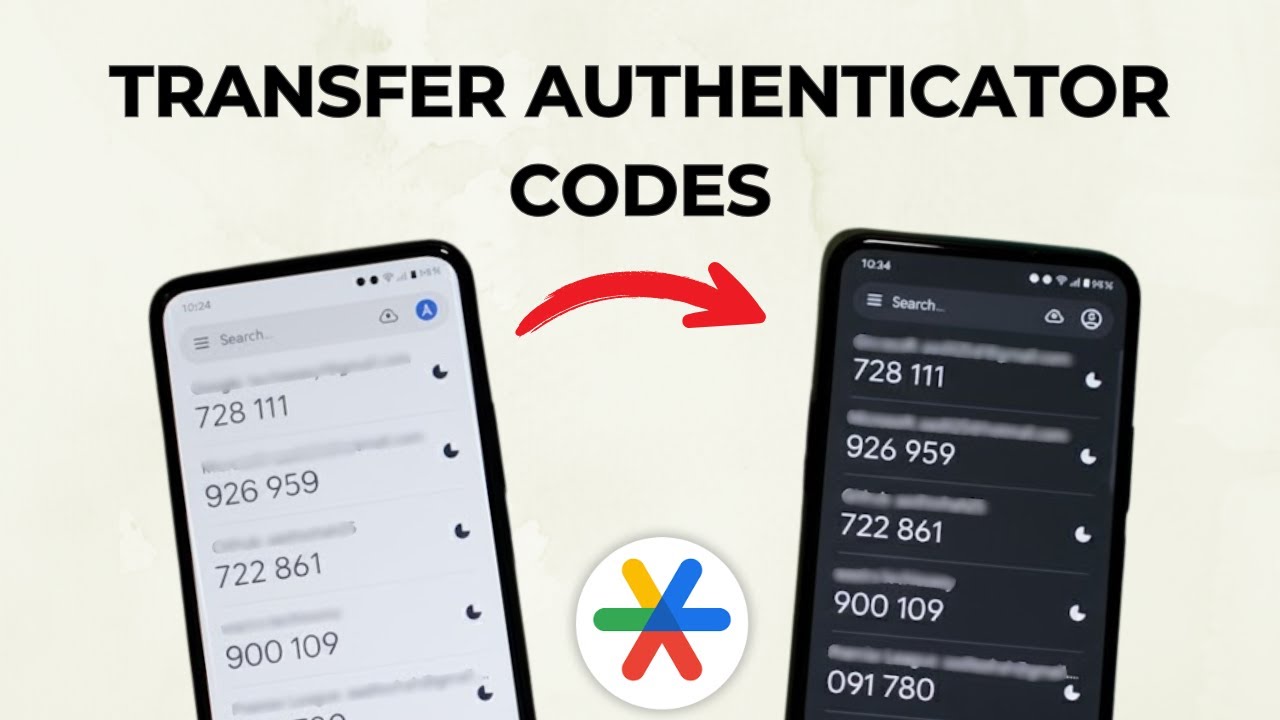
Move your Google Authenticator codes from your old phone to a new one: export them as a QR code on the old phone and scan it with the app on the new phone.
Move Google Photos to another Google account two ways: share a link and save selected photos, or use Partner Sharing to send every photo to the new account.
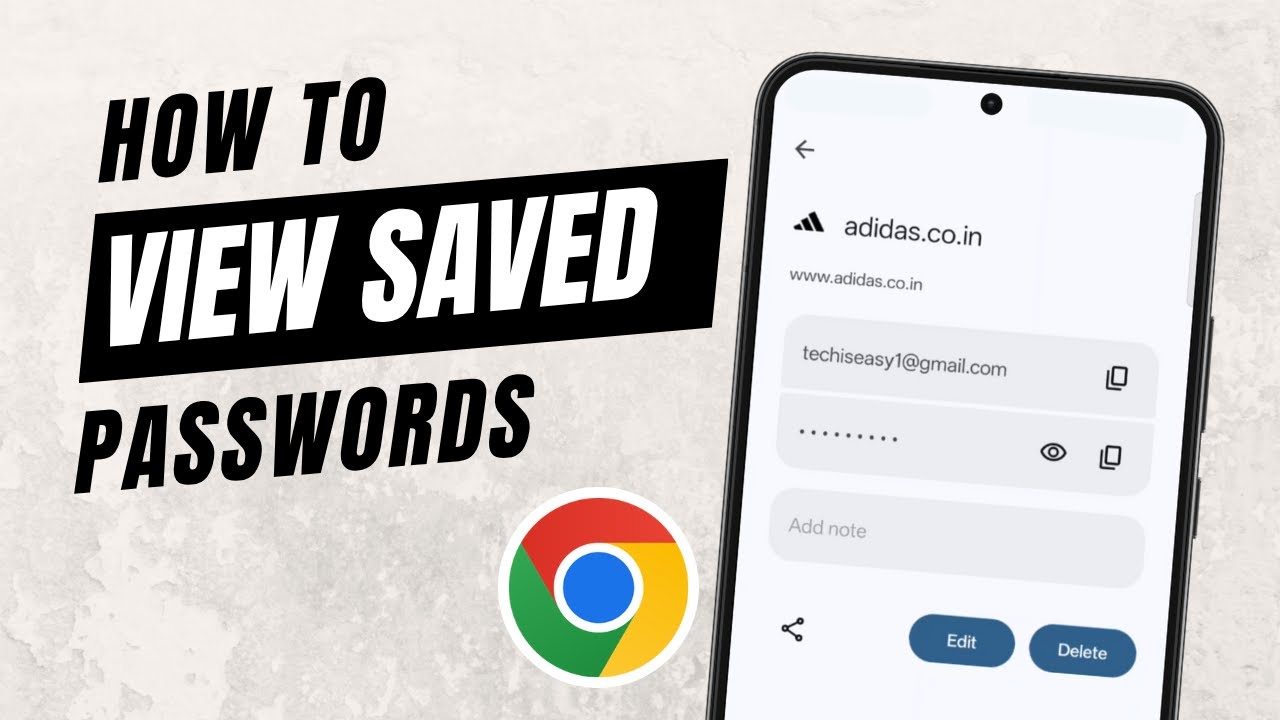
View saved passwords on your phone: open Chrome, go to Settings > Google Password Manager, tap a site and use the eye icon to see, edit or delete it.
No guides match that search.