 Tech is Easy
Samsung guides
4 step-by-step Samsung guides with screenshots and the video.
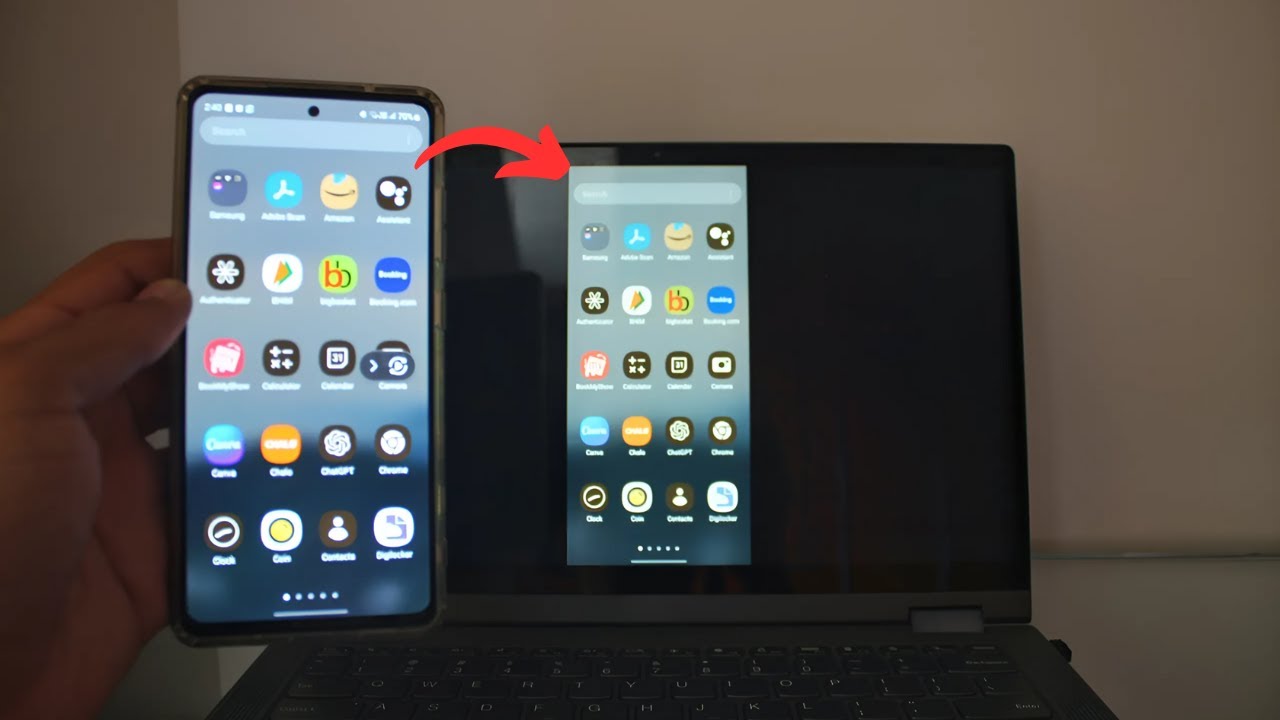
Samsung
How to Cast Samsung Phone to Laptop Using Smart ViewCast your Samsung phone screen to a Windows laptop with Smart View. Add the Wireless Display feature, open the Wireless Display app, then connect with a PIN.
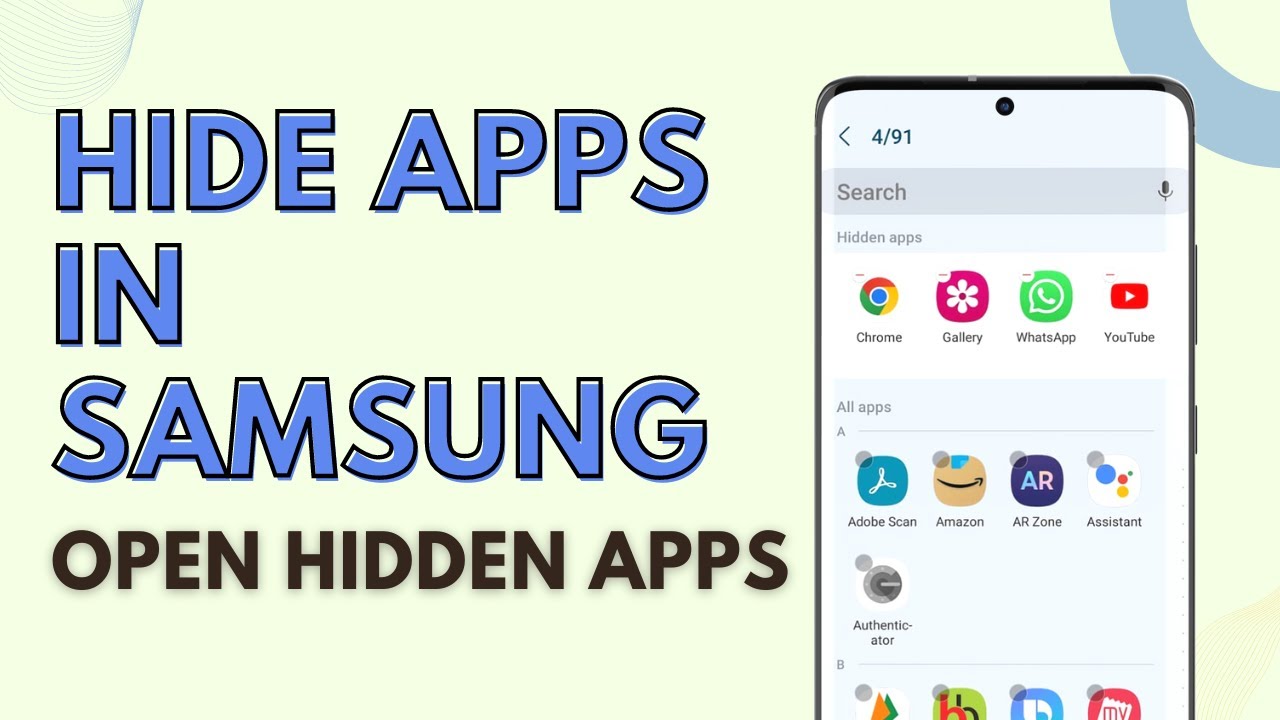
Samsung
How to Hide Apps on Samsung (and Open Hidden Apps)Hide apps on any Samsung Galaxy phone from Home screen settings, then open hidden apps in two ways: through search without unhiding, or by unhiding them.
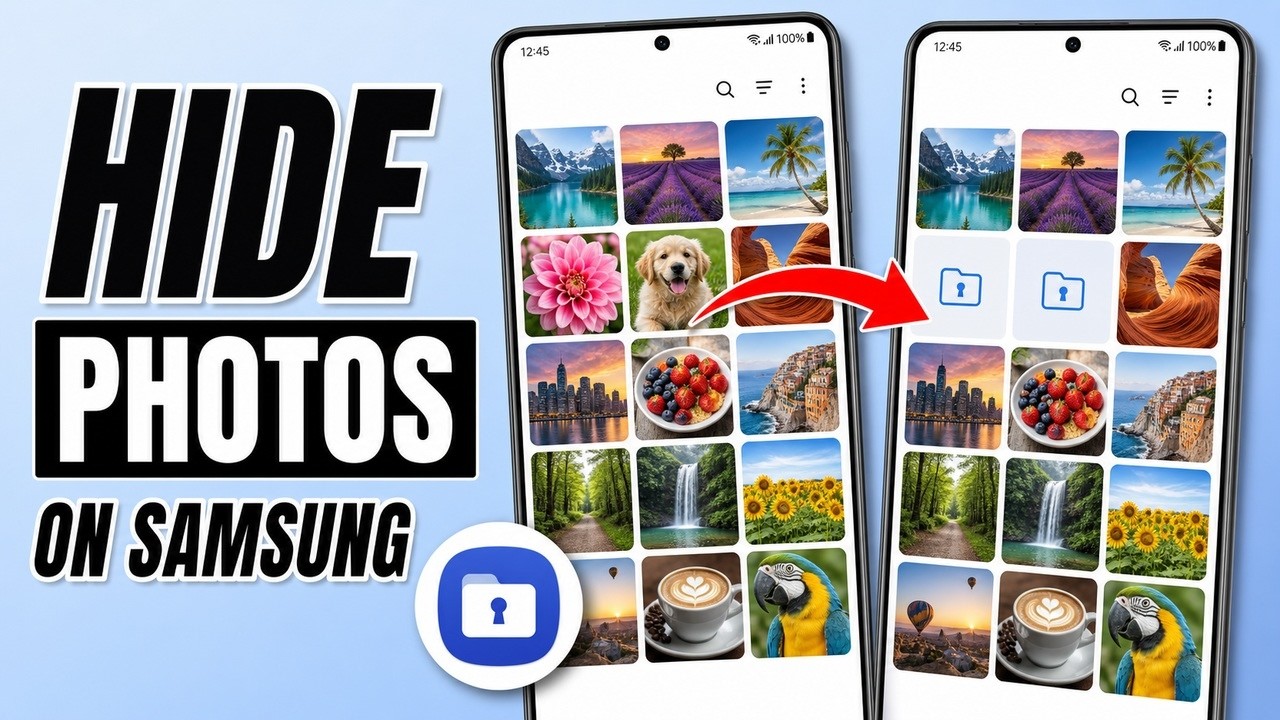
Samsung
How to Hide Photos on Samsung Phone (Secure Folder)Hide photos and videos from the Gallery on any Samsung phone by moving them to Secure Folder, then open them again behind your PIN, password or pattern.
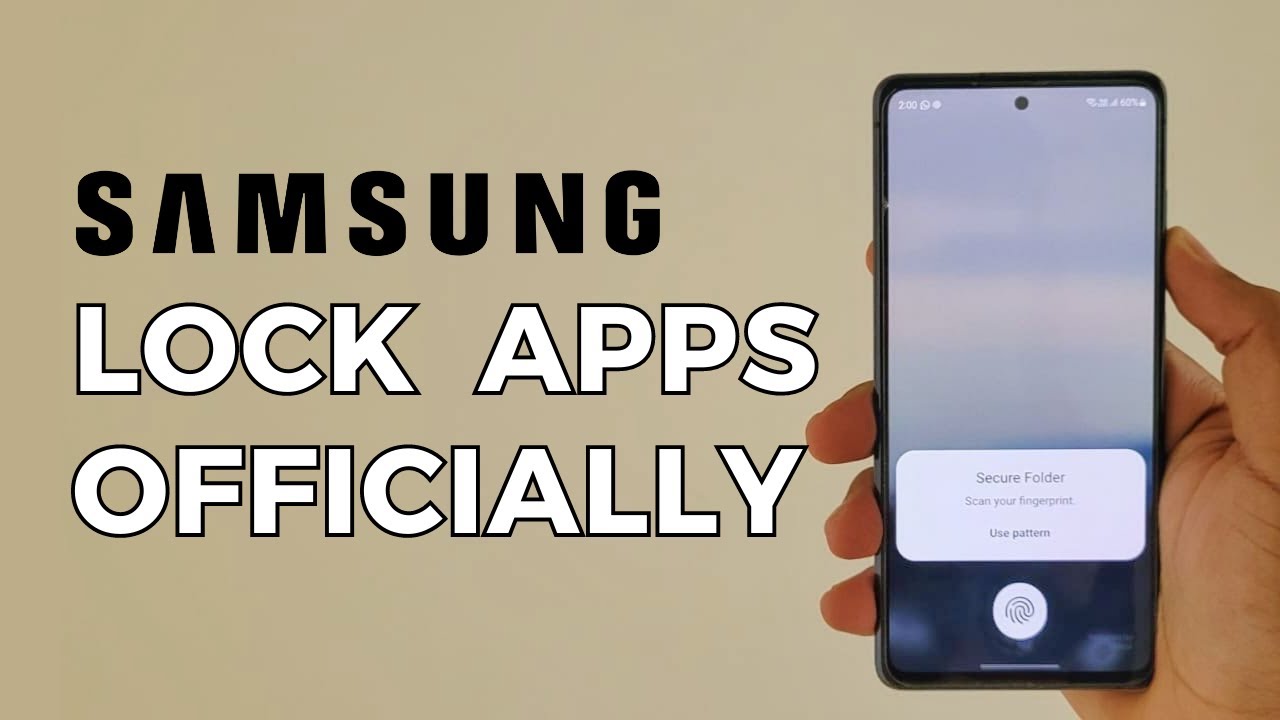
Samsung
How to Lock Apps on Samsung Without Any App (Built-In Way)Lock any app on your Samsung phone without downloading an app lock. Samsung's built-in Secure Folder puts WhatsApp and other apps behind a PIN or fingerprint.
No guides match that search.