 Tech is Easy
Gmail guides
7 step-by-step Gmail guides with screenshots and the video.
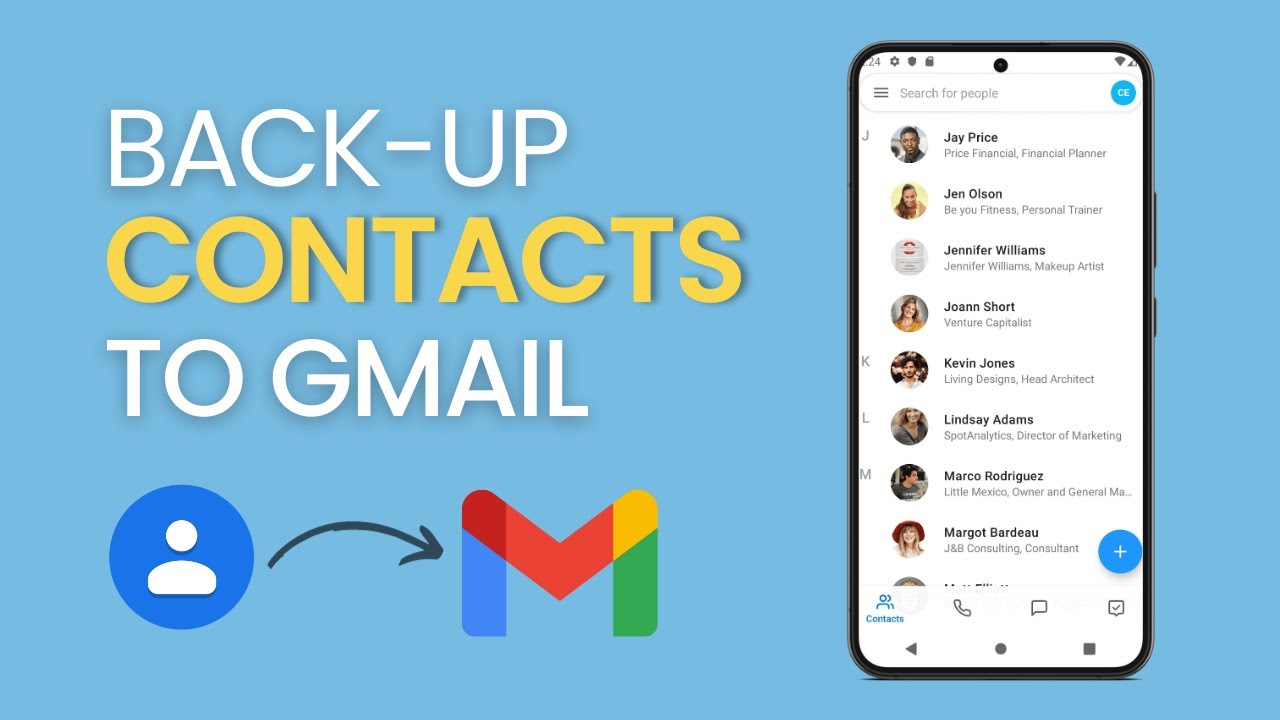
Save your phone contacts to your Gmail account: export them from the Contacts app as a VCF file, then import that file at contacts.google.com in a few taps.
Gmail storage full? Use Google One Storage Manager to empty Trash and Spam and delete emails with large attachments, biggest first, to free up space fast.
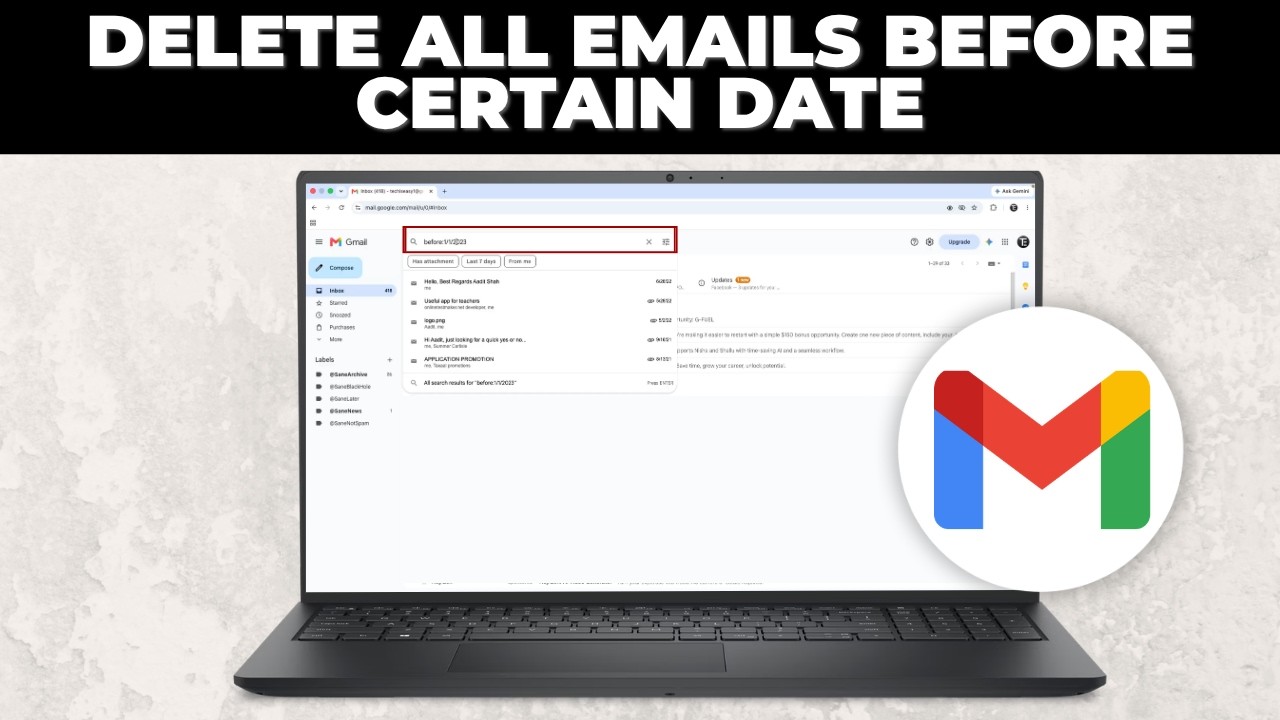
Delete all Gmail emails older than a date in one go: search before:date, select every matching email and click Delete. Works for thousands of old emails.
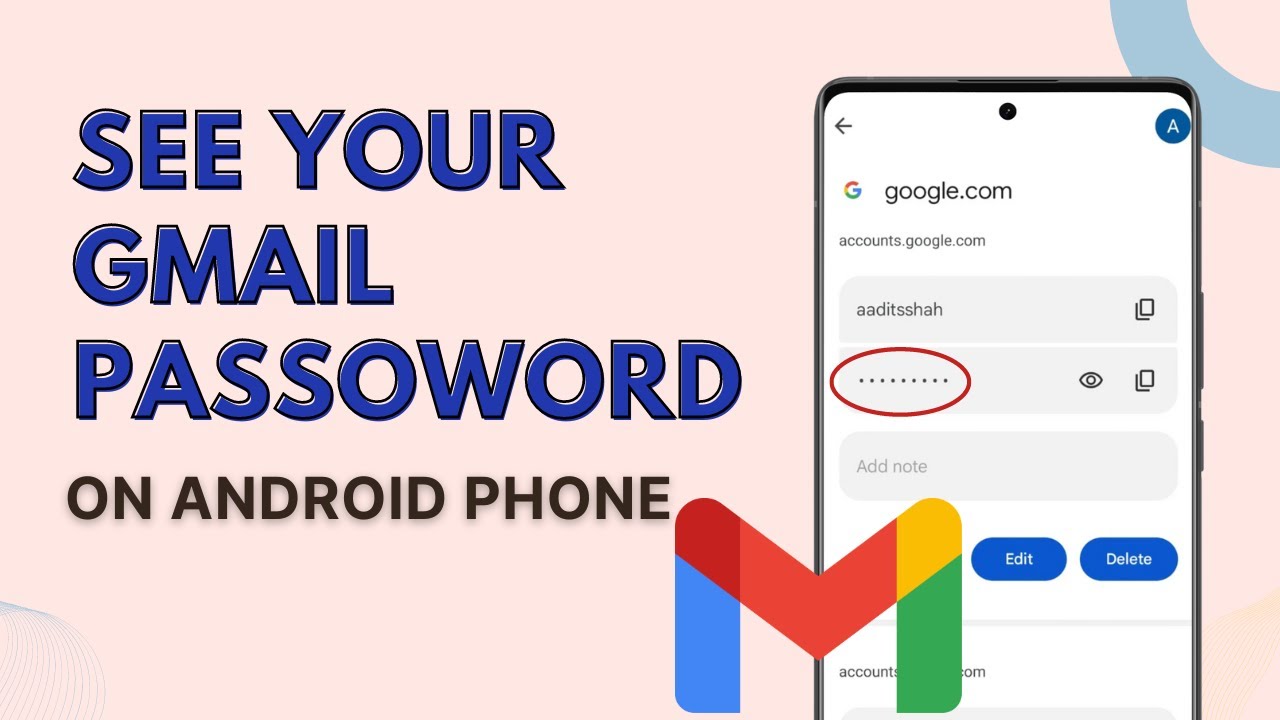
Forgot your Gmail password? See it on your Android phone through Google Password Manager in a few taps, as long as the password was saved to your account.
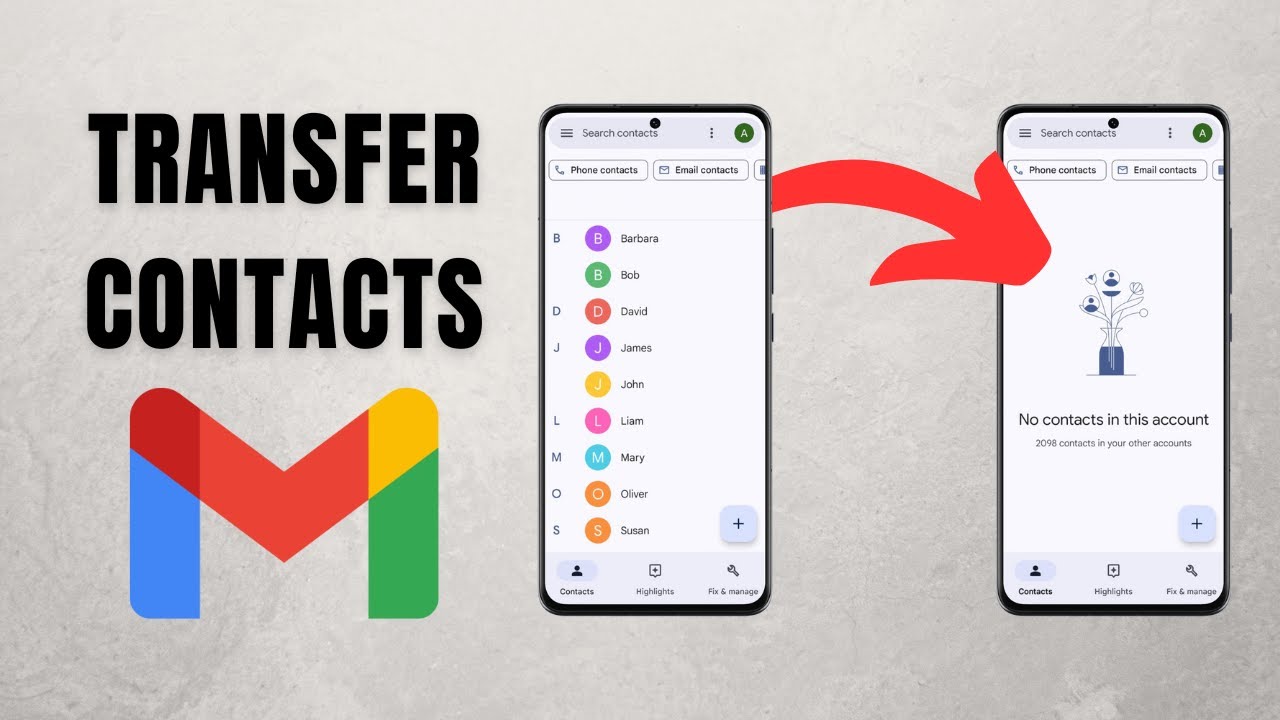
Transfer contacts from one Gmail account to another on your phone: export them to a VCF file in Google Contacts, then import that file into the new account.
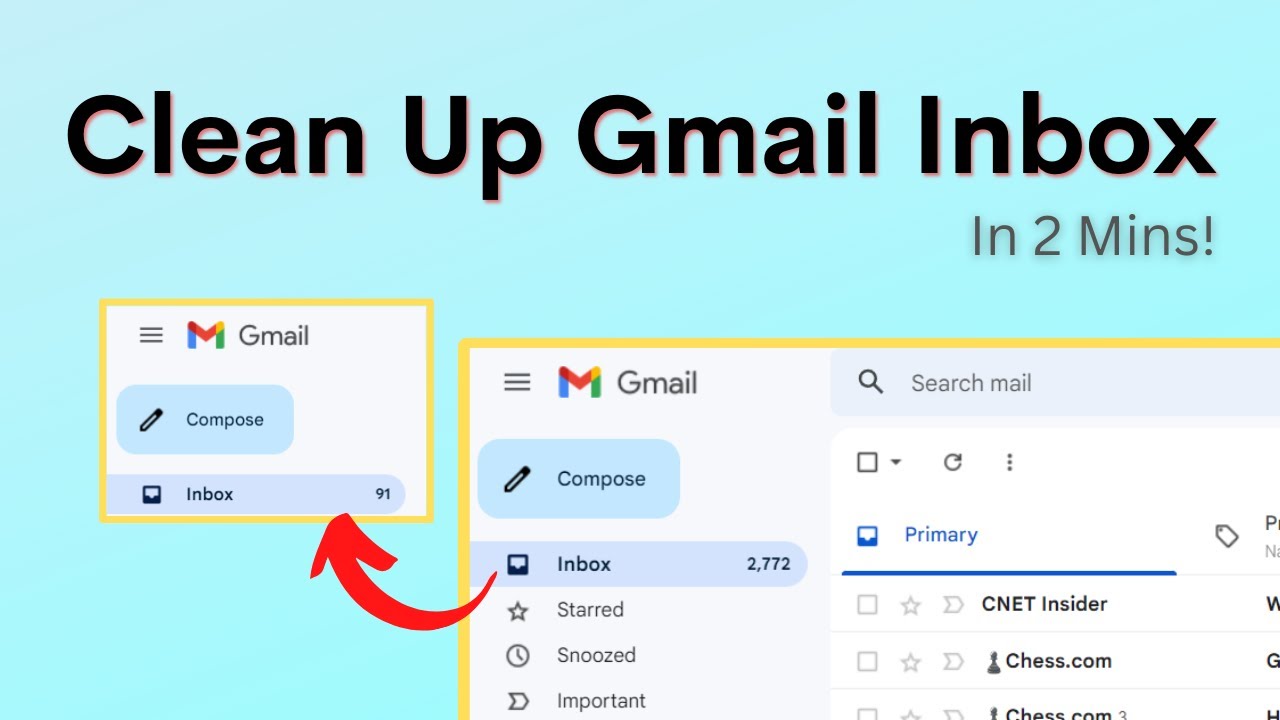
Clean up a cluttered Gmail inbox in minutes: send automatic emails to the Updates tab, find the senders who email you most, and bulk delete their mail.
Move all your old emails to a new Gmail account in 2 steps: import existing mail with Accounts and Import, then set up forwarding so new mail follows you.
No guides match that search.