 Tech is Easy
WhatsApp guides
8 step-by-step WhatsApp guides with screenshots and the video.
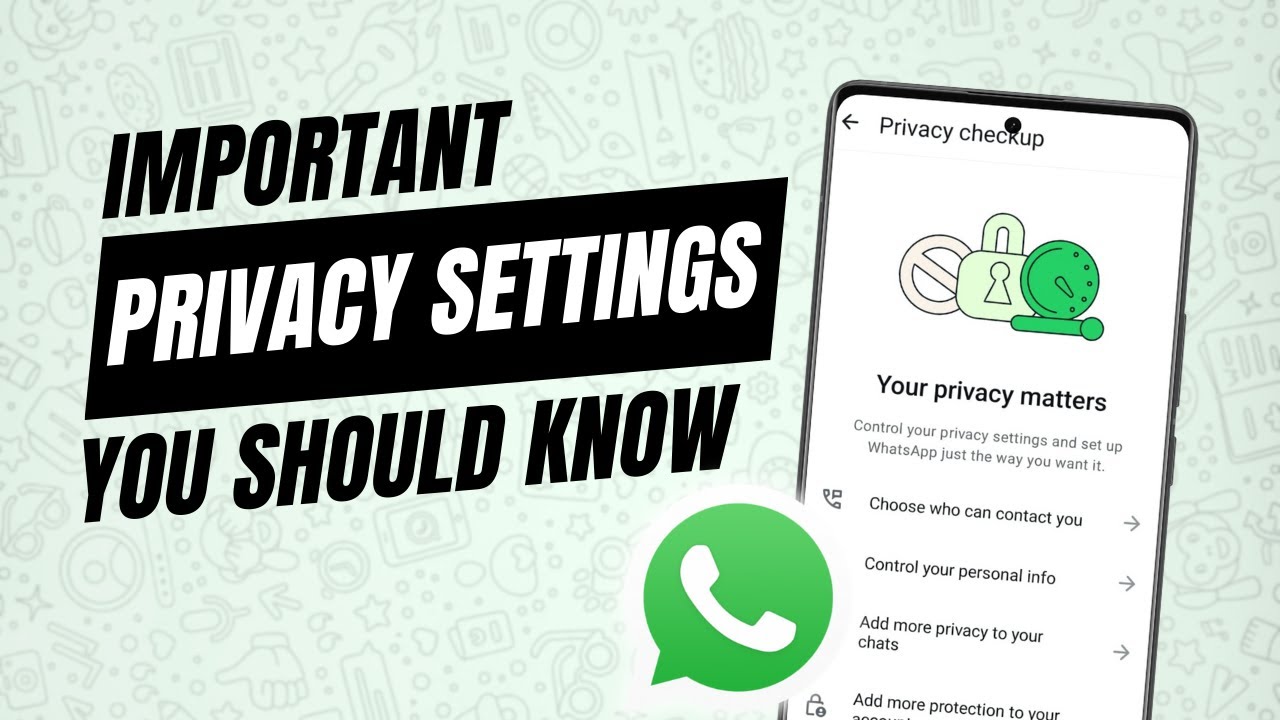
Go through the WhatsApp privacy settings that matter: who can add you to groups, last seen and online, read receipts, disappearing messages and app lock.

Clear WhatsApp storage on Android: delete large and forwarded files from Manage storage, clean up heavy chats, then clear WhatsApp's cache to free up space.

Hide chats on WhatsApp so they vanish from your chat list, even the Locked chats folder, and bring them back by typing your secret code in the search bar.
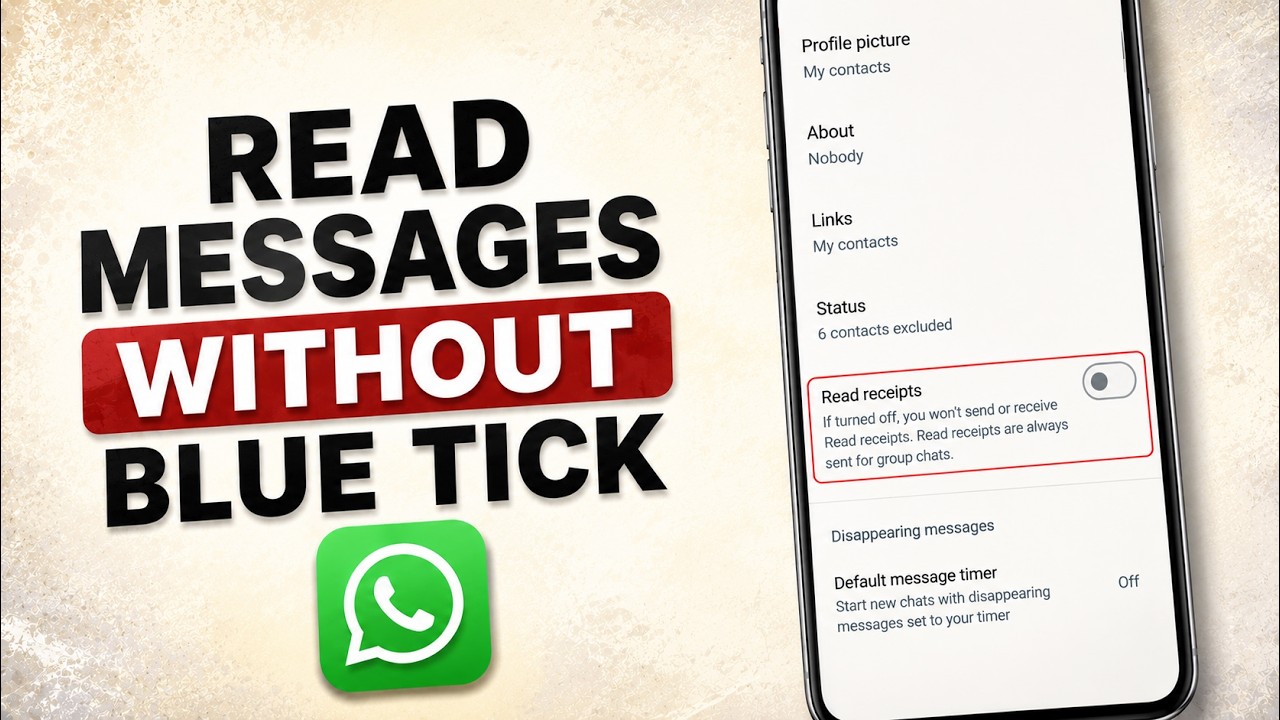
Turn off read receipts on WhatsApp so people don't see blue ticks when you read their messages. Takes four taps in Settings > Privacy on your phone.
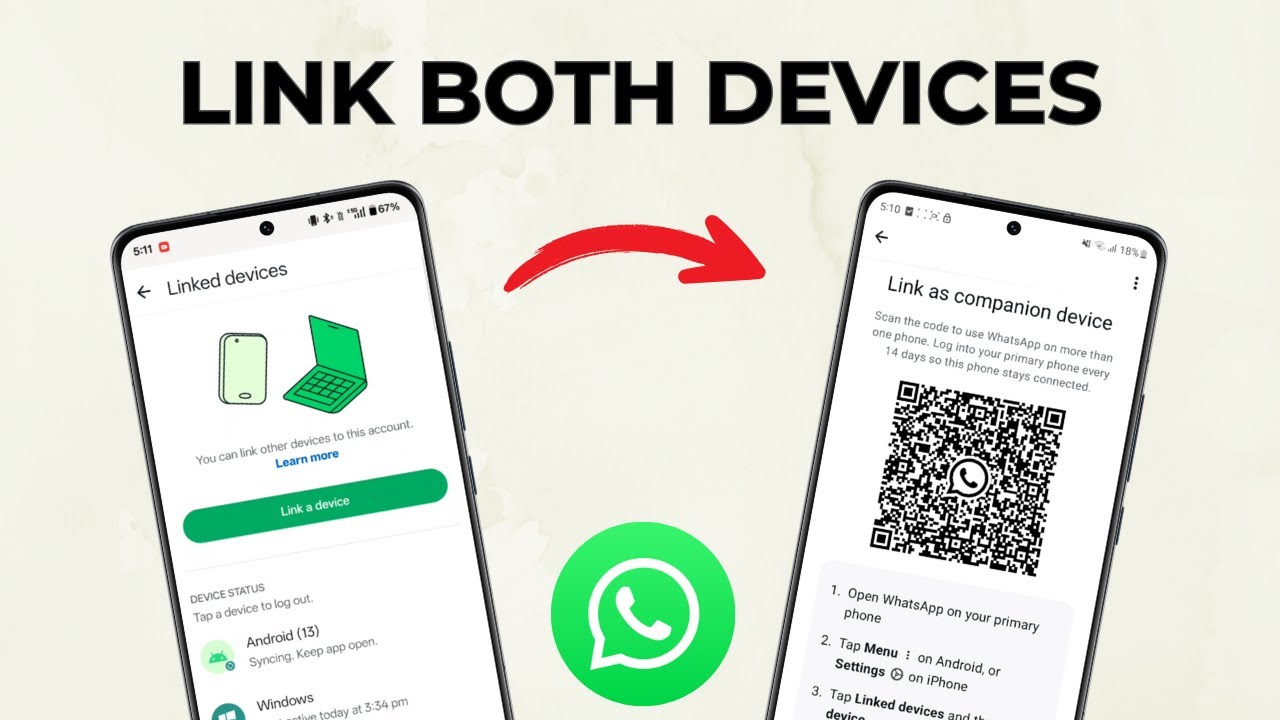
Use the same WhatsApp account on two phones with one number: link the second phone as a companion device and scan its QR code from your main phone.
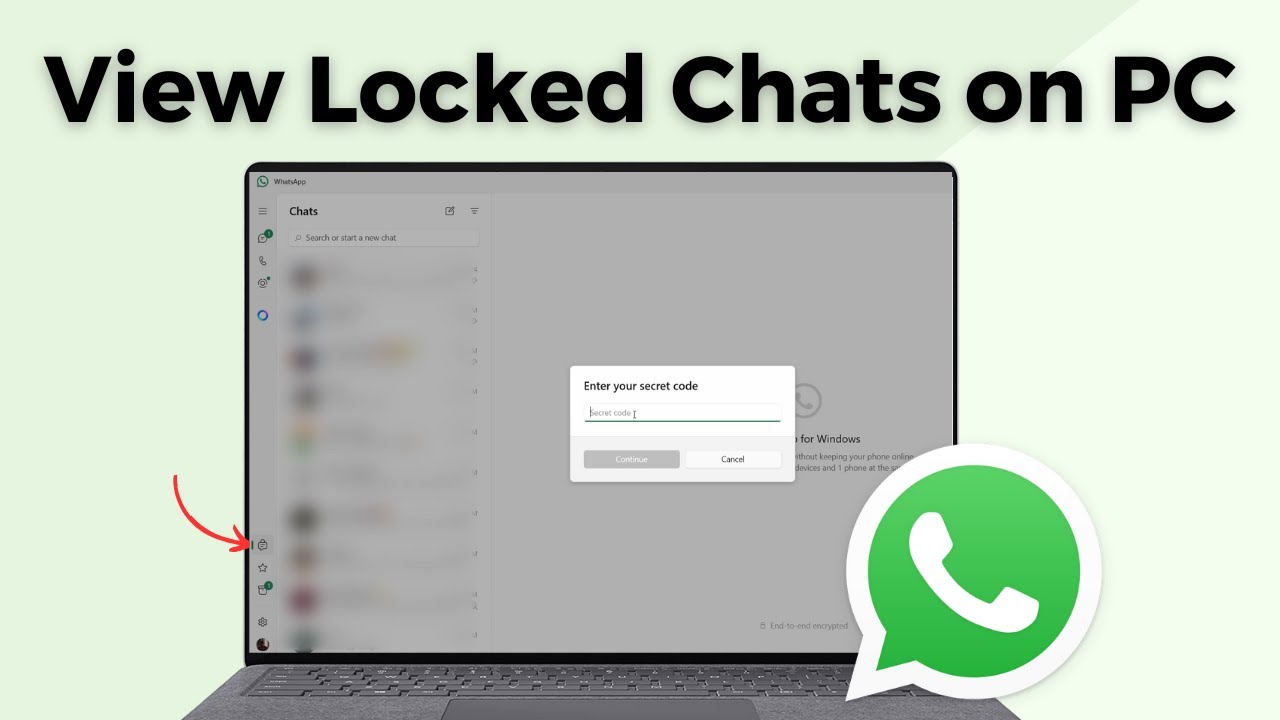
View locked chats in WhatsApp on your PC: set a secret code from Chat lock settings on your phone, then enter it on the computer to open your locked chats.

Send a WhatsApp message to any number without saving the contact, using a wa.me link in your browser or by messaging the number to yourself.
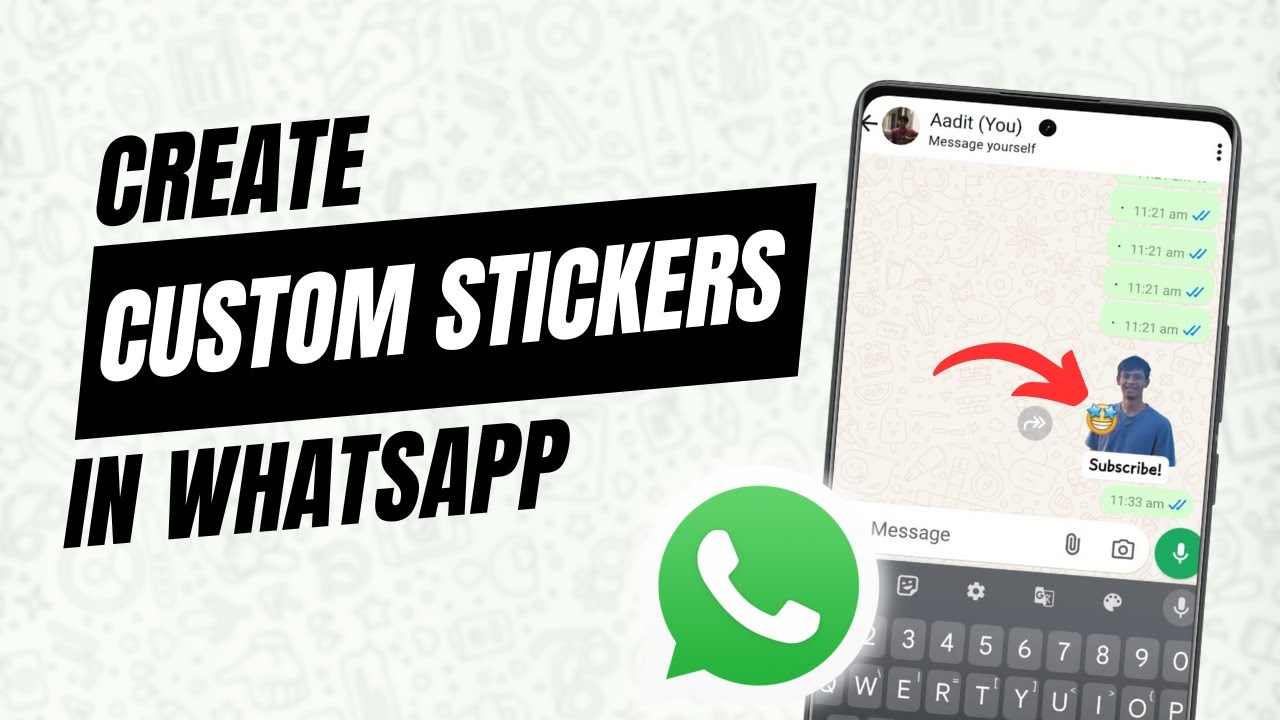
Make your own WhatsApp sticker from any photo using the built-in sticker maker. Remove the background, add emoji, text or drawings, send it and save it.
No guides match that search.